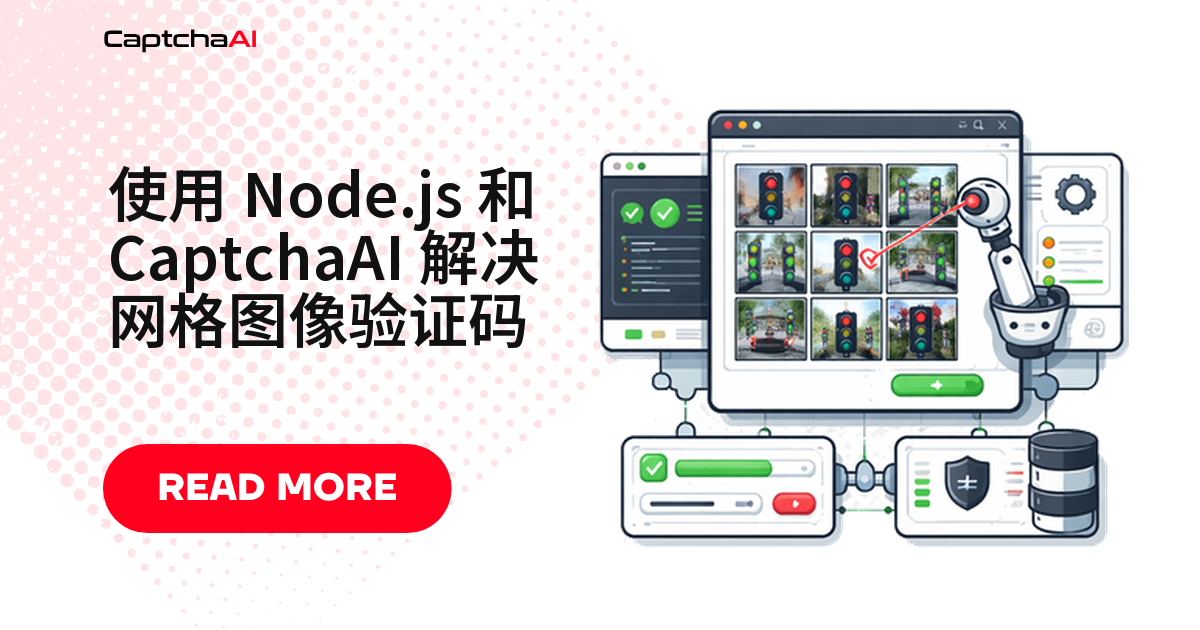
九宫格验证码的识别结果不是文本,而是一组要点击的格子编号——这决定了 Node.js 这边的写法:先截图,连同指令一起提交,拿到编号数组后再逐个点击。四步跑通,单次识别耗时在 1 秒以内(SLA 上限值)。
下面用 CaptchaAI 的图片识别接口走完整条链路,代码可直接复制进你的 QA 或采集脚本。
为什么九宫格不能直接丢给 OCR
普通图片验证码的答案是字符串,OCR 认出 7k3m 就结束。九宫格不同:一张拼合图配一句“选择所有包含交通信号灯的方块”,要先理解指令再逐块分类,所以 instructions 和图片同样关键。
编号规则也要先记住:返回的数组从 1 开始按行排列,而 DOM 里的图块数组从 0 开始,点击时必须减 1——这是这类脚本最常见的 off-by-one。
环境准备
| 项目 | 说明 |
|---|---|
| CaptchaAI API Key | 在 captchaai.com 控制台获取 |
| Node.js | 14 及以上 |
| 依赖库 | axios、puppeteer、form-data |
第 1 步:切到挑战 iframe,截取九宫格
图片挑战渲染在独立 iframe 里,URL 带有 recaptcha/api2/bframe。先找到这个 frame,再在它内部取指令文本和网格截图;只截网格区域,多余留白会干扰识别。
const puppeteer = require('puppeteer');
const fs = require('fs');

const browser = await puppeteer.launch();
const page = await browser.newPage();
await page.goto('https://example.com/page-with-recaptcha');

// Switch to the reCAPTCHA challenge iframe
const frames = page.frames();
const challengeFrame = frames.find((f) => f.url().includes('recaptcha/api2/bframe'));

// Get the instruction text
const instruction = await challengeFrame.$eval(
  '.rc-imageselect-desc-no-canonical',
  (el) => el.textContent.trim()
);

// Screenshot the grid
const grid = await challengeFrame.$('.rc-imageselect-target');
await grid.screenshot({ path: 'grid.png' });
第 2 步:把图片和指令一起提交到 CaptchaAI
提交走 in.php,用 multipart 表单把截图当作文件字段发出去。图片类任务的 method 固定为 post,grid_size 按实际网格填写,instructions 原样填页面读到的指令。
const axios = require('axios');
const FormData = require('form-data');

const API_KEY = 'YOUR_API_KEY';
const sleep = (ms) => new Promise((r) => setTimeout(r, ms));

const form = new FormData();
form.append('key', API_KEY);
form.append('method', 'post');
form.append('grid_size', '3x3');
form.append('img_type', 'recaptcha');
form.append('instructions', instruction);
form.append('json', '1');
form.append('file', fs.createReadStream('grid.png'));

const { data: submitData } = await axios.post('https://ocr.captchaai.com/in.php', form, {
  headers: form.getHeaders(),
});

if (submitData.status !== 1) throw new Error(submitData.request);
const taskId = submitData.request;
console.log(`Task submitted: ${taskId}`);
status 为 1 时 request 就是任务 ID,否则它是错误码,直接抛出比静默重试更好定位。
第 3 步:轮询 res.php 取回格子编号
先等 5 秒再轮询,之后保持 5 秒一次。CAPCHA_NOT_READY 表示仍在处理中(这个字符串本身就少一个 T),属正常状态;其它 request 值一律按错误中止。示例最多轮询 30 次,约 150 秒封顶。
await sleep(5000);

let cellsToClick;
for (let i = 0; i < 30; i++) {
  const { data: pollData } = await axios.get('https://ocr.captchaai.com/res.php', {
    params: { key: API_KEY, action: 'get', id: taskId, json: 1 },
  });

  if (pollData.status === 1) {
    cellsToClick = JSON.parse(pollData.request);
    console.log('Click cells:', cellsToClick);
    break;
  }
  if (pollData.request !== 'CAPCHA_NOT_READY') {
    throw new Error(pollData.request);
  }
  await sleep(5000);
}
第 4 步:按编号点击图块并完成验证
回到挑战 frame 取出图块依次点击,cellNum - 1 就是前面说的编号换算。每次点击间隔 300 毫秒,全部点完再点验证按钮。
const tiles = await challengeFrame.$$('.rc-imageselect-tile');

for (const cellNum of cellsToClick) {
  await tiles[cellNum - 1].click();
  await sleep(300);
}

// Click verify
await challengeFrame.click('#recaptcha-verify-button');
console.log(`Solved: clicked tiles ${JSON.stringify(cellsToClick)}`);
await browser.close();
预期输出:
Click cells: [1, 3, 6, 9]
Solved: clicked tiles [1,3,6,9]
国内环境下的几个实际问题
依赖安装。 puppeteer 安装时要下载 Chromium,国内网络常卡在这一步,走 npm 镜像源能省下大量重试时间。
站点分布。 国内站点多用极验(GeeTest)、腾讯防水墙、网易易盾这类滑块与点选方案,九宫格挑战主要出现在使用 reCAPTCHA 的海外站点。CaptchaAI 支持 GeeTest v3,不支持 hCaptcha 与 FunCaptcha。
页面加载。 reCAPTCHA 依赖 Google 托管的脚本,在部分内地网络下不一定能稳定加载。调试时先确认挑战 iframe 真的渲染出来了,再去怀疑接口。
授权与合规。 采集前先确认自己对目标环境有授权,并遵守 robots 协议与网络安全法、个人信息保护法的要求。
并发与成本:这类任务怎么算钱
CaptchaAI 按并发线程计费,不按识别次数计费,套餐内识别次数不限;一个线程同时只处理一个在途任务,返回后立即释放。BASIC 为 $15/月、5 线程,ADVANCE 为 $90/月、50 线程。
按上面的写法,一个浏览器实例同时只占用一个线程;要并行跑 20 个实例,就至少需要 20 线程的套餐。
常见问题
4×4 的九宫格也支持吗?
支持。把 grid_size 改成 4x4,其余参数不变,编号规则一样是从 1 开始按行排列。
instructions 需要先翻译成中文再提交吗?
不需要,也不建议。页面读到什么就原样提交;自行改写指令,服务端拿到的描述会和图片对不上,反而拉低准确度。
一直返回 CAPCHA_NOT_READY 怎么办?
这是“处理中”的正常状态,不是错误码,保持 5 秒一次的节奏即可。轮询 30 次仍未就绪,就放弃本轮、重新截图提交。
图块都点完了,验证还是没通过?
先检查编号减 1 的换算和点击间隔。另外部分挑战会在点击后动态替换图块,这时需要重新截图、重新提交,直到验证通过。