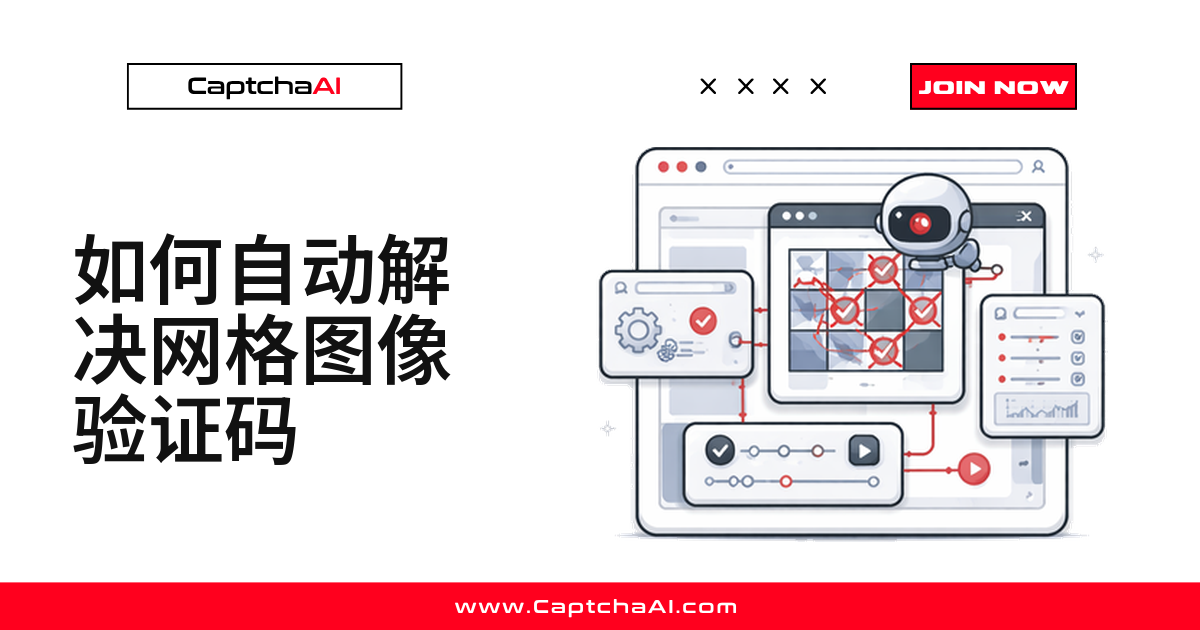
网格图像验证码不属于 reCAPTCHA 官方接口,不能靠 method=userrecaptcha 识别——国内物流、政务网站常见这类自研的九宫格图片验证码,界面像 reCAPTCHA,底层却是另一套系统。
本文用 CaptchaAI 的 method=post(配合 recaptcha=1)端点,演示截图、提交、轮询、点击应用的完整流程,Python 和 Node.js 示例可直接复制运行。
准备工作
- CaptchaAI API Key —— 见 CaptchaAI 官网
- 网格验证码图片 —— 完整网格截图或 base64 编码
- 开发语言 —— Python 3.7+ 或 Node.js 14+
需要含环境配置、轮询、重试和错误处理的完整跑通项目?在 GitHub 上查看完整示例 →
第 1 步:截取网格验证码图片
定位容器元素,调用 .screenshot() 保存即可,不用自己计算裁剪坐标:
from selenium import webdriver
from selenium.webdriver.common.by import By

driver = webdriver.Chrome()
driver.get("https://example.com/protected-form")

# Screenshot just the captcha container
captcha_element = driver.find_element(By.CSS_SELECTOR, "#captcha-container")
captcha_element.screenshot("captcha_grid.png")
若验证码是 <img>,读它的 src:data:image 开头直接切出 base64 段,普通链接用 requests 拉取后编码:
import base64
import requests

captcha_img = driver.find_element(By.CSS_SELECTOR, ".grid-captcha img")
src = captcha_img.get_attribute("src")

if src.startswith("data:image"):
    image_b64 = src.split(",")[1]
else:
    image_data = requests.get(src).content
    image_b64 = base64.b64encode(image_data).decode()
看页面结构二选一即可。
第 2 步:把图片提交给 CaptchaAI
method=post 加 recaptcha=1 表示这是非 reCAPTCHA 网格图片:
import requests
import time

API_KEY = "YOUR_API_KEY"

with open("captcha_grid.png", "rb") as f:
    response = requests.post("https://ocr.captchaai.com/in.php",
        data={
            "key": API_KEY,
            "method": "post",
            "recaptcha": 1,
            "json": 1
        },
        files={"file": f}
    )

data = response.json()
task_id = data["request"]
print(f"Task: {task_id}")
不落盘则把 base64 塞进 body 参数,效果一样:
response = requests.post("https://ocr.captchaai.com/in.php", data={
    "key": API_KEY,
    "method": "post",
    "body": image_b64,
    "recaptcha": 1,
    "json": 1
})

task_id = response.json()["request"]
Node.js 逻辑一致:转 base64、带同样参数发请求:
const axios = require('axios');
const fs = require('fs');

async function submitGridCaptcha(imagePath) {
  const imageB64 = fs.readFileSync(imagePath).toString('base64');

  const { data } = await axios.post('https://ocr.captchaai.com/in.php', null, {
    params: {
      key: 'YOUR_API_KEY',
      method: 'post',
      body: imageB64,
      recaptcha: 1,
      json: 1
    }
  });

  return data.request;
}
第 3 步:轮询获取识别结果
def get_grid_solution(task_id):
    for _ in range(30):
        time.sleep(5)
        result = requests.get("https://ocr.captchaai.com/res.php", params={
            "key": API_KEY,
            "action": "get",
            "id": task_id,
            "json": 1
        }).json()

        if result.get("status") == 1:
            return result["request"]
        if result.get("request") != "CAPCHA_NOT_READY":
            raise Exception(f"Error: {result['request']}")

    raise Exception("Timeout")

solution = get_grid_solution(task_id)
print(f"Solution: {solution}")
# Returns click coordinates or cell indices
每 5 秒轮询 res.php,最多 30 次;status == 1 即完成,request 是结果,否则抛异常。结果可能是索引(如 2,5,6)或坐标(如 x=120,y=80)。
第 4 步:应用识别结果并执行点击
索引结果按逗号切分,逐个点击对应格子,最后点提交按钮:
# If solution returns cell indices (e.g., "2,5,6")
selected = [int(i) for i in solution.split(",")]
cells = driver.find_elements(By.CSS_SELECTOR, ".grid-cell")

for idx in selected:
    cells[idx - 1].click()
    time.sleep(0.2)

driver.find_element(By.CSS_SELECTOR, ".verify-button").click()
坐标结果用 ActionChains 基于容器偏移量点击:
from selenium.webdriver.common.action_chains import ActionChains

# If solution returns coordinates (e.g., "x=120,y=80;x=250,y=200")
captcha_element = driver.find_element(By.CSS_SELECTOR, "#captcha-container")
actions = ActionChains(driver)

for coord in solution.split(";"):
    parts = dict(p.split("=") for p in coord.split(","))
    x, y = int(parts["x"]), int(parts["y"])
    actions.move_to_element_with_offset(captcha_element, x, y).click()

actions.perform()
二选一,取决于第 3 步的结果格式。
常见错误排查
ERROR_WRONG_FILE_EXTENSION(图片格式无效)—— 用 PNG 或 JPEG,确认 base64 未损坏ERROR_CAPTCHA_UNSOLVABLE(图片太小或模糊)—— 全分辨率截图,不要缩放- 点击了错误的格子(识别结果格式判断错误)—— 确认返回的是索引还是坐标
ERROR_TOO_BIG_CAPTCHA_FILESIZE(图片超出体积限制)—— 压缩到 600KB 以下
常见问题
什么情况下该用网格识别,而不是标准 token 方式?
官方 reCAPTCHA 挑战用 method=userrecaptcha 更简单;网站自研、不属于 reCAPTCHA 体系的九宫格验证码才需要 method=post(recaptcha=1)。
CaptchaAI 除了网格识别,还能处理哪些验证码?
支持 reCAPTCHA v2/v3、Turnstile、GeeTest v3、图片/OCR、网格图片等 12 种正式类型,另有 3 种测试版。不支持 hCaptcha、FunCaptcha;GeeTest v4 即将支持。
网格验证码识别大概要多久?
官方数据显示识别速度通常在 1 秒以内,成功率较高(以实际环境测试为准)。长时间无结果通常是图片本身有问题。
图块会动态更换的网格验证码能识别吗?
reCAPTCHA 自带的动态网格(点击后图块会替换)要用 method=userrecaptcha;本文端点只处理单张静态图片。