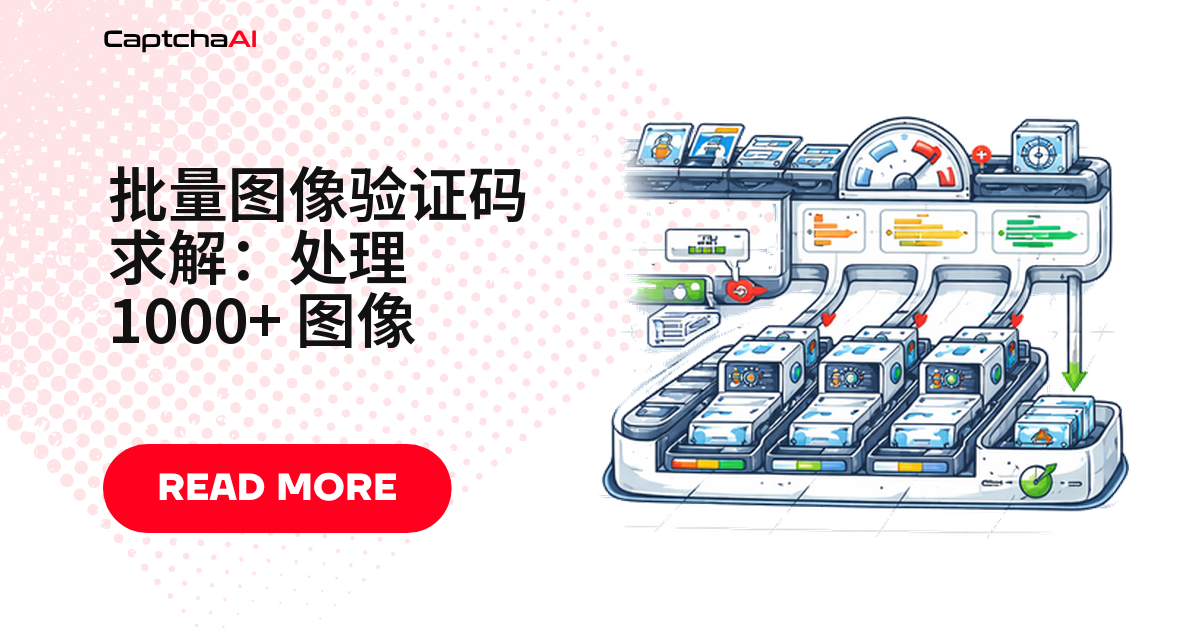
图片验证码要处理成百上千张时,逐张提交、逐张轮询会成为瓶颈:单线程顺序处理 1000 张图片,光轮询等待就可能耗时数小时。更好的做法是拆成并发阶段,用信号量分别控制提交并发数和轮询并发数。本指南提供可直接运行的 Python 与 Node.js 版本,并覆盖限流、进度追踪与故障排查。
开始之前:环境与数据合规
国内网络下 pip install aiohttp 经常很慢,可换用清华 TUNA 镜像加速:pip install -i https://pypi.tuna.tsinghua.edu.cn/simple aiohttp。批量处理的图片应来自你自己有权访问的数据源,涉及采集时请遵循《网络安全法》《数据安全法》和目标站点的 robots 协议。
批量处理架构
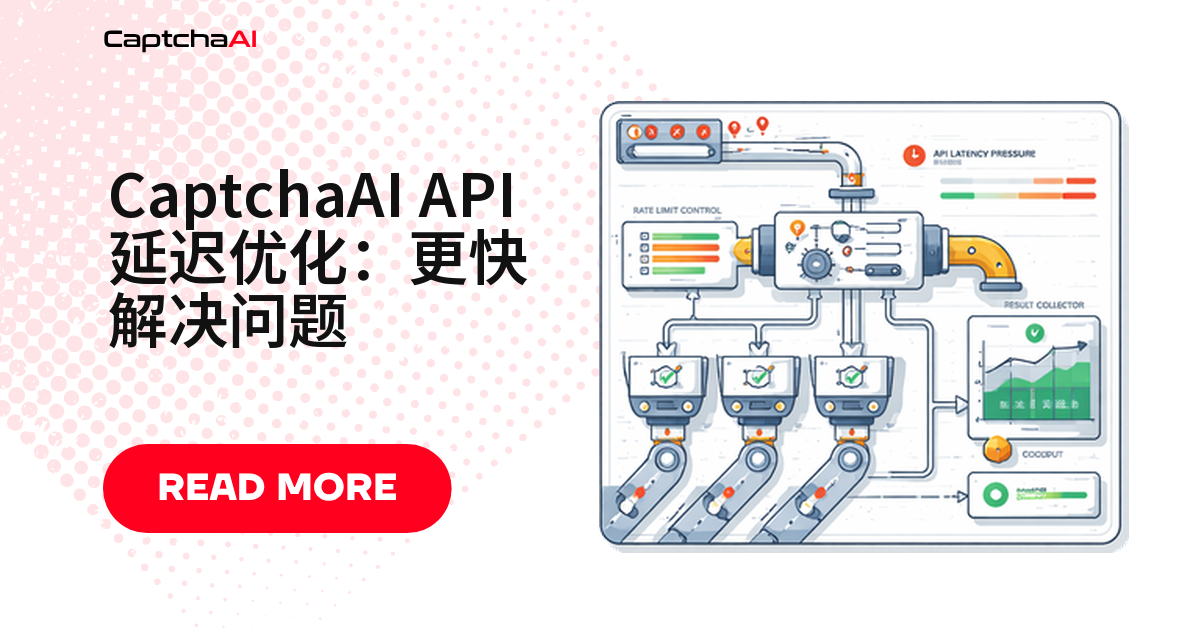
整个流程拆成四个阶段:图片入队、并发提交、并发轮询、结果落盘。下面是四个阶段之间的数据流:
[Image Queue] → [Submit Workers] → [Poll Workers] → [Results Store]
     ↓                ↓                  ↓                ↓
  1000 images    20 concurrent      Adaptive poll     CSV/JSON output
                   submits           intervals
四个阶段各自承担的职责:
- 图片入队:按目录扫描或数据库游标批量取文件路径,不需要一次性读入内存。
- 并发提交:多个 worker 并行调用
in.php,用信号量把并发数钳在限流阈值以内。 - 并发轮询:提交与轮询用各自独立的并发池,避免慢速轮询拖慢后续提交。
- 结果落盘:边完成边写入 CSV/JSON,任务中断也不会丢失已完成的结果。
Python 实现:asyncio 并发批处理器
下面的脚本把提交和轮询分别放进各自的 asyncio.Semaphore:提交最多 20 并发,轮询最多 30 并发,两个阶段互不阻塞。
import asyncio
import aiohttp
import base64
import json
import time
import csv
from pathlib import Path

API_KEY = "YOUR_API_KEY"
SUBMIT_URL = "https://ocr.captchaai.com/in.php"
RESULT_URL = "https://ocr.captchaai.com/res.php"
MAX_CONCURRENT_SUBMITS = 20
MAX_CONCURRENT_POLLS = 30
POLL_INTERVAL = 5


async def submit_image(session, sem, image_path):
    """Submit a single image CAPTCHA."""
    async with sem:
        with open(image_path, "rb") as f:
            img_b64 = base64.b64encode(f.read()).decode()

        data = {
            "key": API_KEY,
            "method": "base64",
            "body": img_b64,
            "json": "1",
        }

        async with session.post(SUBMIT_URL, data=data) as resp:
            result = await resp.json()

        if result["status"] != 1:
            return {"file": str(image_path), "error": result["request"]}

        return {
            "file": str(image_path),
            "task_id": result["request"],
            "submitted_at": time.time(),
        }


async def poll_result(session, sem, task):
    """Poll for a single task result."""
    async with sem:
        for attempt in range(24):
            await asyncio.sleep(POLL_INTERVAL)

            params = {
                "key": API_KEY,
                "action": "get",
                "id": task["task_id"],
                "json": "1",
            }

            async with session.get(RESULT_URL, params=params) as resp:
                result = await resp.json()

            if result["status"] == 1:
                return {
                    "file": task["file"],
                    "task_id": task["task_id"],
                    "answer": result["request"],
                    "solve_time": time.time() - task["submitted_at"],
                }
            if result["request"] != "CAPCHA_NOT_READY":
                return {
                    "file": task["file"],
                    "task_id": task["task_id"],
                    "error": result["request"],
                }

        return {
            "file": task["file"],
            "task_id": task["task_id"],
            "error": "TIMEOUT",
        }


async def process_batch(image_dir, output_file="results.csv"):
    """Process all images in a directory."""
    image_paths = sorted(Path(image_dir).glob("*.png")) + \
                  sorted(Path(image_dir).glob("*.jpg"))

    print(f"Found {len(image_paths)} images")

    submit_sem = asyncio.Semaphore(MAX_CONCURRENT_SUBMITS)
    poll_sem = asyncio.Semaphore(MAX_CONCURRENT_POLLS)

    async with aiohttp.ClientSession() as session:
        # Phase 1: Submit all images
        print("Submitting...")
        submit_tasks = [
            submit_image(session, submit_sem, path)
            for path in image_paths
        ]
        submissions = await asyncio.gather(*submit_tasks)

        # Separate successes and errors
        pending = [s for s in submissions if "task_id" in s]
        errors = [s for s in submissions if "error" in s]
        print(f"Submitted: {len(pending)}, Errors: {len(errors)}")

        # Phase 2: Poll all pending tasks
        print("Polling for results...")
        poll_tasks = [
            poll_result(session, poll_sem, task)
            for task in pending
        ]
        results = await asyncio.gather(*poll_tasks)

    # Combine results
    all_results = results + errors

    # Write to CSV
    with open(output_file, "w", newline="") as f:
        writer = csv.DictWriter(f, fieldnames=[
            "file", "task_id", "answer", "solve_time", "error"
        ])
        writer.writeheader()
        for r in all_results:
            writer.writerow({
                "file": r.get("file", ""),
                "task_id": r.get("task_id", ""),
                "answer": r.get("answer", ""),
                "solve_time": round(r.get("solve_time", 0), 2),
                "error": r.get("error", ""),
            })

    solved = sum(1 for r in results if "answer" in r)
    failed = sum(1 for r in results if "error" in r)
    print(f"Done: {solved} solved, {failed} failed, {len(errors)} submit errors")
    print(f"Results saved to {output_file}")


# Run
asyncio.run(process_batch("./captcha_images"))
运行效果:
Found 1000 images
Submitting...
Submitted: 997, Errors: 3
Polling for results...
Done: 985 solved, 12 failed, 3 submit errors
Results saved to results.csv
Node.js 实现:Worker 池批处理方案
如果采集脚本是 Node.js 技术栈,这个 BatchProcessor 类按固定并发数分块处理,比手写 Promise 池更易维护。
const axios = require('axios');
const fs = require('fs');
const path = require('path');
const { createObjectCsvWriter } = require('csv-writer');

const API_KEY = 'YOUR_API_KEY';
const SUBMIT_URL = 'https://ocr.captchaai.com/in.php';
const RESULT_URL = 'https://ocr.captchaai.com/res.php';
const MAX_CONCURRENT = 20;
const POLL_INTERVAL_MS = 5000;

class BatchProcessor {
  constructor(concurrency = MAX_CONCURRENT) {
    this.concurrency = concurrency;
    this.results = [];
    this.processed = 0;
    this.total = 0;
  }

  async submitImage(imagePath) {
    const imgBase64 = fs.readFileSync(imagePath, { encoding: 'base64' });
    const resp = await axios.post(SUBMIT_URL, null, {
      params: {
        key: API_KEY,
        method: 'base64',
        body: imgBase64,
        json: 1,
      },
    });

    if (resp.data.status !== 1) {
      throw new Error(resp.data.request);
    }
    return resp.data.request;
  }

  async pollResult(taskId) {
    for (let i = 0; i < 24; i++) {
      await new Promise(r => setTimeout(r, POLL_INTERVAL_MS));
      const resp = await axios.get(RESULT_URL, {
        params: { key: API_KEY, action: 'get', id: taskId, json: 1 },
      });

      if (resp.data.status === 1) return resp.data.request;
      if (resp.data.request !== 'CAPCHA_NOT_READY') {
        throw new Error(resp.data.request);
      }
    }
    throw new Error('TIMEOUT');
  }

  async processOne(imagePath) {
    const startTime = Date.now();
    try {
      const taskId = await this.submitImage(imagePath);
      const answer = await this.pollResult(taskId);
      this.processed++;
      const elapsed = ((Date.now() - startTime) / 1000).toFixed(1);
      console.log(`[${this.processed}/${this.total}] ${path.basename(imagePath)}: ${answer} (${elapsed}s)`);
      return { file: imagePath, answer, solveTime: elapsed, error: '' };
    } catch (err) {
      this.processed++;
      return { file: imagePath, answer: '', solveTime: 0, error: err.message };
    }
  }

  async run(imageDir, outputFile = 'results.csv') {
    const files = fs.readdirSync(imageDir)
      .filter(f => /\.(png|jpg|jpeg|gif)$/i.test(f))
      .map(f => path.join(imageDir, f));

    this.total = files.length;
    console.log(`Processing ${this.total} images with ${this.concurrency} workers`);

    // Process in chunks
    for (let i = 0; i < files.length; i += this.concurrency) {
      const chunk = files.slice(i, i + this.concurrency);
      const chunkResults = await Promise.all(
        chunk.map(f => this.processOne(f))
      );
      this.results.push(...chunkResults);
    }

    // Write CSV
    const csvWriter = createObjectCsvWriter({
      path: outputFile,
      header: [
        { id: 'file', title: 'File' },
        { id: 'answer', title: 'Answer' },
        { id: 'solveTime', title: 'Solve Time (s)' },
        { id: 'error', title: 'Error' },
      ],
    });
    await csvWriter.writeRecords(this.results);

    const solved = this.results.filter(r => r.answer).length;
    console.log(`Done: ${solved}/${this.total} solved. Results: ${outputFile}`);
  }
}

const processor = new BatchProcessor(20);
processor.run('./captcha_images');
限流控制:避免 429 错误
并发数卡在限速门槛上最容易踩坑——用滑动窗口限制器把每秒提交数钳在阈值内:
class RateLimiter:
    def __init__(self, max_per_second=10):
        self.max_per_second = max_per_second
        self.timestamps = []

    async def acquire(self):
        now = time.time()
        self.timestamps = [t for t in self.timestamps if now - t < 1.0]

        if len(self.timestamps) >= self.max_per_second:
            wait = 1.0 - (now - self.timestamps[0])
            if wait > 0:
                await asyncio.sleep(wait)

        self.timestamps.append(time.time())

# Use in submit loop
rate_limiter = RateLimiter(max_per_second=10)

async def submit_with_rate_limit(session, image_path):
    await rate_limiter.acquire()
    # ... submit as before
实时进度与 ETA 追踪
批次一大,光看终端刷屏很难判断还要等多久,ProgressTracker 按完成数量估算速率和剩余时间:
import sys

class ProgressTracker:
    def __init__(self, total):
        self.total = total
        self.completed = 0
        self.solved = 0
        self.failed = 0
        self.start_time = time.time()

    def update(self, success=True):
        self.completed += 1
        if success:
            self.solved += 1
        else:
            self.failed += 1

        elapsed = time.time() - self.start_time
        rate = self.completed / elapsed if elapsed > 0 else 0
        eta = (self.total - self.completed) / rate if rate > 0 else 0

        sys.stdout.write(
            f"\r[{self.completed}/{self.total}] "
            f"Solved: {self.solved} | Failed: {self.failed} | "
            f"Rate: {rate:.1f}/s | ETA: {eta:.0f}s"
        )
        sys.stdout.flush()
常见故障排查
高频错误对照表
| 问题 | 原因 | 处理方式 |
|---|---|---|
| 429 错误 | 并发过多 | 降低 MAX_CONCURRENT_SUBMITS |
| 大量超时 | 轮询太少或图像太复杂 | 增加轮询次数或间隔 |
ERROR_ZERO_BALANCE |
余额用完 | 开始前先查余额 |
| 错误率偏高 | 图片损坏或过大 | 提交前先校验 |
大批量任务前的预防清单
- 先跑一轮 20-50 张的小批量,确认脚本逻辑和字段解析都正确,再放开到 1000+ 的并发规模。
- 提交前用
PIL.Image.open或等价库校验图片能正常解码,过滤掉损坏文件。 - 记录每次任务的
task_id,方便中途余额不足或网络中断后续跑。 - 把
MAX_CONCURRENT_SUBMITS和MAX_CONCURRENT_POLLS设成可配置参数,方便按实际限流反馈调整。
批次越大,一次性提交失败的代价越高。先小批量跑通,再逐步放大并发,比一开始就跑满 1000 张更稳妥。
常见问题
批量任务跑到一半余额不够了怎么办?
把已提交任务的 task_id 记下来,充值后用 poll_result 继续取结果,不用重新提交整批。
识别失败的图片能直接重新提交吗?
可以,把 errors 列表里的图片单独收集,确认不是图片本身损坏后再跑一轮 submit_image 即可。
1000 张图片大概要花多少钱?
CaptchaAI 按线程数计费,同一线程内识别次数不限,Image/OCR 是价格最低的识别类型之一;具体费率见 CaptchaAI 官网价格页。
需要开多少个线程才能撑住 1000 张的批量?
线程数决定同一时刻能并行处理的任务数,不是"并发请求数"本身;先用 1-2 个线程跑通脚本逻辑,再按实际吞吐需求加线程,比一开始买大量线程更划算。
用 CaptchaAI 批量处理验证码
去 CaptchaAI 官网申请 API Key,把上面的脚本接入你的采集或测试流程。