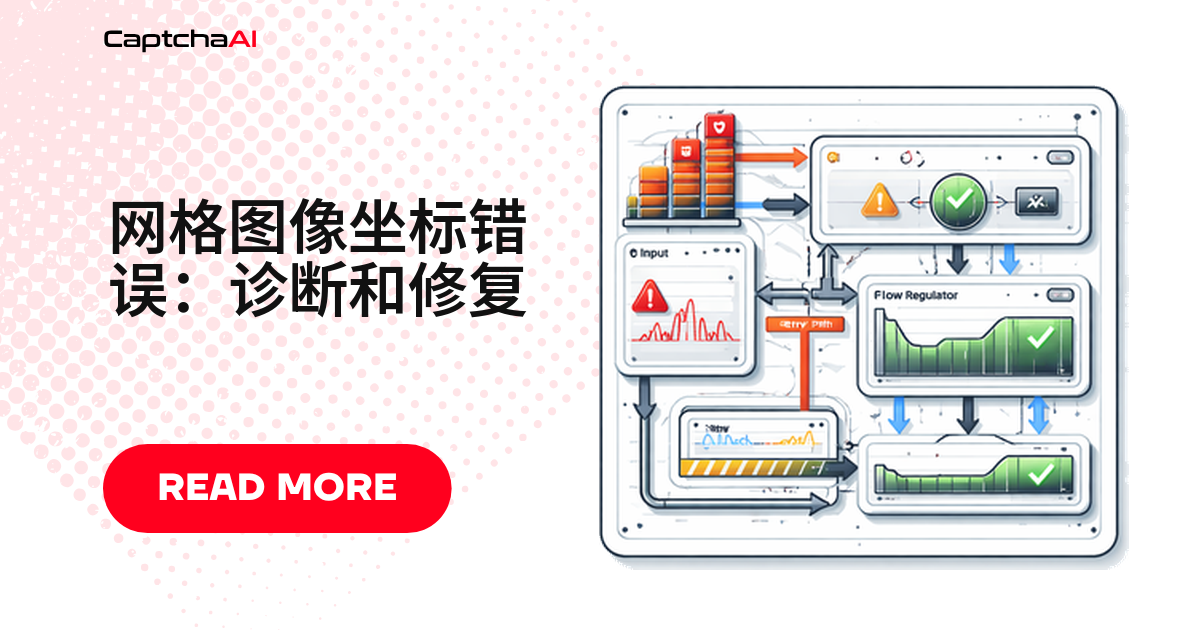
九宫格验证码(reCAPTCHA 图片挑战)返回目标图块的编号数组。点错图块或收到 ERROR_CAPTCHA_UNSOLVABLE,通常是这几个原因之一:grid_size 不对、图片被裁剪、指令模糊、索引起始值搞错,或格式不支持。
坐标是怎么编号的
CaptchaAI 逐格分析网格图片,返回与指令匹配的编号数组。编号从左到右、从上到下:
3×3 Grid:          4×4 Grid:
1 2 3              1  2  3  4
4 5 6              5  6  7  8
7 8 9              9  10 11 12
                   13 14 15 16
返回
[1, 3, 6, 9]代表第 1、3、6、9 号格子含目标物体,这是排查坐标错误的前提。
五个最常见的坐标错误
| 原因 | 现象 | 解法 |
|---|---|---|
| grid_size 错 | 编号错位 | 改对参数 |
| 图片被裁剪 | 边缘丢失 | iframe 截图 |
| 指令模糊 | 选错格 | 用原文指令 |
| 索引错位 | 偏 1 格 | 减 1 |
| 格式不对 | 报错 | 转 PNG |
网格尺寸和 grid_size 参数对不上
验证码是 4×4 网格,grid_size 写成 3x3,编号整个错位。
# WRONG — 4×4 grid sent as 3×3
data = {
    "key": "YOUR_API_KEY",
    "method": "post",
    "grid_size": "3x3",      # Wrong!
    "img_type": "recaptcha",
    "instructions": "traffic lights",
    "json": 1
}

# CORRECT — match the actual grid
data = {
    "key": "YOUR_API_KEY",
    "method": "post",
    "grid_size": "4x4",      # Correct
    "img_type": "recaptcha",
    "instructions": "traffic lights",
    "json": 1
}
自动判断网格尺寸
from PIL import Image

img = Image.open("grid_captcha.png")
width, height = img.size

# reCAPTCHA grids are square. 3×3 tiles are ~100px each, 4×4 tiles are ~75px each
tile_width = width // 3
if width % 4 == 0 and (width // 4) < 100:
    grid_size = "4x4"
else:
    grid_size = "3x3"

print(f"Detected grid size: {grid_size}")
截图被裁剪或经过缩放
裁剪、缩放或整页截图都会打乱像素对齐,CaptchaAI 需要原始渲染图。
修复: 直接从 reCAPTCHA 的 iframe 截取网格图片元素,不要截整页。
from selenium import webdriver
from selenium.webdriver.common.by import By

driver = webdriver.Chrome()
driver.get("https://example.com")

# Switch to reCAPTCHA iframe
iframe = driver.find_element(By.CSS_SELECTOR, 'iframe[title*="recaptcha"]')
driver.switch_to.frame(iframe)

# Get the grid image element
grid_img = driver.find_element(By.CSS_SELECTOR, "img.rc-image-tile-wrapper img")
grid_img.screenshot("grid_captcha.png")  # Captures just the grid, not the whole page
国内团队常用清华 TUNA 镜像,常见的坑是截图太早——图块还没渲染完,边缘被裁,坐标偏移。等元素尺寸稳定再截图更可靠。
指令文字模糊或者用词不对
指令文字必须和验证码界面要求一致,模糊指令会直接选错格子。
# WRONG — too vague
data["instructions"] = "select images"

# CORRECT — specific instruction from the CAPTCHA
data["instructions"] = "crosswalks"
常见指令取值:
crosswalks、traffic lights、carsbuses、motorcycles、bicyclesfire hydrants、stairs、bridges、parking meters
索引从 0 开始还是从 1 开始
- CaptchaAI 编号从 1 开始。
- 脚本若用从 0 开始的索引点击元素,需先减 1。
import json

# CaptchaAI returns 1-based indices
solution = json.loads(result["request"])  # e.g., [1, 3, 6, 9]

# Convert to 0-based for Selenium click automation
zero_based = [cell - 1 for cell in solution]

# Click grid cells using 0-based index
tiles = driver.find_elements(By.CSS_SELECTOR, ".rc-image-tile-wrapper img")
for idx in zero_based:
    tiles[idx].click()
图片格式不受支持
CaptchaAI 支持的格式:
| 格式 | 是否支持 |
|---|---|
| JPG / JPEG / PNG / GIF | 支持 |
| WebP、BMP 等其他格式 | 不支持,返回 ERROR_WRONG_FILE_EXTENSION |
# WRONG — WebP or BMP
files = {"file": open("grid.webp", "rb")}  # Not supported

# CORRECT — convert to PNG first
from PIL import Image
img = Image.open("grid.webp")
img.save("grid.png", "PNG")
files = {"file": open("grid.png", "rb")}
一张流程图,五步定位问题
按流程图走一遍即可:
Grid cells are wrong
    ↓
Is grid_size correct (3x3 or 4x4)? → No → Fix grid_size parameter
    ↓ Yes
Is the image the original CAPTCHA (not cropped)? → No → Capture directly from iframe
    ↓ Yes
Is instruction text specific? → No → Use exact CAPTCHA instruction text
    ↓ Yes
Using 1-based indexing for clicks? → No → Convert solution to 0-based
    ↓ Yes
Image in supported format (JPG/PNG)? → No → Convert image format
    ↓ Yes
Report tiles to CaptchaAI via reportbad
参数都对,坐标还是错?上报给 CaptchaAI
确认参数、图片、指令都没问题,坐标仍不准,调用 reportbad 上报:
requests.get("https://ocr.captchaai.com/res.php", params={
    "key": "YOUR_API_KEY",
    "action": "reportbad",
    "id": task_id,
    "json": 1
})
reportbad 能帮 CaptchaAI 优化识别准确率,部分情况下会退回费用。
常见问题
grid_size 到底该填 3x3 还是 4x4?
| 单格宽度 | 判定 |
|---|---|
| 约 100px | 3×3 |
| 约 75px | 4×4 |
批量任务建议用代码判断,不要写死。
参数都对,为什么还报 ERROR_CAPTCHA_UNSOLVABLE?
常见原因:
- 图片质量差
- 指令与实际要求对不上
- 提交的不是可识别的网格图片
确认原图未裁剪、指令一致。
整页截图为什么会导致坐标错误?
整页截图会把额外内容框进去,像素边界和网格对不上,编号随之错位。
坐标为什么要减 1 才能点对图块?
CaptchaAI 从 1 开始编号,Selenium 等框架默认 0 开始索引,需先减 1 再点击。
上报 reportbad 后多久能看到效果?
- reportbad 用于当次任务的费用处理与数据反馈。
- 不代表下次立刻更准,持续出错请复查网格尺寸和裁剪。
用 CaptchaAI 解决九宫格验证码
想稳定拿到准确坐标,直接用 CaptchaAI 官网 的 API。
相关指南
网格验证清单
- 提交前确认 grid_size 与实际网格尺寸一致。
- 统一图片缩放与视口换算逻辑,避免像素比变化导致坐标漂移。
- 坐标超出网格范围时直接拒绝重试,不要转发错误坐标。