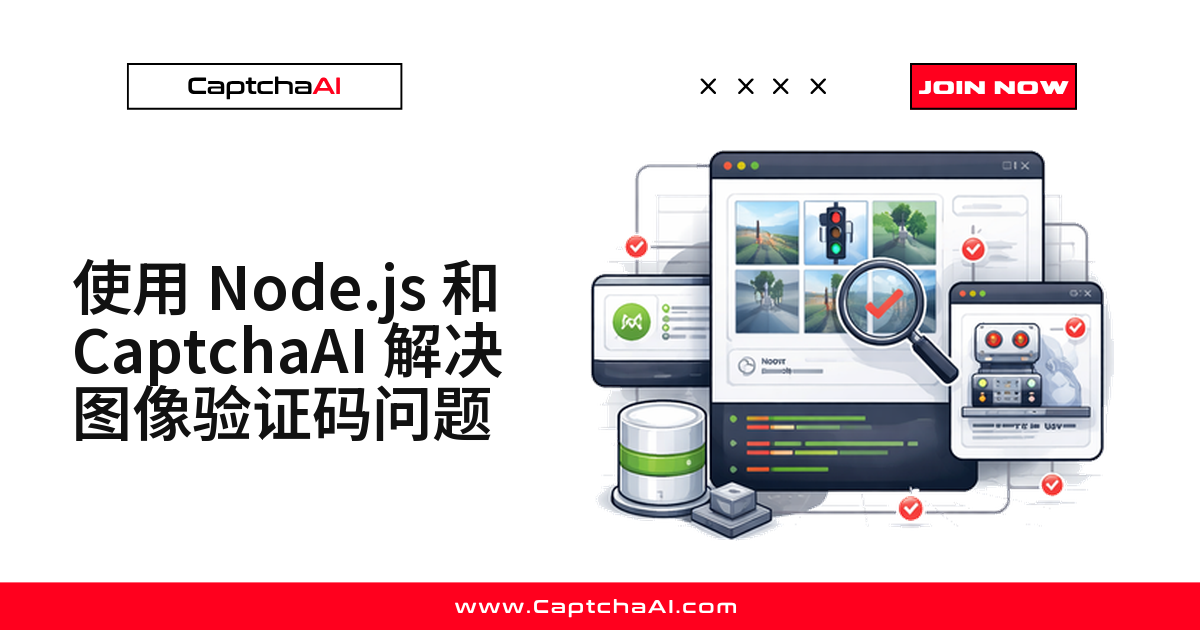
先给结论:在 Node.js 里识别一张扭曲字符的图片验证码只有两个动作——把图片以 base64 或文件形式 POST 到 in.php,拿到任务 ID 后每 5 秒轮询 res.php 直到拿回文本。核心逻辑不到 30 行,花时间的是截图、字符集约束和错误处理。
这类老式验证码在国内格外常见:政务平台、发票查验、社保查询,还有大量没重构的企业后台,用的仍是 4~6 位扭曲字符加干扰线。国际站点多是 reCAPTCHA 或 Turnstile,遗留系统里则是它。CaptchaAI 把图片读成文本,你负责填回表单。
开始前的准备
| 项目 | 要求 |
|---|---|
| CaptchaAI API Key | 在 CaptchaAI 控制台 注册获取 |
| Node.js | 14+ |
| 依赖库 | axios、fs |
| 图片格式 | JPG/PNG/GIF(100 字节 – 100 KB) |
- 装依赖:
npm install axios form-data,国内走 npmmirror 源更快。 - API Key 从环境变量读;示例里的
YOUR_API_KEY只是占位符。
方法 A:base64 提交(图片已在内存里)
适合 Puppeteer 刚截完图或图片来自接口响应:编码后直接提交,省掉落盘。
const axios = require('axios');
const fs = require('fs');

const API_KEY = 'YOUR_API_KEY';
const sleep = (ms) => new Promise((r) => setTimeout(r, ms));

// Read and encode the image
const imageB64 = fs.readFileSync('captcha.png').toString('base64');

// Submit to CaptchaAI
const { data: submitData } = await axios.post('https://ocr.captchaai.com/in.php', null, {
  params: {
    key: API_KEY,
    method: 'base64',
    body: imageB64,
    json: 1,
  },
});

if (submitData.status !== 1) throw new Error(submitData.request);
const taskId = submitData.request;
console.log(`Task submitted: ${taskId}`);
status 为 1 时,request 就是轮询用的任务 ID;带上 json: 1 可省去解析纯文本。
方法 B:以文件形式上传
图片就在磁盘上、或体积偏大时,走 multipart 更直接,省掉一长串 base64。
const FormData = require('form-data');

const form = new FormData();
form.append('key', API_KEY);
form.append('method', 'post');
form.append('json', '1');
form.append('file', fs.createReadStream('captcha.png'));

const { data: submitData } = await axios.post('https://ocr.captchaai.com/in.php', form, {
  headers: form.getHeaders(),
});

const taskId = submitData.request;
两种耗时相同,只看图片怎么来:截图用 A,读文件用 B,除 method 外参数一致。
轮询 res.php 取回识别文本
提交后先等 5 秒再进循环,能省掉一批无效请求。
await sleep(5000);

let captchaText;
for (let i = 0; i < 30; i++) {
  const { data: pollData } = await axios.get('https://ocr.captchaai.com/res.php', {
    params: { key: API_KEY, action: 'get', id: taskId, json: 1 },
  });

  if (pollData.status === 1) {
    captchaText = pollData.request;
    console.log(`CAPTCHA text: ${captchaText}`);
    break;
  }
  if (pollData.request !== 'CAPCHA_NOT_READY') {
    throw new Error(pollData.request);
  }
  await sleep(5000);
}
CAPCHA_NOT_READY 表示还在队列里(接口原样返回的拼写,不是笔误),继续等即可;其他字符串一律抛错:多半是参数或图片有问题,重试也是白搭。
用参数约束字符集,提升识别准确率
摸清目标验证码的规律后,比如固定 4 位纯数字,一定要带上约束参数。
// Digits only, 4-6 characters
const { data } = await axios.post('https://ocr.captchaai.com/in.php', null, {
  params: {
    key: API_KEY,
    method: 'base64',
    body: imageB64,
    numeric: 1,      // digits only
    min_len: 4,       // minimum length
    max_len: 6,       // maximum length
    json: 1,
  },
});
| 参数 | 取值 | 作用 |
|---|---|---|
numeric |
1 = 纯数字,2 = 纯字母 |
限定字符类型 |
min_len / max_len |
整数 | 限定长度范围 |
calc |
1 |
计算图中的算式 |
regsense |
1 |
区分大小写 |
搜索空间越小,结果可用率越高——零成本,却最容易被跳过。
完整示例:截图 → 识别 → 填表
整条流水线如下。
const axios = require('axios');
const puppeteer = require('puppeteer');
const fs = require('fs');

const API_KEY = 'YOUR_API_KEY';
const sleep = (ms) => new Promise((r) => setTimeout(r, ms));

async function solveImageCaptcha() {
  // 1. Load page and screenshot CAPTCHA
  const browser = await puppeteer.launch();
  const page = await browser.newPage();
  await page.goto('https://example.com/register');

  const captchaEl = await page.$('#captcha-image');
  await captchaEl.screenshot({ path: 'captcha.png' });

  // 2. Encode and submit
  const imageB64 = fs.readFileSync('captcha.png').toString('base64');
  const { data: submit } = await axios.post('https://ocr.captchaai.com/in.php', null, {
    params: { key: API_KEY, method: 'base64', body: imageB64, json: 1 },
  });
  const taskId = submit.request;

  // 3. Poll for text
  await sleep(5000);
  let text;
  for (let i = 0; i < 30; i++) {
    const { data: poll } = await axios.get('https://ocr.captchaai.com/res.php', {
      params: { key: API_KEY, action: 'get', id: taskId, json: 1 },
    });
    if (poll.status === 1) { text = poll.request; break; }
    if (poll.request !== 'CAPCHA_NOT_READY') throw new Error(poll.request);
    await sleep(5000);
  }

  // 4. Type and submit
  await page.type('#captcha-input', text);
  await page.click('form [type="submit"]');
  console.log(`Solved: ${text}`);
  await browser.close();
}

solveImageCaptcha().catch(console.error);
预期输出:
Solved: ABC123
接进流程时注意两点:
- 超时和重试套在整段上:识别失败意味着这一轮表单要重来。
- 确认选择器命中的是验证码图片,截到空白是最常见的失败原因。
常见错误码与处理
| 错误码 | 原因 | 处理方式 |
|---|---|---|
ERROR_WRONG_FILE_EXTENSION |
格式不支持 | 改用 JPG/PNG/GIF |
ERROR_TOO_BIG_CAPTCHA_FILESIZE |
超过 100 KB | 先压缩 |
ERROR_ZERO_CAPTCHA_FILESIZE |
小于 100 字节 | 检查截图 |
CAPCHA_NOT_READY |
仍在识别 | 每 5 秒轮询一次 |
- 结果不对时,用
action=reportbad带任务 ID 请求res.php上报。 - 体积最容易踩坑:截图后先判断大小,超了用
sharp压一次;不足 100 字节说明截图逻辑有问题。
并发怎么估:一个日常回归的例子
假设一套发票查验系统的回归脚本,每天 2000 次表单提交,每次一道图片验证码。CaptchaAI 按并发线程计费,不按次数计费:串行跑用 BASIC($15/月,5 线程)够用;要半小时内跑完,并发拉到几十,看 ADVANCE($90/月,50 线程)。
合规提醒:这套流程只跑在你自有或已获授权的系统上——网络安全法、数据安全法和《个人信息保护法》对未授权访问都划了边界。
常见问题
识别一次要多久?超时该怎么设?
图片验证码是最轻的一类任务,多数几秒返回。代码里留 150 秒上限即可;30 秒还没结果,重新截图比继续等更划算。
中文汉字验证码也能提交吗?
提交方式完全一样,都走图片/OCR 这一类,接口不区分语种。但非拉丁字符效果差异较大,上线前用自有样本测一轮。
CaptchaAI 能识别 hCaptcha 或 GeeTest v4 吗?
都不在支持范围内。正式支持 reCAPTCHA v2/v3 系列、Cloudflare Turnstile 与 Challenge、GeeTest v3、图片/OCR、九宫格和 BLS,另有 CaptchaFox、Friendly Captcha、Lemin 三类测试版。GeeTest v4 的官方口径是即将支持。