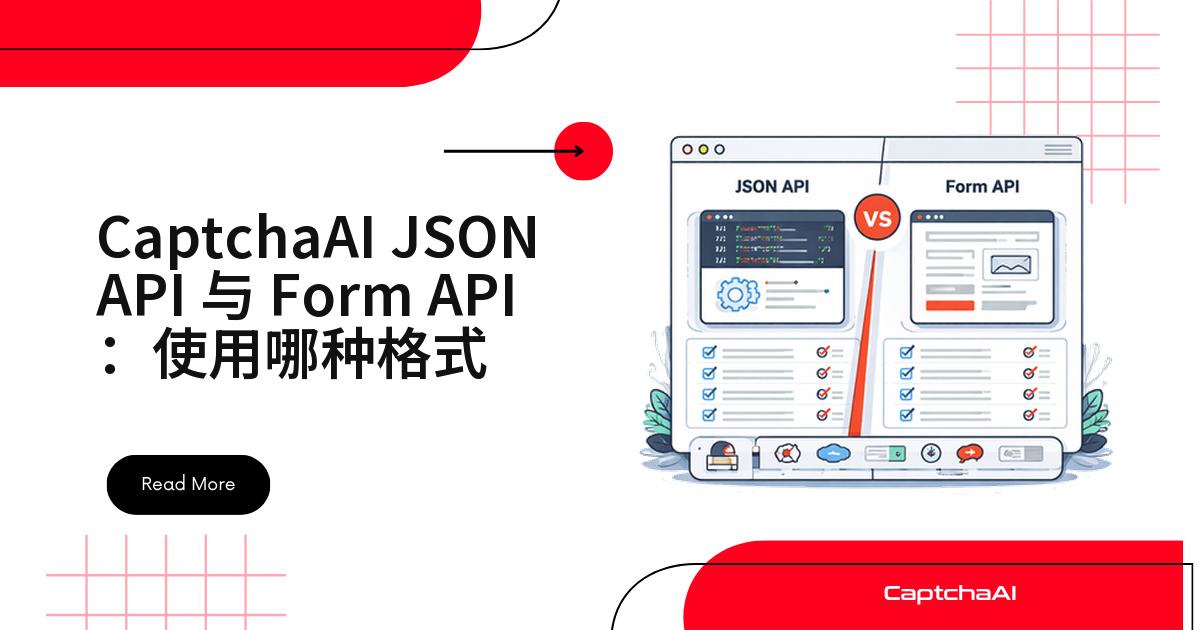
该用表单编码还是 json 提交任务?CaptchaAI 的 in.php 接口两种都支持,识别结果完全一致。真正要权衡的是技术栈习惯:老脚本多半沿用表单编码,新写的 TypeScript/Node.js 服务用 json 更顺手。
核心区别一览
| 维度 | 表单编码 | JSON |
|---|---|---|
| Content-Type | application/x-www-form-urlencoded |
application/json |
| 数据结构 | 扁平键值对 | 支持嵌套对象 |
| 二进制数据 | multipart 上传文件 | body 里用 Base64 编码 |
| 数组支持 | 有限 | 原生支持 |
| Python 参数 | data={} |
json={} |
| Node.js | URLSearchParams |
JSON.stringify() |
| 可读性 | 扁平参数直观 | 适合复杂结构 |
| 兼容性 | 到处都能用 | 到处都能用 |
该选哪种格式
按场景选:
| 场景 | 推荐格式 | 原因 |
|---|---|---|
| 简单脚本 | 表单编码 | 更简单,依赖更少 |
| 对接 REST 风格的内部系统 | JSON | 和你其他接口的调用习惯一致 |
| 文件上传 | multipart 表单 | 直接走二进制上传 |
| 大尺寸 Base64 图片 | 表单编码 | 处理大负载更稳 |
| TypeScript / 现代 JS | JSON | 原生对象支持,少写一层拼接 |
| 老系统对接 | 表单编码 | 通用兼容性最好 |
| 从 2Captcha 迁移 | 表单编码 | 和 2Captcha 原始格式一致 |
出站请求统一走 json 的采集项目(aiohttp、Scrapy)复用 json 省一套表单解析;2Captcha 兼容接口迁移来的脚本,沿用表单编码改动最小。
常见问题
用 json 提交比表单编码更快吗?
不会,服务端处理逻辑一致,速度和准确率不受影响。
格式用错了会有什么现象?
通常返回纯文本而非 JSON,或直接报错——多半漏了 json: 1,或混用 data= 和 json=。
从 2Captcha 迁移,必须改成 json 吗?
不需要。原始接口是表单编码,CaptchaAI 加了 json 支持,不强制。
轮询 /res.php 能不能发 json 请求体?
不能,轮询固定走 GET 加查询参数,跟提交格式无关。
TypeScript 项目该选哪种?
优先选 json,对应对象类型更自然,不用手写 querystring 拼接。
两种写法对照
表单编码(默认)
import requests

resp = requests.post("https://ocr.captchaai.com/in.php", data={
    "key": "YOUR_API_KEY",
    "method": "userrecaptcha",
    "googlekey": "SITE_KEY",
    "pageurl": "https://example.com",
    "json": 1,
})
Content-Type:application/x-www-form-urlencoded
JSON
import requests

resp = requests.post("https://ocr.captchaai.com/in.php", json={
    "key": "YOUR_API_KEY",
    "method": "userrecaptcha",
    "googlekey": "SITE_KEY",
    "pageurl": "https://example.com",
    "json": 1,
})
Content-Type:application/json
强制拿到 JSON 响应:json=1 参数
带上 json=1,服务端返回可解析的 JSON,而非纯文本:
# Without json=1 — plain text response
resp = requests.post("https://ocr.captchaai.com/in.php", data={
    "key": "YOUR_API_KEY",
    "method": "userrecaptcha",
    "googlekey": "SITE_KEY",
    "pageurl": "https://example.com",
})
# Response: "OK|12345678"

# With json=1 — JSON response
resp = requests.post("https://ocr.captchaai.com/in.php", data={
    "key": "YOUR_API_KEY",
    "method": "userrecaptcha",
    "googlekey": "SITE_KEY",
    "pageurl": "https://example.com",
    "json": 1,
})
# Response: {"status": 1, "request": "12345678"}
建议固定带上 json=1:纯文本响应得自己写正则拆 OK|12345678,JSON 直接取字段更省事。
Python 实战示例
表单编码
import requests

# Submit
resp = requests.post("https://ocr.captchaai.com/in.php", data={
    "key": "YOUR_API_KEY",
    "method": "userrecaptcha",
    "googlekey": "SITE_KEY",
    "pageurl": "https://example.com",
    "json": 1,
})
task_id = resp.json()["request"]

# Poll (always GET with query params)
resp = requests.get("https://ocr.captchaai.com/res.php", params={
    "key": "YOUR_API_KEY",
    "action": "get",
    "id": task_id,
    "json": 1,
})
JSON 请求体
import requests

# Submit with JSON
resp = requests.post("https://ocr.captchaai.com/in.php", json={
    "key": "YOUR_API_KEY",
    "method": "userrecaptcha",
    "googlekey": "SITE_KEY",
    "pageurl": "https://example.com",
    "json": 1,
})
task_id = resp.json()["request"]

# Poll (same as form-encoded — GET with params)
resp = requests.get("https://ocr.captchaai.com/res.php", params={
    "key": "YOUR_API_KEY",
    "action": "get",
    "id": task_id,
    "json": 1,
})
轮询固定用 GET 加查询参数,和提交格式无关。
Node.js 实战示例
表单编码
const axios = require('axios');
const qs = require('querystring');

// Submit
const resp = await axios.post(
  'https://ocr.captchaai.com/in.php',
  qs.stringify({
    key: 'YOUR_API_KEY',
    method: 'userrecaptcha',
    googlekey: 'SITE_KEY',
    pageurl: 'https://example.com',
    json: 1,
  })
);
const taskId = resp.data.request;
JSON 请求体
const axios = require('axios');

// Submit with JSON
const resp = await axios.post(
  'https://ocr.captchaai.com/in.php',
  {
    key: 'YOUR_API_KEY',
    method: 'userrecaptcha',
    googlekey: 'SITE_KEY',
    pageurl: 'https://example.com',
    json: 1,
  }
);
const taskId = resp.data.request;
图片验证码:文件上传还是 Base64
图片验证码,格式选择的影响更大:
表单 + 文件上传(multipart)
# File upload — form-encoded with multipart
resp = requests.post("https://ocr.captchaai.com/in.php",
    data={
        "key": "YOUR_API_KEY",
        "method": "post",
        "json": 1,
    },
    files={
        "file": open("captcha.png", "rb"),
    },
)
JSON + Base64
import base64

# Base64 in JSON body
with open("captcha.png", "rb") as f:
    body = base64.b64encode(f.read()).decode()

resp = requests.post("https://ocr.captchaai.com/in.php", json={
    "key": "YOUR_API_KEY",
    "method": "base64",
    "body": body,
    "json": 1,
})
表单 + Base64
# Base64 in form data
resp = requests.post("https://ocr.captchaai.com/in.php", data={
    "key": "YOUR_API_KEY",
    "method": "base64",
    "body": body,
    "json": 1,
})
本地文件走 multipart 最省事;内存里的 Base64 数据,json 或表单都行。
常踩的坑
| 错误 | 现象 | 处理方式 |
|---|---|---|
用了 json={} 但没在数据里带 json: 1 |
返回是纯文本 | 数据里加上 "json": 1 |
Python 请求里同时写了 data= 和 json= |
请求格式错乱 | 只保留其中一个 |
| 忘了设置 Content-Type | 服务端解析不了请求体 | 交给 HTTP 库自动设置,别手动覆盖 |
| 往轮询接口发 json 请求体 | 轮询走的是 GET 查询参数 | /res.php 永远用 GET + 查询参数 |
相关指南
不管选哪种格式,思路都一样 ——现在就试试 CaptchaAI API。