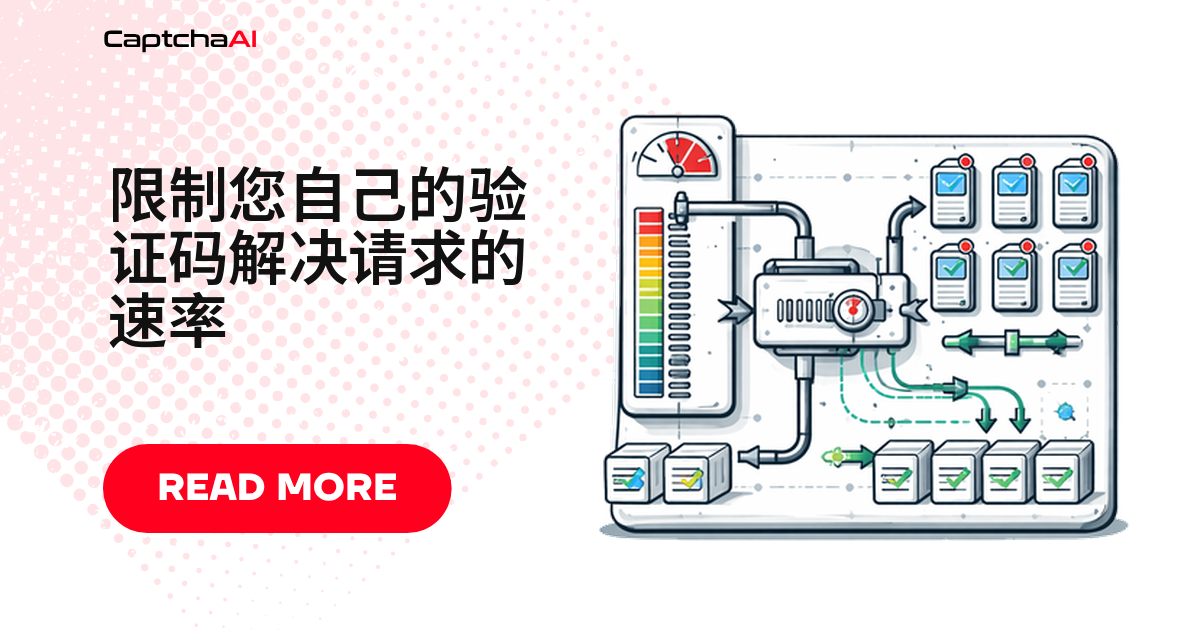
凌晨脚本死循环,第二天发现识别额度被刷光——团队共用一个 API Key 最容易踩的坑。加一道限流,能同时管住成本、稳定性和团队协作。下面三种方案可以直接用在 CaptchaAI 请求上:令牌桶、滑动窗口、预算限制器。
为什么要给验证码请求加限流
四类真实场景:
脚本 bug 死循环——不限流刷光余额,限流后自动停止。
多人共用一个 API Key——不限流花销说不清,限流后按人/项目分配配额。
目标站点限制 100 req/min——不限流容易被封号,限流后压在阈值以下。
每月预算只有 $50——不限流一下午超支,限流加一道硬顶。
方案一:令牌桶(Token Bucket)限流
令牌桶允许短时突发,同时把平均速率压在设定值内:固定速率加 token,每次请求消耗一个,桶空则排队。
Python 实现:令牌桶限流器
# token_bucket_solver.py
import os
import time
import threading
import requests

API_KEY = os.environ.get("CAPTCHAAI_KEY", "YOUR_API_KEY")

class TokenBucket:
    """Token bucket rate limiter."""

    def __init__(self, rate, capacity):
        """
        rate: tokens added per second
        capacity: max tokens (burst size)
        """
        self.rate = rate
        self.capacity = capacity
        self.tokens = capacity
        self.last_refill = time.monotonic()
        self.lock = threading.Lock()

    def acquire(self, timeout=30):
        """Wait for a token. Returns True if acquired, False on timeout."""
        deadline = time.monotonic() + timeout
        while True:
            with self.lock:
                self._refill()
                if self.tokens >= 1:
                    self.tokens -= 1
                    return True

            if time.monotonic() >= deadline:
                return False
            time.sleep(0.1)

    def _refill(self):
        now = time.monotonic()
        elapsed = now - self.last_refill
        self.tokens = min(self.capacity, self.tokens + elapsed * self.rate)
        self.last_refill = now

# Allow 10 solves/minute with burst of 5
limiter = TokenBucket(rate=10/60, capacity=5)

def solve_rate_limited(sitekey, pageurl):
    """Solve with rate limiting."""
    if not limiter.acquire(timeout=60):
        raise Exception("Rate limit: could not acquire token within 60s")

    session = requests.Session()
    resp = session.get("https://ocr.captchaai.com/in.php", params={
        "key": API_KEY,
        "method": "userrecaptcha",
        "googlekey": sitekey,
        "pageurl": pageurl,
        "json": "1",
    })
    result = resp.json()

    if result.get("status") != 1:
        raise Exception(f"Submit failed: {result.get('request')}")

    task_id = result["request"]
    time.sleep(15)

    for _ in range(25):
        poll = session.get("https://ocr.captchaai.com/res.php", params={
            "key": API_KEY, "action": "get",
            "id": task_id, "json": "1",
        })
        poll_result = poll.json()
        if poll_result.get("status") == 1:
            return poll_result["request"]
        if poll_result.get("request") != "CAPCHA_NOT_READY":
            raise Exception(f"Error: {poll_result.get('request')}")
        time.sleep(5)

    raise Exception("Timeout")
提示:目标站点限制 100 req/min 时,把
rate设在 80/min 留余量。
方案二:滑动窗口计数器
滑动窗口只统计窗口内请求数,比令牌桶简单但无突发缓冲:窗口满了,新请求等最早那条滑出。
JavaScript 实现:滑动窗口限流器
// sliding_window_solver.js
const axios = require('axios');

const API_KEY = process.env.CAPTCHAAI_KEY || 'YOUR_API_KEY';

class SlidingWindowLimiter {
  constructor(maxRequests, windowMs) {
    this.maxRequests = maxRequests;
    this.windowMs = windowMs;
    this.timestamps = [];
  }

  async acquire(timeoutMs = 60000) {
    const deadline = Date.now() + timeoutMs;

    while (Date.now() < deadline) {
      // Remove expired timestamps
      const cutoff = Date.now() - this.windowMs;
      this.timestamps = this.timestamps.filter(t => t > cutoff);

      if (this.timestamps.length < this.maxRequests) {
        this.timestamps.push(Date.now());
        return true;
      }

      // Wait until the oldest request exits the window
      const waitMs = Math.min(
        this.timestamps[0] + this.windowMs - Date.now() + 10,
        deadline - Date.now()
      );
      if (waitMs > 0) await new Promise(r => setTimeout(r, waitMs));
    }
    return false;
  }
}

// Allow 20 solves per 5 minutes
const limiter = new SlidingWindowLimiter(20, 5 * 60 * 1000);

async function solveRateLimited(sitekey, pageurl) {
  const acquired = await limiter.acquire(60000);
  if (!acquired) throw new Error('Rate limit exceeded');

  const submit = await axios.get('https://ocr.captchaai.com/in.php', {
    params: {
      key: API_KEY, method: 'userrecaptcha',
      googlekey: sitekey, pageurl, json: '1',
    },
  });

  if (submit.data.status !== 1) throw new Error(submit.data.request);
  await new Promise(r => setTimeout(r, 15000));

  for (let i = 0; i < 25; i++) {
    const poll = await axios.get('https://ocr.captchaai.com/res.php', {
      params: { key: API_KEY, action: 'get', id: submit.data.request, json: '1' },
    });
    if (poll.data.status === 1) return poll.data.request;
    if (poll.data.request !== 'CAPCHA_NOT_READY') throw new Error(poll.data.request);
    await new Promise(r => setTimeout(r, 5000));
  }
  throw new Error('Timeout');
}
提示:窗口越短反应越快,但无突发缓冲,适合固定窗口计数场景。
方案三:预算限制器(按天控制花费)
更关心花费而不是次数?直接设每日预算,达到就停止,第二天重置:
# budget_limiter.py
import os
import time
from datetime import date

class BudgetLimiter:
    """Limit daily CAPTCHA spending."""

    def __init__(self, daily_budget, cost_per_solve=0.003):
        self.daily_budget = daily_budget
        self.cost_per_solve = cost_per_solve
        self.daily_spend = 0.0
        self.current_date = date.today()

    def can_solve(self):
        """Check if budget allows another solve."""
        if date.today() != self.current_date:
            self.daily_spend = 0.0
            self.current_date = date.today()

        return self.daily_spend + self.cost_per_solve <= self.daily_budget

    def record_solve(self):
        """Record a successful solve against the budget."""
        self.daily_spend += self.cost_per_solve

    @property
    def remaining_budget(self):
        return max(0, self.daily_budget - self.daily_spend)

    @property
    def remaining_solves(self):
        return int(self.remaining_budget / self.cost_per_solve)

# $5/day budget
budget = BudgetLimiter(daily_budget=5.00, cost_per_solve=0.003)

def solve_with_budget(sitekey, pageurl):
    if not budget.can_solve():
        raise Exception(
            f"Daily budget exhausted. Remaining: ${budget.remaining_budget:.2f}"
        )

    # ... solve logic ...
    token = "..."  # actual solve
    budget.record_solve()
    return token
提示:
cost_per_solve只是本地占位值,不代表 CaptchaAI 真实计费方式。
三种方案怎么选
令牌桶——允许突发,同时控制平均速率,复杂度中等。
滑动窗口——简单计数,复杂度低,最易上手。
预算限制器——按天/周/月控制花费,复杂度低。
组合方案(限流 + 预算)——生产环境推荐,复杂度中等。
常见故障排查
请求全部卡住不执行? 速率设置低于实际业务量——调大速率或窗口大小。
预算限制器中途重置? 系统时钟改动或进程重启清空内存——花费持久化到文件或数据库即可。
令牌桶一下子被打空? capacity 相对业务量太小——调大 capacity 参数。
限流器把轮询也拦住了? 错误地套用到了轮询上——只限制提交(in.php),轮询(res.php)不需要限流。
常见问题
提交请求和轮询请求都需要限流吗?
只限制提交(in.php)请求,轮询(res.php)不创建新任务、不产生费用,自由运行即可。
多台机器要怎么共享同一个限流阈值?
本地内存限流器只管单进程,多机共享需要外部存储原子计数,如 redis-rate-limiter(Python)、rate-limiter-flexible(Node.js)。
令牌桶和滑动窗口该怎么选?
需要突发+平均速率,选令牌桶;只想限“每窗口最多 N 次”,滑动窗口更简单。
cost_per_solve 该怎么估算?
CaptchaAI 按并发线程数计费,不按单次识别计费;$0.003 只是本地占位值,请按套餐核算,或用余额接口跟踪。
相关文章
下一步
把限流和预算控制用起来,别让脚本的 bug 决定你的账单——获取你的 CaptchaAI API Key。
相关指南: