队列深度超过 50、平均 solve 延迟卡在 45 秒开外,就该加 worker,而不是换更贵的服务器。垂直扩展很快碰天花板;横向扩展让识别能力线性增长。
什么时候该给验证码识别加 Worker
出现任一信号就该加 worker:
| 信号 | 阈值 | 处理方式 |
|---|---|---|
| 队列深度增长 | 待处理任务 > 50 | 加 worker |
| 平均 solve 延迟 | > 45 秒 | 加 worker(瓶颈不在 API) |
| Worker CPU | 持续 > 70% | 加 worker |
| 错误率 | > 5%,ERROR_NO_SLOT_AVAILABLE |
单 worker 并发过多,先降并发 |
| 队列消耗速度 | 低于目标吞吐 80% | 加 worker 或提高并发 |
电商大促开始前,监控任务能从每分钟几十个飙到上千个,人工加机器来不及。
扩容前要检查这些前提
写代码前先确认:
| 区域 | 要点 |
|---|---|
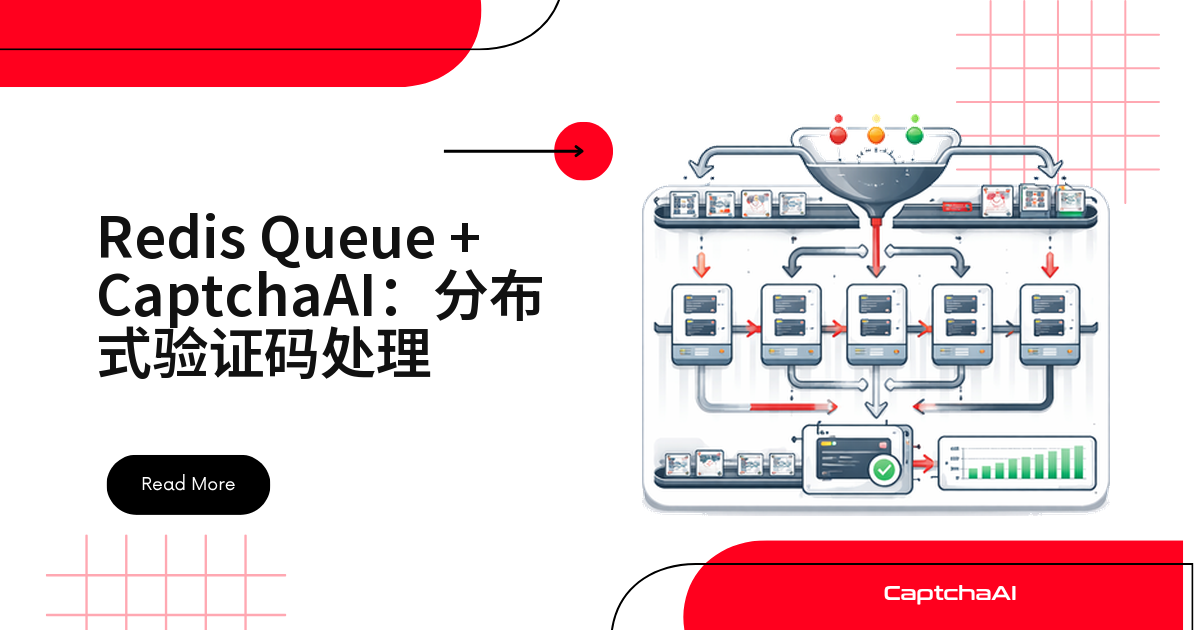
| 队列 | 持久化队列(Redis、SQS),别放内存里 |
| Worker | 无状态,任何 worker 处理任何任务 |
| 健康检查 | 负载均衡器分清哪些 worker 健康 |
| 排空 | worker 停机前处理完手头任务 |
| 监控 | 队列深度、延迟、错误率可见 |
| 成本 | 预算上限防止规模失控 |
扩展架构长什么样
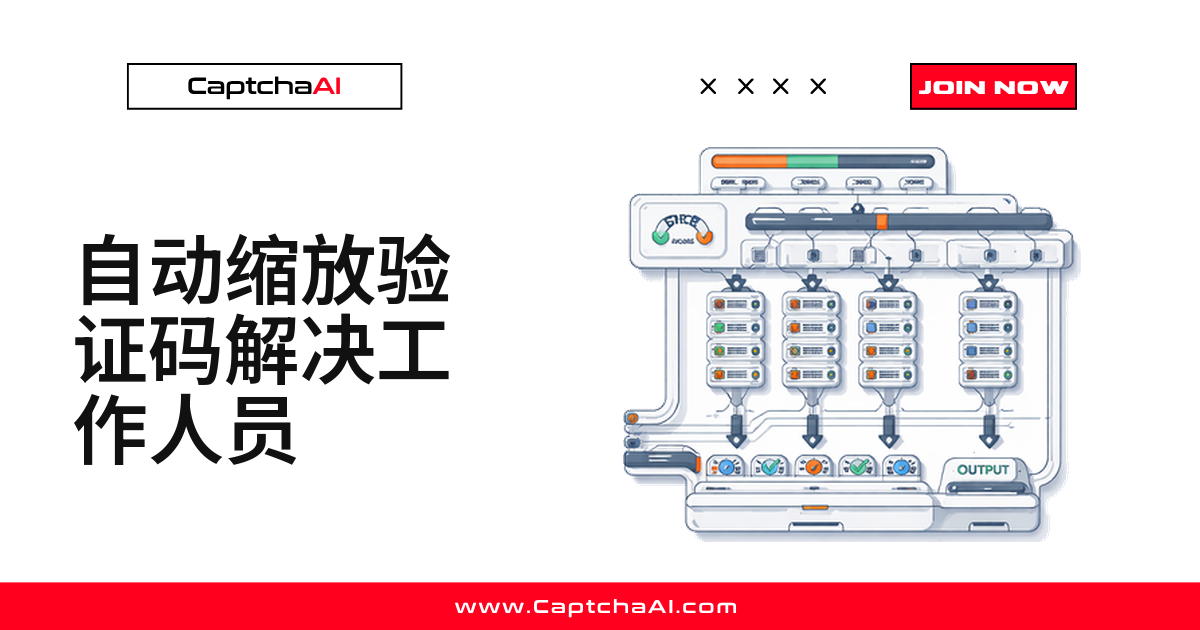
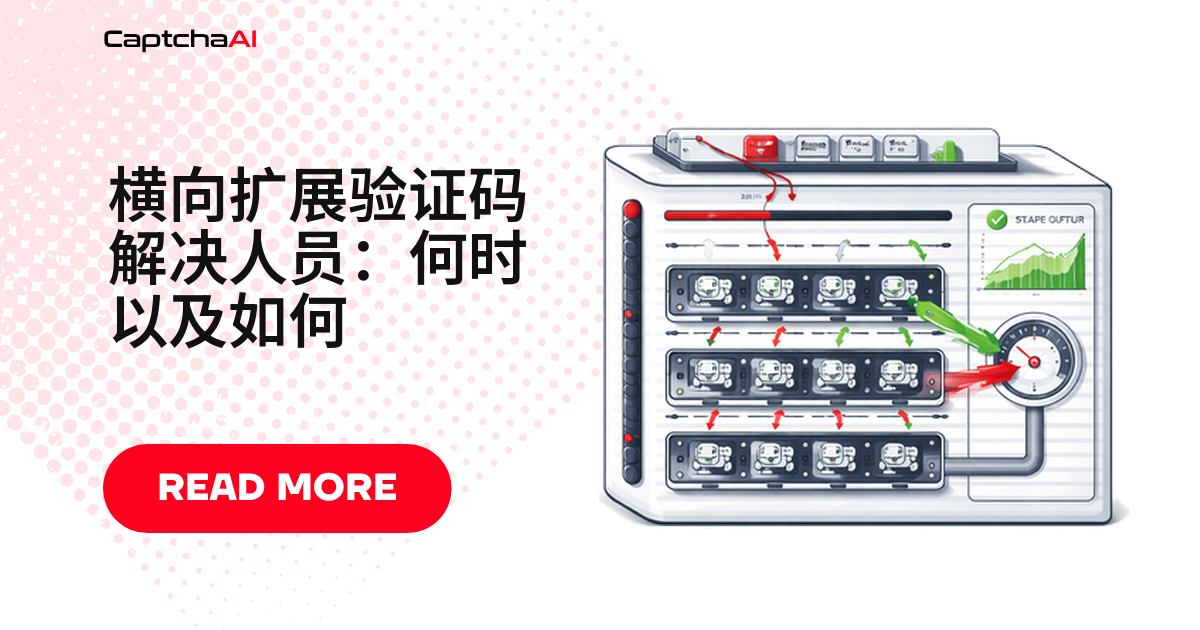
一个典型闭环:队列监控发现信号,扩缩容器决定加多少 worker,成本模块在旁边兜底上限。
[Queue Monitor] ──watches──→ [Task Queue]
       │                         ↕
       │ scale signal       [Worker 1]
       ↓                    [Worker 2]
[Auto Scaler] ──adds──→    [Worker 3]
       │                    [Worker N...]
       ↓
[Cost Manager] ──caps──→ max workers
扩缩容器只管加减数量,前提清单没做好,加了也白搭。
Python 实现:自动扩缩容控制器
HorizontalAutoScaler 同时看队列深度、吞吐量、错误率,取更保守的结果做决策,加冷却时间防抖动。
import os
import time
import math
import threading
import subprocess
import requests

API_KEY = os.environ["CAPTCHAAI_API_KEY"]


class ScalingMetrics:
    """Collect metrics that drive scaling decisions."""

    def __init__(self):
        self.queue_depth = 0
        self.active_workers = 0
        self.tasks_per_minute = 0
        self.avg_solve_time = 30  # seconds
        self.error_rate = 0.0
        self.lock = threading.Lock()

    def update(self, queue_depth, active_workers, tasks_per_minute,
               avg_solve_time, error_rate):
        with self.lock:
            self.queue_depth = queue_depth
            self.active_workers = active_workers
            self.tasks_per_minute = tasks_per_minute
            self.avg_solve_time = avg_solve_time
            self.error_rate = error_rate

    @property
    def snapshot(self):
        with self.lock:
            return {
                "queue_depth": self.queue_depth,
                "active_workers": self.active_workers,
                "tasks_per_minute": self.tasks_per_minute,
                "avg_solve_time": self.avg_solve_time,
                "error_rate": self.error_rate,
            }


class HorizontalAutoScaler:
    def __init__(self, min_workers=2, max_workers=20,
                 tasks_per_worker=10, cooldown=120):
        self.min_workers = min_workers
        self.max_workers = max_workers
        self.tasks_per_worker = tasks_per_worker
        self.cooldown = cooldown
        self.current_workers = min_workers
        self.last_scale_time = 0
        self.metrics = ScalingMetrics()

    def calculate_desired_workers(self):
        snapshot = self.metrics.snapshot

        # Method 1: Queue-based scaling
        queue_based = math.ceil(
            snapshot["queue_depth"] / self.tasks_per_worker
        )

        # Method 2: Throughput-based scaling
        if snapshot["tasks_per_minute"] > 0 and snapshot["queue_depth"] > 0:
            drain_time = snapshot["queue_depth"] / snapshot["tasks_per_minute"]
            if drain_time > 5:  # More than 5 minutes to drain
                throughput_based = self.current_workers + 2
            else:
                throughput_based = self.current_workers
        else:
            throughput_based = self.current_workers

        # Method 3: Error-rate scaling (reduce if errors are high)
        if snapshot["error_rate"] > 0.1:
            error_based = max(
                self.min_workers,
                self.current_workers - 1
            )
        else:
            error_based = self.current_workers

        # Take the maximum of queue and throughput based, limited by error
        desired = max(queue_based, throughput_based)
        if snapshot["error_rate"] > 0.1:
            desired = min(desired, error_based)

        # Clamp to bounds
        return max(self.min_workers, min(self.max_workers, desired))

    def should_scale(self, desired):
        if desired == self.current_workers:
            return False
        if time.time() - self.last_scale_time < self.cooldown:
            return False
        return True

    def scale(self, desired):
        if not self.should_scale(desired):
            return

        direction = "up" if desired > self.current_workers else "down"
        diff = abs(desired - self.current_workers)

        print(f"Scaling {direction}: {self.current_workers} → {desired} "
              f"(+{diff if direction == 'up' else -diff})")

        if direction == "up":
            self._add_workers(diff)
        else:
            self._remove_workers(diff)

        self.current_workers = desired
        self.last_scale_time = time.time()

    def _add_workers(self, count):
        """Launch new worker containers."""
        for i in range(count):
            worker_id = f"captcha-worker-{self.current_workers + i}"
            # In production: use Docker API, K8s API, or cloud SDK
            print(f"  Launching {worker_id}")

    def _remove_workers(self, count):
        """Drain and stop workers."""
        for i in range(count):
            worker_id = f"captcha-worker-{self.current_workers - 1 - i}"
            print(f"  Draining and removing {worker_id}")

    def run_loop(self, interval=30):
        """Main auto-scaling loop."""
        print(f"Auto-scaler started: min={self.min_workers}, "
              f"max={self.max_workers}")
        while True:
            desired = self.calculate_desired_workers()
            self.scale(desired)

            snapshot = self.metrics.snapshot
            print(f"  Workers: {self.current_workers}, "
                  f"Queue: {snapshot['queue_depth']}, "
                  f"TPM: {snapshot['tasks_per_minute']}, "
                  f"Errors: {snapshot['error_rate']:.1%}")
            time.sleep(interval)


# Start auto-scaler
scaler = HorizontalAutoScaler(
    min_workers=2,
    max_workers=20,
    tasks_per_worker=10,
    cooldown=120  # 2-minute cooldown between scaling
)

# Run in background
scaling_thread = threading.Thread(target=scaler.run_loop, daemon=True)
scaling_thread.start()
JavaScript 实现:基于 Docker 的水平扩展
worker 跑在 Docker Compose 里的话,调副本数更省事,代码按队列深度决定要不要执行 docker compose up -d --scale。
const { exec } = require("child_process");
const { promisify } = require("util");
const execAsync = promisify(exec);

class DockerHorizontalScaler {
  constructor(options = {}) {
    this.serviceName = options.serviceName || "captcha-worker";
    this.minReplicas = options.minReplicas || 2;
    this.maxReplicas = options.maxReplicas || 15;
    this.currentReplicas = this.minReplicas;
    this.scaleUpThreshold = options.scaleUpThreshold || 50;
    this.scaleDownThreshold = options.scaleDownThreshold || 10;
    this.cooldownMs = options.cooldownMs || 120000;
    this.lastScaleTime = 0;
  }

  async evaluate(metrics) {
    const now = Date.now();
    if (now - this.lastScaleTime < this.cooldownMs) {
      return { action: "cooldown", current: this.currentReplicas };
    }

    let desired = this.currentReplicas;

    // Scale up: queue growing
    if (metrics.queueDepth > this.scaleUpThreshold) {
      const needed = Math.ceil(metrics.queueDepth / 10);
      desired = Math.min(this.maxReplicas, Math.max(desired, needed));
    }

    // Scale down: queue mostly empty
    if (
      metrics.queueDepth < this.scaleDownThreshold &&
      this.currentReplicas > this.minReplicas
    ) {
      desired = Math.max(this.minReplicas, this.currentReplicas - 1);
    }

    if (desired !== this.currentReplicas) {
      await this.scaleTo(desired);
      return { action: "scaled", from: this.currentReplicas, to: desired };
    }

    return { action: "no_change", current: this.currentReplicas };
  }

  async scaleTo(replicas) {
    const clamped = Math.max(
      this.minReplicas,
      Math.min(this.maxReplicas, replicas)
    );

    console.log(`Scaling ${this.serviceName}: ${this.currentReplicas} → ${clamped}`);

    try {
      // Docker Compose scaling
      await execAsync(
        `docker compose up -d --scale ${this.serviceName}=${clamped} --no-recreate`
      );
      this.currentReplicas = clamped;
      this.lastScaleTime = Date.now();
    } catch (err) {
      console.error(`Scale failed: ${err.message}`);
    }
  }

  status() {
    return {
      service: this.serviceName,
      current: this.currentReplicas,
      min: this.minReplicas,
      max: this.maxReplicas,
      lastScale: new Date(this.lastScaleTime).toISOString(),
    };
  }
}

// Monitor loop
const scaler = new DockerHorizontalScaler({
  serviceName: "captcha-worker",
  minReplicas: 2,
  maxReplicas: 15,
  cooldownMs: 120000,
});

async function monitorAndScale() {
  // In production, fetch from your queue/monitoring system
  const metrics = {
    queueDepth: 75, // Example
    errorRate: 0.02,
    avgSolveTime: 25,
  };

  const result = await scaler.evaluate(metrics);
  console.log("Scale decision:", result);
  console.log("Status:", scaler.status());
}

setInterval(monitorAndScale, 30000);
成本感知的扩展策略
扩容还得有预算天花板。CaptchaAI 按线程数计费,不按 worker 数计费——账单不会线性上涨,但基础设施成本会,上限仍要设。
class CostAwareScaler(HorizontalAutoScaler):
    def __init__(self, hourly_cost_per_worker=0.05, budget_per_hour=2.0,
                 **kwargs):
        super().__init__(**kwargs)
        self.hourly_cost = hourly_cost_per_worker
        self.budget = budget_per_hour

    def calculate_desired_workers(self):
        desired = super().calculate_desired_workers()

        # Cap by budget
        max_affordable = int(self.budget / self.hourly_cost)
        if desired > max_affordable:
            print(f"  Budget cap: wanted {desired}, "
                  f"can afford {max_affordable}")
            desired = max_affordable

        return desired
常见故障排查
常见的四类问题:
| 问题 | 原因 | 处理方式 |
|---|---|---|
| 扩容抖动 | 阈值离负载太近 | 加滞后:扩容阈值 50,缩容阈值 10 |
| 新 worker 没用 | 瓶颈在 API 侧 | 查速率限制;调优单 worker 并发 |
| 扩容后 worker 闲置 | 队列已消化,worker 才就绪 | 缩短冷却时间,小步扩容 |
| 成本飙升 | 没设上限 | 设 max_workers 和预算上限 |
常见问题
需要开多少个 worker 才够?
公式:workers = 峰值任务/分钟 × 平均 solve 秒数 / 60 / 每 worker 任务数。100 个/分钟、30 秒一个、每 worker 扛 10 个:100 × 30 / 60 / 10 = 5 个。
多个 worker 会不会重复处理同一个任务?
不会,只要队列保证一个任务只发一个 worker(Redis 原子出队、SQS 可见性超时),超时别设太短。
国内网络环境部署 worker 要注意什么?
reCAPTCHA 依赖 Google 域名,国内访问不稳定;把 CaptchaAI API 请求放在网络稳定的节点,别把网络抖动误判成延迟问题。
预算上限一般设多少合适?
看 worker 基础设施成本,不是 CaptchaAI 账单——按峰值成本上浮一截,跑一两周再调。
下一步
先过一遍前提清单,再把验证码识别扩展到任意吞吐量——获取 CaptchaAI API Key,接入自动扩缩容逻辑。 相关指南: