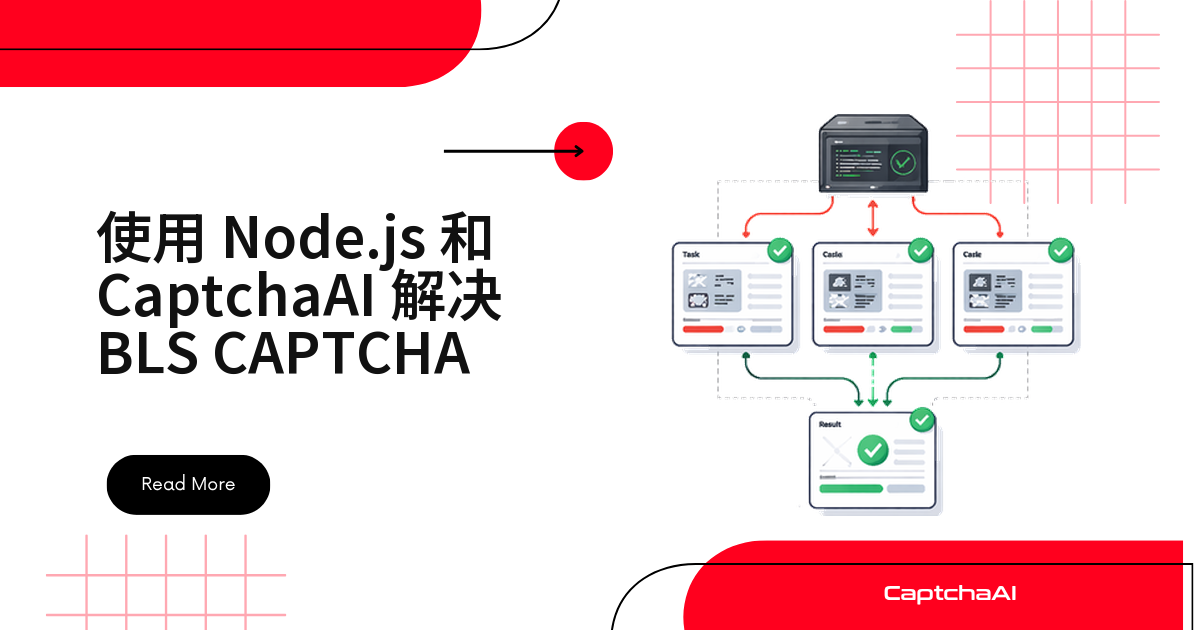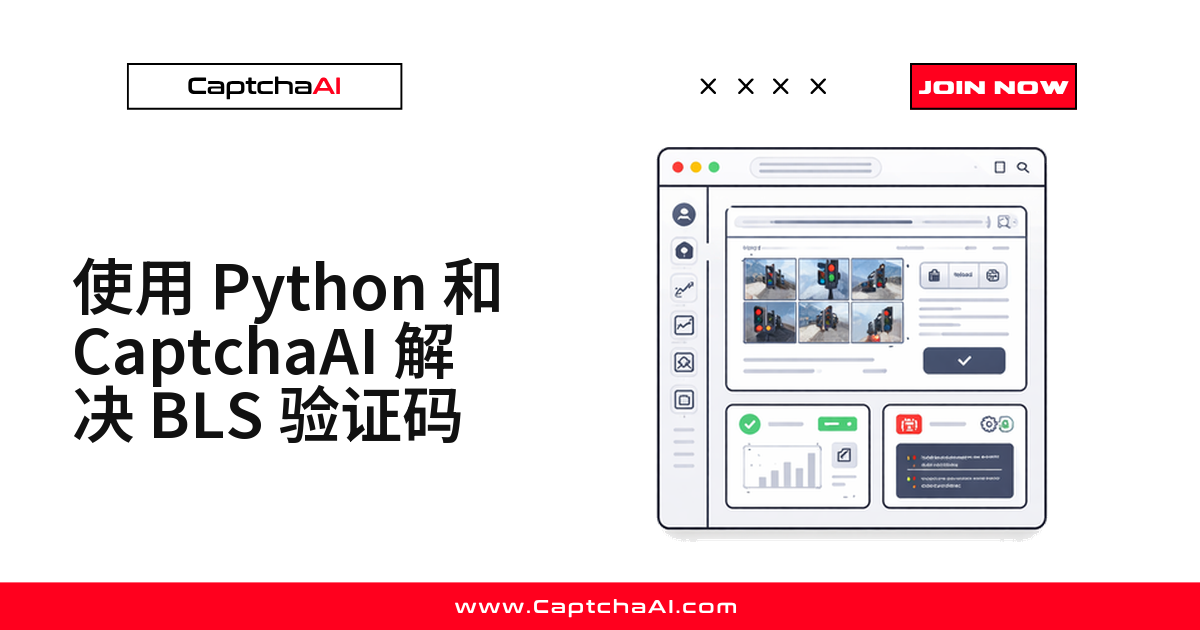
BLS 验证码不能整张截图丢给接口。把 3×3 里的 9 个格子分别转成 base64,连同页面上那串数字指令(例如 664)一起提交,接口返回该点哪几格,再用 Selenium 逐个点掉。官方给出的 BLS 识别耗时上限是 <1 秒,拖时间的通常是取图和轮询间隔。
动手前的准备
| 项目 | 说明 |
|---|---|
| API Key | 在 CaptchaAI 控制台 注册获取 |
| Python | 3.7+ |
| 依赖库 | requests、selenium、Pillow |
| 目标页面 | 你自有或已获授权的、带 BLS 验证码的页面 |
国内拉包慢可以加镜像参数,例如 -i https://pypi.tuna.tsinghua.edu.cn/simple;ChromeDriver 版本要与本机 Chrome 对齐。
BLS 验证码的判定规则
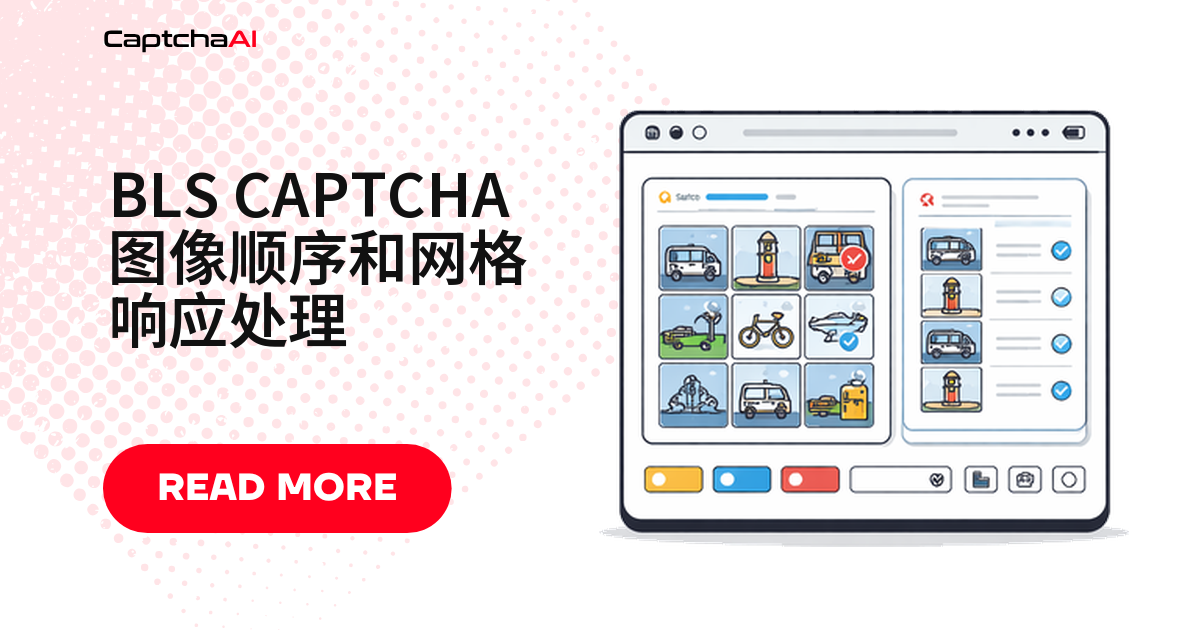
BLS 给出一个 3×3 网格,每格一张小图,另有一串数字指令(例如 664)指明该选哪几格。格子从左到右、从上到下编号:
1 | 2 | 3
---------
4 | 5 | 6
---------
7 | 8 | 9
接口返回的是 1–9 的格子编号,而 Selenium 元素列表从 0 开始,中间必须减一。指令码原样提交,不要自行改写。
第一步:取出 9 张格子图和指令码
读出指令文本,再把 9 个 img 元素逐个转成 base64 data URI。内联的 data: 和外链 URL 两种都要处理,JPG、PNG、GIF 均可。取图前加一次显式等待,别把占位图提交上去。
import base64
from selenium import webdriver
from selenium.webdriver.common.by import By

driver = webdriver.Chrome()
driver.get("https://example.com/bls-form")

# Get the instruction code
instruction = driver.find_element(By.CSS_SELECTOR, ".bls-instruction").text
# e.g., "664"

# Get all 9 grid cell images as base64
cells = driver.find_elements(By.CSS_SELECTOR, ".bls-grid img")
images = []
for cell in cells:
    src = cell.get_attribute("src")
    if src.startswith("data:"):
        images.append(src)
    else:
        img_data = requests.get(src).content
        b64 = base64.b64encode(img_data).decode()
        images.append(f"data:image/png;base64,{b64}")
第二步:把整组图片提交给 CaptchaAI
提交走 in.php,method 固定为 bls。9 张图分别放进 image_base64_1 到 image_base64_9,用 multipart 表单发送,instructions 填刚读到的数字串。加 json=1 拿结构化响应,成功时 request 就是任务 ID。九张必须一次传齐,少一张直接判参数错误。
import requests
import time
import json

API_KEY = "YOUR_API_KEY"

# Build the submission data
data = {
    "key": API_KEY,
    "method": "bls",
    "instructions": instruction,
    "json": 1,
}

# Add all 9 images
files = {}
for i, img in enumerate(images):
    files[f"image_base64_{i + 1}"] = (None, img)

response = requests.post("https://ocr.captchaai.com/in.php", data=data, files=files)
result = response.json()

if result["status"] != 1:
    raise Exception(f"Submit failed: {result['request']}")

task_id = result["request"]
print(f"Task submitted: {task_id}")
第三步:轮询 res.php 取回识别结果
先等 5 秒再轮询 res.php,之后每 5 秒一次,最多 30 次。CAPCHA_NOT_READY 表示还在处理,其他错误码要立刻抛出。完成后 request 是一个 JSON 数组,例如 [1, 4, 7, 8]。
time.sleep(5)

for _ in range(30):
    result = requests.get("https://ocr.captchaai.com/res.php", params={
        "key": API_KEY,
        "action": "get",
        "id": task_id,
        "json": 1,
    }).json()

    if result["status"] == 1:
        selected_cells = json.loads(result["request"])
        print(f"Selected cells: {selected_cells}")
        # e.g., [1, 4, 7, 8]
        break

    if result["request"] != "CAPCHA_NOT_READY":
        raise Exception(f"Error: {result['request']}")

    time.sleep(5)
第四步:按编号点击并提交表单
轮询期间页面若刷新过,cells 引用会失效,点击前重新定位一次更稳。
# Click the identified cells (0-indexed in Selenium)
for cell_number in selected_cells:
    idx = cell_number - 1  # Convert to 0-based index
    cells[idx].click()

# Submit the form
driver.find_element(By.CSS_SELECTOR, ".bls-submit").click()
print("BLS CAPTCHA solved and submitted")
完整脚本
四步拼起来就是下面这段,改掉 API Key 和三个选择器即可。
import requests
import time
import json
import base64
from selenium import webdriver
from selenium.webdriver.common.by import By

API_KEY = "YOUR_API_KEY"

# 1. Load the page
driver = webdriver.Chrome()
driver.get("https://example.com/bls-form")

# 2. Extract instruction and images
instruction = driver.find_element(By.CSS_SELECTOR, ".bls-instruction").text
cells = driver.find_elements(By.CSS_SELECTOR, ".bls-grid img")
images = []
for cell in cells:
    src = cell.get_attribute("src")
    if src.startswith("data:"):
        images.append(src)
    else:
        img_data = requests.get(src).content
        b64 = base64.b64encode(img_data).decode()
        images.append(f"data:image/png;base64,{b64}")

# 3. Submit to CaptchaAI
data = {"key": API_KEY, "method": "bls", "instructions": instruction, "json": 1}
files = {f"image_base64_{i+1}": (None, img) for i, img in enumerate(images)}
submit = requests.post("https://ocr.captchaai.com/in.php", data=data, files=files).json()
task_id = submit["request"]

# 4. Poll for result
time.sleep(5)
for _ in range(30):
    poll = requests.get("https://ocr.captchaai.com/res.php", params={
        "key": API_KEY, "action": "get", "id": task_id, "json": 1
    }).json()
    if poll["status"] == 1:
        selected = json.loads(poll["request"])
        break
    if poll["request"] != "CAPCHA_NOT_READY":
        raise Exception(poll["request"])
    time.sleep(5)

# 5. Click and submit
for cell_num in selected:
    cells[cell_num - 1].click()
driver.find_element(By.CSS_SELECTOR, ".bls-submit").click()
print(f"Solved: clicked cells {selected}")
driver.quit()
预期输出:
Solved: clicked cells [1, 4, 7, 8]
常见错误码与处理
| 错误 | 原因 | 处理方式 |
|---|---|---|
ERROR_BAD_PARAMETERS |
图片缺失或指令无效 | 9 张图片和 instructions 都要带上 |
CAPCHA_NOT_READY |
任务仍在处理 | 保持每 5 秒轮询一次 |
ERROR_ZERO_BALANCE |
账户余额不足 | 到控制台充值 |
BLS 识别要买哪一档套餐
CaptchaAI 按并发线程计费,套餐内识别次数不限。看的是同一时刻在途的任务数,不是一天跑多少次。
- BASIC($15/月,5 线程):同步脚本单进程只占 1 个线程。
- STANDARD($30/月,15 线程):多进程并行跑一批页面。
- ADVANCE($90/月,50 线程):并发几十路的常驻任务。
BLS 耗时上限只有 <1 秒,线程周转快,同样线程数下的吞吐远高于 <60 秒的 reCAPTCHA v2。
国内为什么不好找 BLS 样本
国内站点主流是 GeeTest(极验)、网易易盾、腾讯防水墙这类滑块与点选,BLS 多见于面向国际业务的系统,本地不好找样本。先在自己的 staging 页面搭个 3×3 网格,把选择器和点击逻辑跑通,再接真实页面更省事。
只在你自有或已获授权的系统上跑这类自动化,并遵守 robots 协议与 PIPL 的相关要求。
常见问题
BLS 用哪个 method?和图片验证码一样吗?
不一样。BLS 走 method=bls,普通图片验证码和九宫格走 post。写错了会直接报参数错误。
指令码取不到,可以不传 instructions 吗?
不能,指令是判定该选哪几格的唯一依据。先看它是文本节点还是图片;是图片就先 OCR 识别再填进 instructions。
一个 BASIC 套餐能同时跑几个 BLS 任务?
5 个。BASIC($15/月,5 线程)指 5 个并发在途任务,次数不限。同步脚本单进程只占 1 路,想跑满得开多进程。
hCaptcha 和 GeeTest v4 能用 CaptchaAI 识别吗?
都不支持,GeeTest v4 官方标注为即将支持。可用的是 reCAPTCHA 全系、Cloudflare Turnstile 与 Challenge、GeeTest v3,以及图片、九宫格和 BLS。
相关指南
注册 CaptchaAI,跑通第一个 BLS 九宫格任务 →