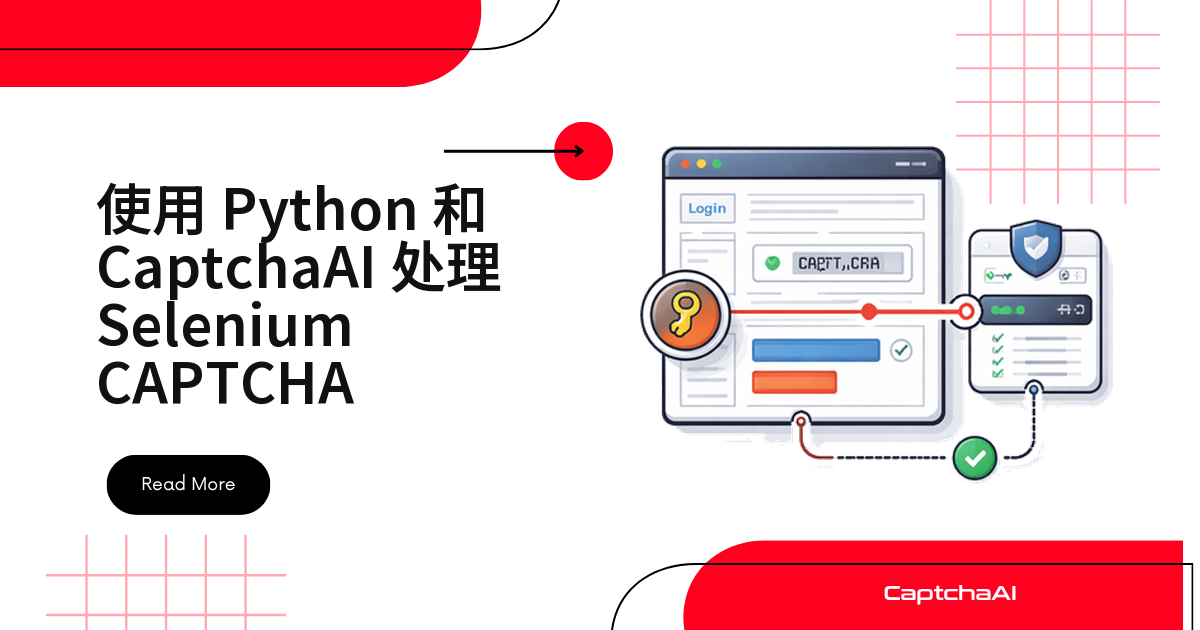
批量脚本最常见的一幕:Chrome 停在登录页,日志最后一行是 TimeoutException。别让 Selenium 去点复选框——把验证码这一步挪出浏览器,交给 CaptchaAI 在服务端识别,脚本只读参数、写回 token。下面用 Python 跑通整条链路,代码适用于你自有或已授权的测试环境。
为什么 Selenium 不该自己去点验证码
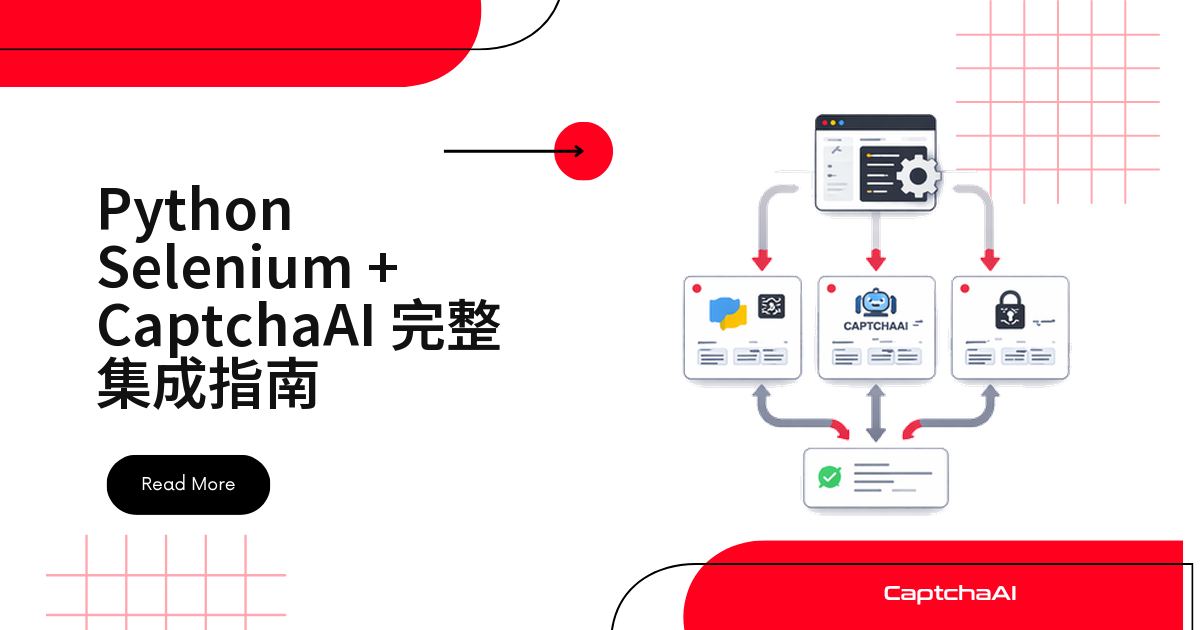
服务端校验的不是“你点没点”,而是表单里那段 token 是否合法、有没有过期。这套流程因此在 headless 模式和 Docker 容器里同样跑得通。链路只有四步:
- Selenium 打开页面,等组件渲染
- 从 DOM 读出 sitekey
- sitekey 与页面 URL 交给 CaptchaAI 服务端识别
- token 写进表单字段并提交
环境准备:Python、Chrome 与 API Key
| 依赖 | 说明 |
|---|---|
| Python 3.7+ | 已装好 pip |
| Selenium + requests | pip install selenium requests |
| Chrome + ChromeDriver | 版本必须匹配 |
| CaptchaAI API Key | 在控制台注册获取 |
装依赖慢就加镜像源:pip install -i https://pypi.tuna.tsinghua.edu.cn/simple selenium。
第 1 步:启动 Chrome 与 WebDriver
一份标准启动配置就够用:
from selenium import webdriver
from selenium.webdriver.chrome.options import Options
from selenium.webdriver.common.by import By
from selenium.webdriver.support.ui import WebDriverWait
from selenium.webdriver.support import expected_conditions as EC

options = Options()
options.add_argument("--no-sandbox")
options.add_argument("user-agent=Mozilla/5.0 (Windows NT 10.0; Win64; x64) AppleWebKit/537.36")

driver = webdriver.Chrome(options=options)
--no-sandbox 让 Chrome 在 Docker、CI 容器里能正常启动;写死 user-agent,本地和线上结果才一致。想去掉自动化提示栏,再补两行:
options.add_experimental_option("excludeSwitches", ["enable-automation"])
options.add_experimental_option("useAutomationExtension", False)
第 2 步:把识别封装成独立函数
识别与 Selenium 解耦:提交任务到 in.php,每 5 秒轮询一次 res.php,直到拿到 token 或超时。这段函数放进 Playwright、Scrapy 也能复用。
import requests
import time

API_KEY = "YOUR_API_KEY"

def solve_recaptcha_v2(site_key, page_url):
    """Solve reCAPTCHA v2 using CaptchaAI API."""
    resp = requests.get("https://ocr.captchaai.com/in.php", params={
        "key": API_KEY,
        "method": "userrecaptcha",
        "googlekey": site_key,
        "pageurl": page_url
    })
    if not resp.text.startswith("OK|"):
        raise Exception(f"Submit failed: {resp.text}")

    task_id = resp.text.split("|")[1]

    for _ in range(60):
        time.sleep(5)
        result = requests.get("https://ocr.captchaai.com/res.php", params={
            "key": API_KEY,
            "action": "get",
            "id": task_id
        })
        if result.text == "CAPCHA_NOT_READY":
            continue
        if result.text.startswith("OK|"):
            return result.text.split("|")[1]
        raise Exception(f"Solve failed: {result.text}")

    raise TimeoutError("CAPTCHA solve timed out")
轮询别快过 5 秒,太密只会换回 CAPCHA_NOT_READY。reCAPTCHA v2 识别耗时上限 < 60 秒,Turnstile < 10 秒,60 次循环足够。
第 3 步:从 DOM 里读出 sitekey
data-sitekey 是写在 HTML 里的公开参数,等 g-recaptcha 出现后读它:
# Navigate to the target page
driver.get("https://staging.example.com/qa-login")

# Wait for the reCAPTCHA to load
wait = WebDriverWait(driver, 10)
recaptcha = wait.until(
    EC.presence_of_element_located((By.CLASS_NAME, "g-recaptcha"))
)

# Extract the site key
site_key = recaptcha.get_attribute("data-sitekey")
page_url = driver.current_url

print(f"Site key: {site_key}")
print(f"Page URL: {page_url}")

# Solve the CAPTCHA
token = solve_recaptcha_v2(site_key, page_url)
print(f"Token received: {token[:50]}...")
读不到多半是组件由 JavaScript 动态插入:拉长等待,或改等 iframe[src*='recaptcha']。
第 4 步:写回 token 并提交表单
识别结果填进 g-recaptcha-response。有些表单注册了回调,只写字段不解禁提交按钮,还要再触发一次:
# Inject the token into the reCAPTCHA response field
driver.execute_script(f"""
    document.getElementById('g-recaptcha-response').innerHTML = '{token}';
    document.getElementById('g-recaptcha-response').style.display = '';
""")

# If the form uses a callback function, trigger it
driver.execute_script(f"""
    if (typeof ___grecaptcha_cfg !== 'undefined') {{
        Object.keys(___grecaptcha_cfg.clients).forEach(function(key) {{
            var client = ___grecaptcha_cfg.clients[key];
            if (client.callback) client.callback('{token}');
        }});
    }}
""")

# Submit the form
driver.find_element(By.CSS_SELECTOR, "form").submit()

# Wait for navigation
wait.until(EC.url_changes(page_url))
print(f"Success! Now on: {driver.current_url}")
token 有时效,拿到后 120 秒内提交完。表单走 AJAX 回调而非原生 submit 时,参见 reCAPTCHA v2 回调的触发方法。
完整脚本:跑通一次带验证码的提交
注意 finally 里的 driver.quit()——批量任务忘了关浏览器,内存很快吃满:
from selenium import webdriver
from selenium.webdriver.chrome.options import Options
from selenium.webdriver.common.by import By
from selenium.webdriver.support.ui import WebDriverWait
from selenium.webdriver.support import expected_conditions as EC
import requests
import time

API_KEY = "YOUR_API_KEY"

def solve_recaptcha_v2(site_key, page_url):
    resp = requests.get("https://ocr.captchaai.com/in.php", params={
        "key": API_KEY,
        "method": "userrecaptcha",
        "googlekey": site_key,
        "pageurl": page_url
    })
    if not resp.text.startswith("OK|"):
        raise Exception(f"Submit failed: {resp.text}")
    task_id = resp.text.split("|")[1]

    for _ in range(60):
        time.sleep(5)
        result = requests.get("https://ocr.captchaai.com/res.php", params={
            "key": API_KEY, "action": "get", "id": task_id
        })
        if result.text == "CAPCHA_NOT_READY":
            continue
        if result.text.startswith("OK|"):
            return result.text.split("|")[1]
        raise Exception(f"Solve failed: {result.text}")
    raise TimeoutError("Timed out")

def main():
    options = Options()
    options.add_argument("--no-sandbox")
    driver = webdriver.Chrome(options=options)

    try:
        driver.get("https://staging.example.com/qa-login")
        wait = WebDriverWait(driver, 10)

        # Extract site key
        recaptcha = wait.until(
            EC.presence_of_element_located((By.CLASS_NAME, "g-recaptcha"))
        )
        site_key = recaptcha.get_attribute("data-sitekey")

        # Solve
        token = solve_recaptcha_v2(site_key, driver.current_url)

        # Inject and submit
        driver.execute_script(
            f"document.getElementById('g-recaptcha-response').innerHTML = '{token}';"
        )
        driver.find_element(By.CSS_SELECTOR, "form").submit()

        wait.until(EC.url_changes(driver.current_url))
        print("Login successful!")

    finally:
        driver.quit()

if __name__ == "__main__":
    main()
换一种验证码类型,只改提交参数
轮询逻辑一行都不用动。
reCAPTCHA v3
没有可见组件,多了 version 和 action;action 要与页面 grecaptcha.execute() 传的值一致。
def solve_recaptcha_v3(site_key, page_url, action="verify"):
    resp = requests.get("https://ocr.captchaai.com/in.php", params={
        "key": API_KEY,
        "method": "userrecaptcha",
        "googlekey": site_key,
        "pageurl": page_url,
        "version": "v3",
        "action": action
    })
    task_id = resp.text.split("|")[1]
    # ... same polling logic
Cloudflare Turnstile
方法名换成 turnstile,参数叫 sitekey 而不是 googlekey。
def solve_turnstile(site_key, page_url):
    resp = requests.get("https://ocr.captchaai.com/in.php", params={
        "key": API_KEY,
        "method": "turnstile",
        "sitekey": site_key,
        "pageurl": page_url
    })
    task_id = resp.text.split("|")[1]
    # ... same polling logic
国内站点多用 GeeTest(极验)、网易易盾、腾讯防水墙,reCAPTCHA 与 Turnstile 多见于境外站点。CaptchaAI 支持 GeeTest v3;GeeTest v4 尚不可用,官方状态是即将支持;hCaptcha 与 FunCaptcha 不支持;CaptchaFox、Friendly Captcha、Lemin 为测试版。
让 Selenium 脚本长期跑得稳
- 临近提交再识别:提前攒下的 token,用到时多半已过期。
- 先看错误码再重试:
in.php返回非OK|,多是余额不足或参数写错,重试请用指数退避。 - 并发对齐线程数:CaptchaAI 按并发线程计费,套餐内识别次数不限。BASIC($15/月,5 线程)够单机调试,几十个实例同时跑要看 ADVANCE($90/月,50 线程)。
- 守住合规底线:只采集你有权采集的数据,国内还要看《网络安全法》《数据安全法》与 robots 协议。
报错对照表
| 现象 | 原因 | 处理方式 |
|---|---|---|
| token 被拒 | 提交前已过期 | 识别后 120 秒内提交 |
| ChromeDriver 起不来 | Chrome 更新过 | 换匹配版本的驱动 |
| token 对但表单没过 | 不止验证码一道校验 | 打印响应,核对会话与请求头 |
常见问题
sitekey 一直读不到怎么办?
先看元素是不是在 iframe 里,再看它是不是滚动后才插入。改等 iframe[src*='recaptcha'] 通常能拿到,实在不行用正则从源码里匹配 data-sitekey。
境内网络调试 reCAPTCHA 页面总超时?
reCAPTCHA 依赖 Google 托管的脚本,境内网络不一定能稳定加载;组件渲染不出来,WebDriverWait 自然超时。先手动打开页面确认组件能出现,再判断问题出在脚本还是接口。
同一个 token 能重复提交吗?
不能,每个 token 只对一次提交有效,用过或过期都要重新提交任务。