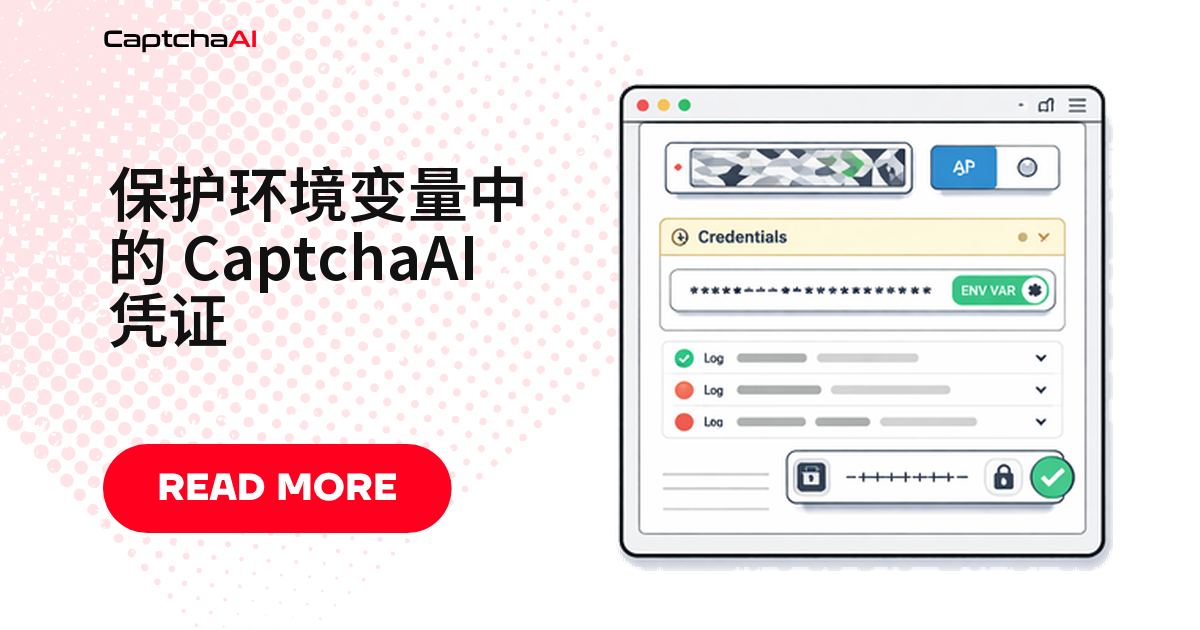
答案很短:CaptchaAI 的 API Key 一律放进环境变量,代码里只留 os.environ["CAPTCHAAI_API_KEY"] 这样的读取语句。下面按“本地开发 → 系统变量 → 容器 → CI/CD → 启动校验”给出每一层的配置。
踩坑的通常不是安全意识,而是协作流程。有人调试时把 Key 写进 config.py,第二天它就同时躺在提交历史、CI 日志和镜像层里。删文件抹不掉这些副本,只能重置 Key。环境变量的价值就在于:密钥的生命周期和代码仓库解耦。
本地开发:.env 文件配合 .gitignore
在项目根目录创建 .env:
CAPTCHAAI_API_KEY=your_actual_api_key_here
先写 .gitignore,再写 Key——顺序反了,历史里就多了一次带密钥的提交。
.gitignore 里必须有的几行
# .gitignore
.env
.env.local
.env.production
Python:用 python-dotenv 读取
pip install python-dotenv
国内装依赖慢就加镜像源:pip install -i https://pypi.tuna.tsinghua.edu.cn/simple python-dotenv。
import os
from dotenv import load_dotenv

load_dotenv()

API_KEY = os.environ["CAPTCHAAI_API_KEY"]

# Use in API calls
import requests
resp = requests.post("https://ocr.captchaai.com/in.php", data={
    "key": API_KEY,
    "method": "userrecaptcha",
    "googlekey": "6Le-SITEKEY",
    "pageurl": "https://example.com",
    "json": "1",
})
print(resp.json())
这里用 os.environ[...] 而非 .get():缺 Key 时立刻抛错,好过带着 None 跑到 in.php。
Node.js:用 dotenv 读取
npm install dotenv
require('dotenv').config();

const API_KEY = process.env.CAPTCHAAI_API_KEY;

if (!API_KEY) {
  console.error('CAPTCHAAI_API_KEY not set');
  process.exit(1);
}

// Use in API calls
const axios = require('axios');
const resp = await axios.post('https://ocr.captchaai.com/in.php', null, {
  params: {
    key: API_KEY,
    method: 'userrecaptcha',
    googlekey: '6Le-SITEKEY',
    pageurl: 'https://example.com',
    json: 1,
  },
});
console.log(resp.data);
Node.js 缺 Key 时不会自动报错,显式判空并 process.exit(1),让问题在启动阶段暴露。
系统级环境变量:不依赖 .env 文件
- 常驻服务器的任务:直接设系统变量,不必逐台分发
.env。 - cron 与 systemd:不依赖工作目录,重启后照样读得到。
Linux / macOS
export CAPTCHAAI_API_KEY="your_actual_api_key_here"

# Persist across sessions — add to ~/.bashrc or ~/.zshrc
echo 'export CAPTCHAAI_API_KEY="your_actual_api_key_here"' >> ~/.bashrc
Windows(PowerShell)
$env:CAPTCHAAI_API_KEY = "your_actual_api_key_here"

# Persist permanently
[System.Environment]::SetEnvironmentVariable("CAPTCHAAI_API_KEY", "your_actual_api_key_here", "User")
$env: 只对当前会话有效,SetEnvironmentVariable 才持久化,两种写法都写进 README。
容器化部署:Docker 与 Docker Compose
docker run 直接注入
docker run -e CAPTCHAAI_API_KEY="your_key" my-scraper
Docker Compose 引用宿主机变量
# docker-compose.yml
services:
  scraper:
    image: my-scraper
    environment:

      - CAPTCHAAI_API_KEY=${CAPTCHAAI_API_KEY}
${CAPTCHAAI_API_KEY} 引用宿主机变量,密钥不进 compose 文件,这份文件可以放心提交。
Docker Swarm secrets:不走环境变量
环境变量的弱点是 docker inspect 也读得到。Swarm 下改用 secrets,密钥以文件挂载:
echo "your_actual_api_key_here" | docker secret create captchaai_key -
# docker-compose.yml (Swarm mode)
services:
  scraper:
    image: my-scraper
    secrets:

      - captchaai_key
secrets:
  captchaai_key:
    external: true
代码里按普通文件读取:
with open("/run/secrets/captchaai_key") as f:
    API_KEY = f.read().strip()
CI/CD 流水线里的密钥
GitHub Actions
# .github/workflows/scrape.yml
jobs:
  scrape:
    runs-on: ubuntu-latest
    steps:

      - uses: actions/checkout@v4
      - run: python scraper.py
        env:
          CAPTCHAAI_API_KEY: ${{ secrets.CAPTCHAAI_API_KEY }}
在 Settings → Secrets and variables → Actions 添加;Actions 会掩码日志里的 secret。
GitLab CI(含自建实例)
# .gitlab-ci.yml
scrape:
  script:

    - python scraper.py
  variables:
    CAPTCHAAI_API_KEY: $CAPTCHAAI_API_KEY
- 在 Settings → CI/CD → Variables 添加变量。
- 勾选 Masked(日志掩码)和 Protected(只对受保护分支下发)。
- 自建 GitLab 上这两个开关默认关闭,漏勾就是密钥明文进 job 日志。
四个高频翻车点
| 错误做法 | 风险 | 处理方式 |
|---|---|---|
把 .env 提交进 Git |
密钥永久留在仓库历史 | 首次提交前写进 .gitignore |
| 日志里打印完整 API Key | 密钥进入日志采集系统 | 只打印前 4 位,其余掩码 |
Dockerfile 里用 ENV 写死 Key |
密钥固化进镜像层 | 运行时注入,不写进构建阶段 |
| 用微信、邮件传 Key | 传输和留存不可控 | 用密钥管理服务或内部安全通道 |
启动时先校验 Key,再跑任务
跑了二十分钟才发现 Key 拼错或余额不足,最亏。启动时先确认一次:
import os
import sys
import requests

API_KEY = os.environ.get("CAPTCHAAI_API_KEY")
if not API_KEY:
    print("ERROR: CAPTCHAAI_API_KEY environment variable not set")
    sys.exit(1)

# Verify key works
resp = requests.get("https://ocr.captchaai.com/res.php", params={
    "key": API_KEY, "action": "getbalance", "json": "1"
}).json()

if resp["status"] != 1:
    print(f"ERROR: Invalid API key — {resp['request']}")
    sys.exit(1)

print(f"API key valid — balance: ${float(resp['request']):.2f}")
- 一次请求确认两件事:变量存在,且 Key 在 CaptchaAI 侧有效。
- 返回的余额顺手当监控指标,低于阈值即告警。
一个更贴近国内团队的场景
做跨境电商数据的团队,采集的海外站点多是 reCAPTCHA v2 和 Cloudflare Turnstile,内部跑自建 GitLab。合理的分层是:
- 本地:每人一把测试 Key,放自己的
.env。 - 测试:Key 存 GitLab Group 级变量,勾 Masked,只对受保护分支开放。
- 生产:容器从 Swarm secrets 或云端密钥管理服务读取,运维之外拿不到明文。
三套环境三把 Key,泄露一把只需重置一把。并发由套餐线程数决定,和 Key 数量无关——BASIC 每月 $15、5 个线程。采集数据时《网络安全法》《数据安全法》和 robots 协议同样适用:只采集你有权采集的数据。
常见问题
一个 .env 文件里可以放多个 API Key 吗?
可以,用逗号分隔即可:
CAPTCHAAI_KEYS=key1,key2,key3
keys = os.environ["CAPTCHAAI_KEYS"].split(",")
多把 Key 解决的是隔离和用量归属,不是并发。
环境变量里的 Key 会不会出现在报错堆栈里?
会。不少框架在未捕获异常时打印完整环境快照。把 CAPTCHAAI_API_KEY 加进敏感字段屏蔽列表,写日志时只输出前 4 位。
镜像里已经用 ENV 写死了 Key,重新构建一次就安全了吗?
不够。旧镜像层还在私有仓库和本地缓存里,docker history 就能看到。正确顺序:先在 CaptchaAI 控制台重置 Key,再改 Dockerfile 重建,最后清理历史镜像标签。
现在就把 Key 从代码里搬出去
在 captchaai.com 注册拿到 API Key,第一步就写进环境变量。