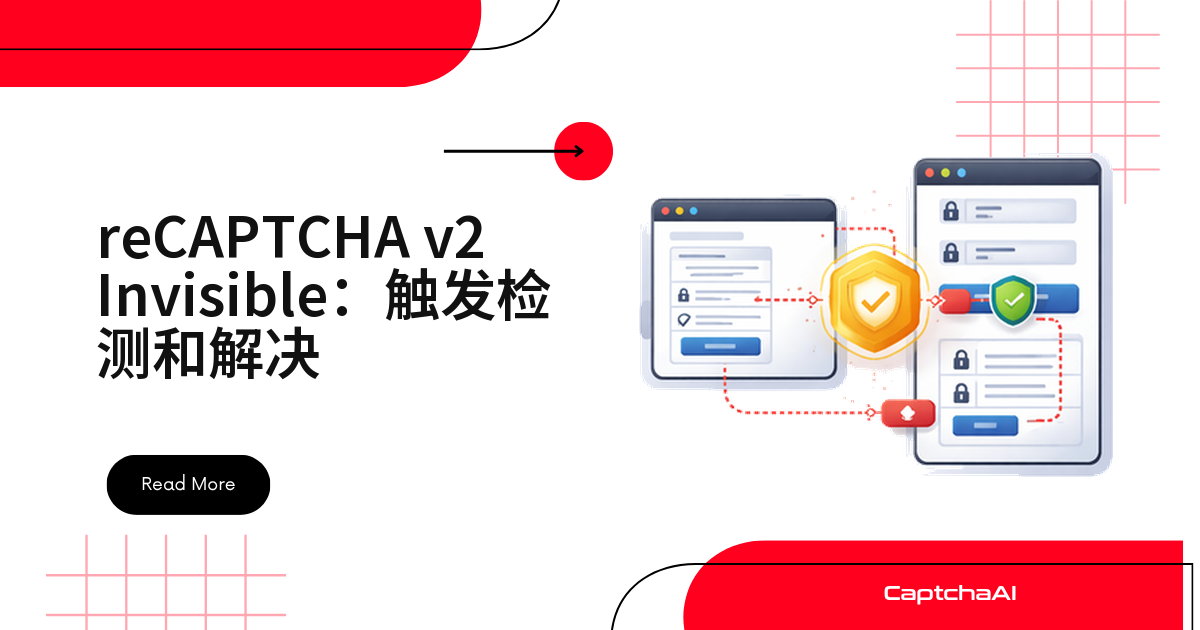
reCAPTCHA v2 Invisible 不渲染控件,只在按钮被点击、或代码执行到 grecaptcha.execute() 时才触发。典型表现:接口返回 200,后端却提示校验没过,页面上找不到复选框。
要找的不是元素,而是调用。整条链路三步:判定类型、提交时带 invisible=1、触发页面回调。
四种方法判断是不是 Invisible reCAPTCHA
控制台里从声明式控件查到程序化调用,命中一条即停。
方法一:读 data-size 属性
// Browser console
const widgets = document.querySelectorAll('.g-recaptcha');
widgets.forEach((el, i) => {
  const size = el.getAttribute('data-size');
  const sitekey = el.getAttribute('data-sitekey');
  console.log(`Widget ${i}: size=${size}, sitekey=${sitekey}`);
  if (size === 'invisible') {
    console.log('  → This is Invisible reCAPTCHA');
  }
});
声明式渲染的站点把类型写在属性里,data-size="invisible" 即可确认。
方法二:查 grecaptcha-badge 徽章
const badge = document.querySelector('.grecaptcha-badge');
if (badge) {
  console.log('reCAPTCHA badge found — likely Invisible reCAPTCHA');
  console.log('Badge visibility:', getComputedStyle(badge).visibility);
}
徽章常被 CSS 隐藏,但元素还在 DOM 里,查得到就基本是 Invisible 版。
方法三:在内联脚本里搜 grecaptcha.execute
// Look for grecaptcha.execute in page scripts
document.querySelectorAll('script:not([src])').forEach(s => {
  if (s.textContent.includes('grecaptcha.execute')) {
    console.log('Found grecaptcha.execute — Invisible reCAPTCHA');
    const match = s.textContent.match(/grecaptcha\.execute\s*\(\s*['"]?([^'",\s)]+)/);
    if (match) console.log('Sitekey:', match[1]);
  }
});
前两步落空说明是程序化渲染,这一步顺带抓出 sitekey。
方法四:看脚本的 render 参数
document.querySelectorAll('script[src*="recaptcha"]').forEach(s => {
  if (s.src.includes('render=') && !s.src.includes('render=explicit')) {
    console.log('Invisible/v3 reCAPTCHA detected in script:', s.src);
  }
});
注意区分:不带
action的是 v2 Invisible,带{action: 'submit'}的是 v3,认错 token 会被拒收。
Invisible 与标准 v2 差在哪
| 对比项 | reCAPTCHA v2 标准版 | reCAPTCHA v2 Invisible |
|---|---|---|
| 可见控件 | 有(复选框) | 无(仅徽章) |
data-size |
normal 或 compact |
invisible |
| DOM 结构 | .g-recaptcha div |
div 或程序化调用 |
检测思路要从“找元素”换成“找调用”。
用 CaptchaAI 识别 Invisible reCAPTCHA:invisible=1 是关键
方法名仍是 userrecaptcha,只多一个 invisible=1。必填三项:googlekey、pageurl、invisible。
Python 示例
import requests
import time

API_KEY = "YOUR_API_KEY"

# Submit with invisible flag
resp = requests.post("https://ocr.captchaai.com/in.php", data={
    "key": API_KEY,
    "method": "userrecaptcha",
    "googlekey": "6Le-SITEKEY",
    "pageurl": "https://staging.example.com/qa-login",
    "invisible": "1",  # critical for Invisible reCAPTCHA
    "json": "1",
}).json()

if resp["status"] != 1:
    raise Exception(f"Submit error: {resp['request']}")

task_id = resp["request"]
print(f"Submitted: {task_id}")

# Poll for result
for _ in range(24):
    time.sleep(5)
    result = requests.get("https://ocr.captchaai.com/res.php", params={
        "key": API_KEY, "action": "get", "id": task_id, "json": "1"
    }).json()

    if result["status"] == 1:
        print(f"Token: {result['request'][:50]}...")
        break
    if result["request"] != "CAPCHA_NOT_READY":
        raise Exception(f"Error: {result['request']}")
每 5 秒轮询一次 res.php,最多 24 次;CAPCHA_NOT_READY 继续等,其他错误码直接抛出。
Node.js 示例
const axios = require('axios');

const resp = await axios.post('https://ocr.captchaai.com/in.php', null, {
  params: {
    key: 'YOUR_API_KEY',
    method: 'userrecaptcha',
    googlekey: '6Le-SITEKEY',
    pageurl: 'https://staging.example.com/qa-login',
    invisible: 1,
    json: 1,
  }
});
const taskId = resp.data.request;
console.log(`Submitted: ${taskId}`);
CaptchaAI 按线程计费:BASIC $15/月、5 线程,STANDARD $30/月、15 线程,套餐内次数不限,要估的是并发。
拿到 token 后必须触发回调
只写 g-recaptcha-response 不够,页面等的是 data-callback 被调用:
from selenium import webdriver
from selenium.webdriver.common.by import By

driver = webdriver.Chrome()
driver.get("https://staging.example.com/qa-login")

# After solving, inject and trigger
driver.execute_script("""
    // Set the token
    document.querySelector('textarea[name="g-recaptcha-response"]').value = arguments[0];

    // Find and trigger the callback
    var widget = document.querySelector('.g-recaptcha');
    var callbackName = widget ? widget.getAttribute('data-callback') : null;

    if (callbackName && typeof window[callbackName] === 'function') {
        window[callbackName](arguments[0]);
    }
""", token)

# Submit the form
driver.find_element(By.CSS_SELECTOR, "form#login").submit()
顺序固定,缺一步就过不了:
- 写入
g-recaptcha-response; - 调用
data-callback; - 提交表单。
回调没反应?先找触发元素
一种绑在按钮上:
<button class="g-recaptcha"
        data-sitekey="6Le-SITEKEY"
        data-callback="onSubmit"
        data-size="invisible">
  Submit
</button>
另一种写在点击事件里:
// Site's code
document.getElementById('submit-btn').addEventListener('click', function() {
  grecaptcha.execute();
});
两种一起扫一遍:
// Find elements with g-recaptcha class that are buttons
document.querySelectorAll('button.g-recaptcha, input.g-recaptcha').forEach(el => {
  console.log('Trigger element:', el.tagName, el.textContent.trim());
  console.log('  data-sitekey:', el.getAttribute('data-sitekey'));
  console.log('  data-callback:', el.getAttribute('data-callback'));
});
仍找不到,就去 Network 面板抓初始化请求。
国内联调要注意什么
reCAPTCHA 依赖 Google 托管脚本,内地网络下不一定加载得上,grecaptcha 未定义、回调不触发的表现和识别失败很像,先确认脚本再怀疑 token。国内站点主流是 GeeTest(极验)、网易易盾,reCAPTCHA 多见于出海业务;调试请在自有或已授权的站点上做。
排查清单
| 现象 | 原因 | 处理方式 |
|---|---|---|
| token 被拒收 | 漏了 invisible=1 |
补上 invisible: "1" |
| 找不到 sitekey | 无 .g-recaptcha div |
改查 grecaptcha.execute() |
| 提交后校验失败 | 回调未触发 | 取 data-callback 手动调用 |
常见问题
徽章被 CSS 隐藏了还能判断吗?
能。CSS 只影响显示,.grecaptcha-badge 仍在 DOM 中;连徽章都没有就用方法三。
token 提交了页面为什么没反应?
多半是回调没调用。校验逻辑写在 data-callback 里,只改文本域不算数。
CaptchaAI 支持极验和 hCaptcha 吗?
GeeTest(极验)v3 支持,v4 官方口径是即将支持;CaptchaFox、Friendly Captcha、Lemin 为测试版;hCaptcha 与 FunCaptcha 不支持。
用 CaptchaAI 跑通 Invisible 流程
前往 CaptchaAI 官网领取 API Key,把上面的片段接到自有 staging 表单跑通。