翻一遍后端日志:同一个任务的 res.php 被请求四五次,只有最后一次带回 token——轮询就是在猜结果什么时候到。
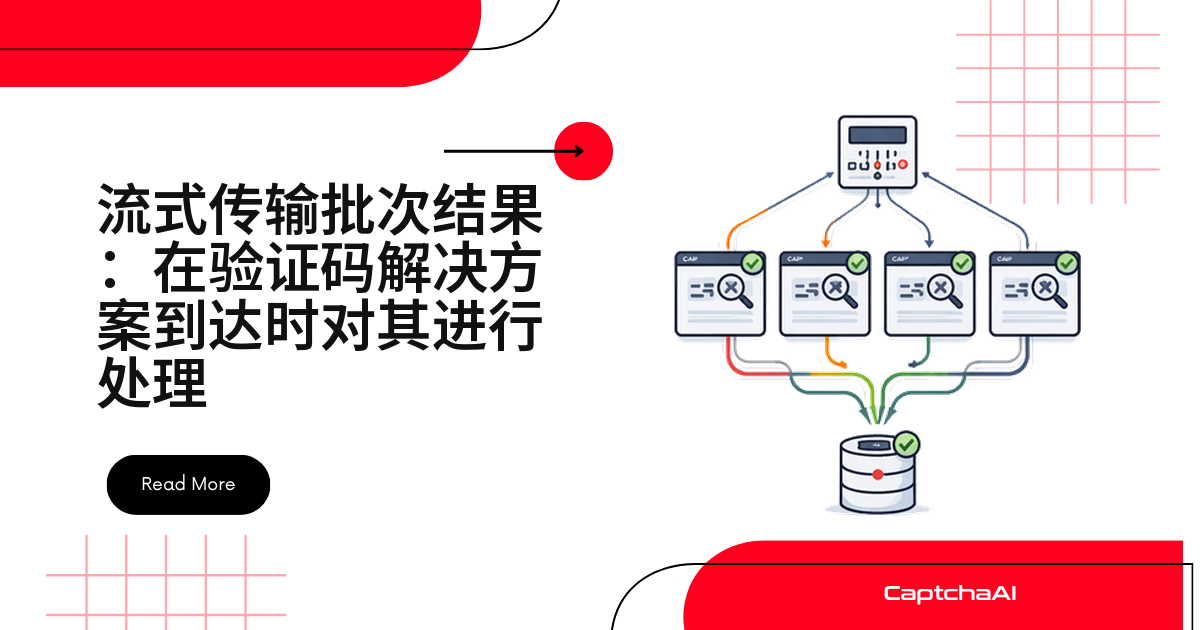
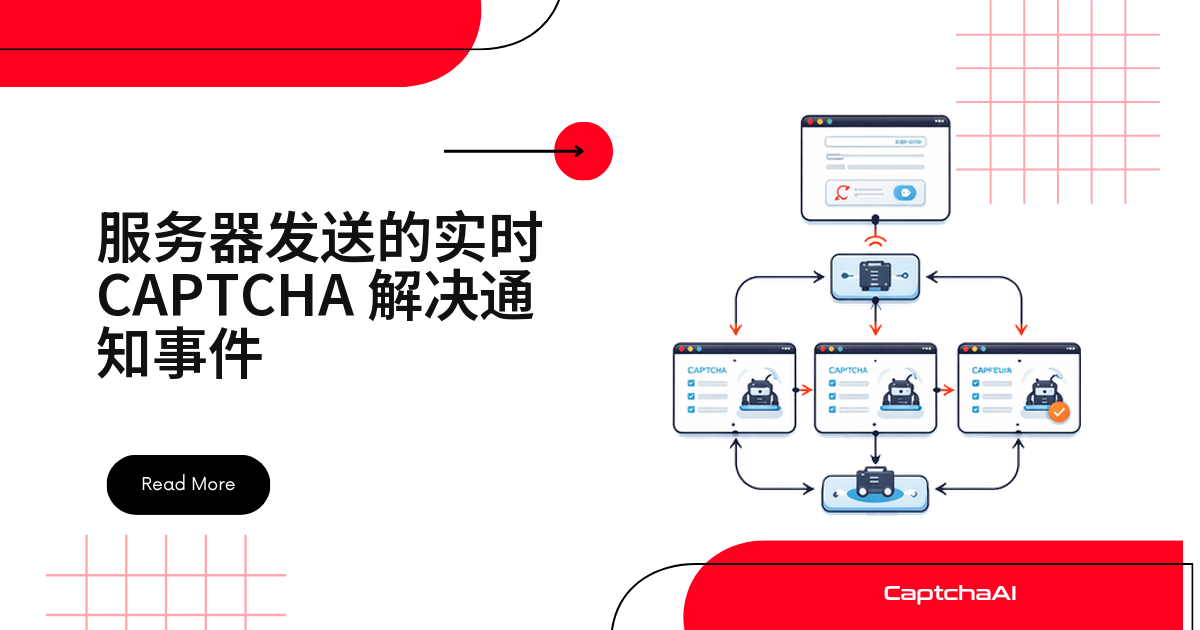
换个方向:提交时带上 pingback,CaptchaAI 识别完成后回调你的服务端,再经一条常驻 SSE(Server-Sent Events)连接把 token 推给页面。
先选型:SSE、WebSocket 还是继续轮询
| 对比项 | SSE | WebSocket | 轮询 |
|---|---|---|---|
| 数据方向 | 服务端 → 客户端 | 双向 | 客户端 → 服务端 |
| 自动重连 | 协议内置 | 需自己实现 | 不适用 |
| 无效请求 | 无 | 无 | 多 |
| 适合推验证码结果 | 适合 | 偏重 | 能用但浪费 |
识别结果是单向数据:服务端有话说,客户端只负责听,用 WebSocket 等于给单行道修双向高架。
识别结果怎么从 CaptchaAI 流到浏览器
[Client] ← SSE stream ← [Your Server] ← Callback ← [CaptchaAI]
   ↓                          ↑
   Submit task → [CaptchaAI] ──┘ (pingback URL points to your server)
- 客户端连上 SSE 接口,这条 HTTP 连接一直保持
- 客户端调
/submit,服务端提交任务,pingback填你的回调地址 - CaptchaAI 识别完成,用 GET 把结果发到回调接口
- 回调处理函数把结果塞进队列,SSE 生成器立刻 yield
客户端全程不接触 CaptchaAI,API Key 只留在服务端。
Flask 实现:接住回调,推给页面
依赖是 flask 和 requests,国内网络记得给 pip 加镜像源。
import os
import queue
import threading
import requests
from flask import Flask, Response, request, jsonify

app = Flask(__name__)

API_KEY = os.environ["CAPTCHAAI_API_KEY"]

# Per-client event queues: client_id -> Queue
client_queues = {}
queues_lock = threading.Lock()


@app.route("/events/<client_id>")
def sse_stream(client_id):
    """SSE endpoint — clients connect here for real-time results."""
    q = queue.Queue()

    with queues_lock:
        client_queues[client_id] = q

    def generate():
        try:
            while True:
                # Block until a result arrives (timeout for keepalive)
                try:
                    data = q.get(timeout=30)
                    yield f"event: captcha-solved\ndata: {data}\n\n"
                except queue.Empty:
                    # Send keepalive comment to prevent connection timeout
                    yield ": keepalive\n\n"
        finally:
            with queues_lock:
                client_queues.pop(client_id, None)

    return Response(
        generate(),
        mimetype="text/event-stream",
        headers={
            "Cache-Control": "no-cache",
            "X-Accel-Buffering": "no"  # Disable nginx buffering
        }
    )


@app.route("/submit", methods=["POST"])
def submit_captcha():
    """Submit a CAPTCHA task with callback to this server."""
    data = request.json
    client_id = data["client_id"]
    sitekey = data["sitekey"]
    pageurl = data["pageurl"]

    callback_url = f"{request.host_url}callback?client_id={client_id}"

    resp = requests.post("https://ocr.captchaai.com/in.php", data={
        "key": API_KEY,
        "method": "userrecaptcha",
        "googlekey": sitekey,
        "pageurl": pageurl,
        "pingback": callback_url,
        "json": 1
    })
    result = resp.json()

    if result.get("status") == 1:
        return jsonify({"task_id": result["request"]})
    return jsonify({"error": result.get("request")}), 400


@app.route("/callback")
def captcha_callback():
    """Receive CaptchaAI callback and push to SSE stream."""
    client_id = request.args.get("client_id")
    task_id = request.args.get("id")
    solution = request.args.get("code")

    import json
    message = json.dumps({
        "task_id": task_id,
        "solution": solution
    })

    with queues_lock:
        q = client_queues.get(client_id)
        if q:
            q.put(message)

    return "OK", 200


if __name__ == "__main__":
    app.run(port=5000, threaded=True)
/events/<client_id> 是长连接出口,q.get(timeout=30) 超时就发一条 : keepalive 注释行,免得被反向代理掐断。别漏 X-Accel-Buffering: no:Nginx 的 proxy_buffering 会攒着分块响应不发,表现就是连上了却收不到数据。
浏览器端:EventSource 接上就行
<!DOCTYPE html>
<html>
<body>
  <button onclick="submitCaptcha()">Solve CAPTCHA</button>
  <div id="results"></div>

  <script>
    const clientId = crypto.randomUUID();
    const resultsDiv = document.getElementById("results");

    // Connect SSE stream
    const eventSource = new EventSource(`/events/${clientId}`);

    eventSource.addEventListener("captcha-solved", (event) => {
      const data = JSON.parse(event.data);
      resultsDiv.innerHTML += `<p>Task ${data.task_id}: ${data.solution.substring(0, 30)}...</p>`;
    });

    eventSource.onerror = () => {
      console.log("SSE connection lost, reconnecting...");
    };

    async function submitCaptcha() {
      const response = await fetch("/submit", {
        method: "POST",
        headers: { "Content-Type": "application/json" },
        body: JSON.stringify({
          client_id: clientId,
          sitekey: "6Le-wvkSAAAAAPBMRTvw0Q4Muexq9bi0DJwx_mJ-",
          pageurl: "https://example.com"
        })
      });
      const result = await response.json();
      resultsDiv.innerHTML += `<p>Submitted: ${result.task_id}</p>`;
    }
  </script>
</body>
</html>
断线重连是 SSE 协议自带的,不用手写重试;事件名用 captcha-solved,以后扩展不改结构。
Express 实现:直接持有 Response 对象
Node.js 这边不需要队列,把 Response 对象存下来随时往里写:
const express = require("express");
const axios = require("axios");

const app = express();
app.use(express.json());

const API_KEY = process.env.CAPTCHAAI_API_KEY;
const BASE_URL = process.env.BASE_URL || "http://localhost:3000";

// Per-client SSE connections: clientId -> Response object
const clients = new Map();

// SSE endpoint
app.get("/events/:clientId", (req, res) => {
  const clientId = req.params.clientId;

  res.writeHead(200, {
    "Content-Type": "text/event-stream",
    "Cache-Control": "no-cache",
    Connection: "keep-alive",
    "X-Accel-Buffering": "no",
  });

  clients.set(clientId, res);

  // Keepalive every 30 seconds
  const keepalive = setInterval(() => {
    res.write(": keepalive\n\n");
  }, 30000);

  req.on("close", () => {
    clearInterval(keepalive);
    clients.delete(clientId);
  });
});

// Submit CAPTCHA
app.post("/submit", async (req, res) => {
  const { client_id, sitekey, pageurl } = req.body;
  const callbackUrl = `${BASE_URL}/callback?client_id=${client_id}`;

  try {
    const resp = await axios.post("https://ocr.captchaai.com/in.php", null, {
      params: {
        key: API_KEY,
        method: "userrecaptcha",
        googlekey: sitekey,
        pageurl: pageurl,
        pingback: callbackUrl,
        json: 1,
      },
    });

    if (resp.data.status === 1) {
      return res.json({ task_id: resp.data.request });
    }
    res.status(400).json({ error: resp.data.request });
  } catch (err) {
    res.status(500).json({ error: err.message });
  }
});

// CaptchaAI callback → push to SSE
app.get("/callback", (req, res) => {
  const clientId = req.query.client_id;
  const taskId = req.query.id;
  const solution = req.query.code;

  const clientRes = clients.get(clientId);
  if (clientRes) {
    const data = JSON.stringify({ task_id: taskId, solution: solution });
    clientRes.write(`event: captcha-solved\ndata: ${data}\n\n`);
  }

  res.sendStatus(200);
});

app.listen(3000, () => console.log("SSE server running on :3000"));
回调到达时 clientRes.write() 一行推出去。req.on("close") 里记得 clearInterval,否则连接一多就是内存泄漏。Node.js 单进程扛上万条连接不吃力。
实战场景:注册流回归测试的实时看板
测试机每天对自家注册流跑几百次表单回归,页面挂着 reCAPTCHA v2,测试负责人要在大屏上看用例状态。看板只连一条 /events/dashboard,回调一到卡片就变绿,中间每 3 秒拉一次的轮询彻底删掉。
国内站点多见 GeeTest(极验)滑块,CaptchaAI 支持 GeeTest v3,把 method 换成 geetest 即可。计费按线程算:BASIC $15/月 5 个线程,STANDARD $30/月 15 个线程,套餐内识别次数不限。以上均以你自有或已授权的 QA、staging 环境为前提。
上生产前的两个坑
回调跑错机器。 SSE 连接有状态:客户端连在 A 实例,回调可能被负载均衡送到 B 实例,那里没有这个 client_id,消息就静悄悄丢掉。加一层 Redis Pub/Sub 最省事:
# Callback handler publishes to Redis
import redis
r = redis.Redis()
r.publish(f"captcha:{client_id}", json.dumps(message))

# SSE handler subscribes to Redis
pubsub = r.pubsub()
pubsub.subscribe(f"captcha:{client_id}")
for msg in pubsub.listen():
    if msg["type"] == "message":
        yield f"data: {msg['data'].decode()}\n\n"
同域连接上限只有 6 条。 HTTP/1.1 下每个任务都新开一条流,第 7 个标签页会毫无提示地卡住。每个客户端只开一条连接,用 task_id 区分任务。
排错清单:SSE 推送不到时先查这些
| 现象 | 原因 | 处理方式 |
|---|---|---|
| 连接每 30 秒断一次 | 反向代理超时 | 发 keepalive;调大代理超时 |
| 连上了但没数据 | Nginx 缓冲了分块响应 | 加 X-Accel-Buffering: no |
| 客户端反复重连 | SSE 格式不合法 | 每个事件以 \n\n 结尾 |
常见问题
回调接口需要做幂等吗?
需要。以 task_id 为键先查再写,重复到达直接丢弃——重试和网关重放都会让同一条结果到两次。
上了 SSE 还要不要保留轮询?
留一条只在异常时触发的兜底:一次短暂 502 就够丢掉回调,超时没等到就用 res.php 补查一次。
回调迟迟不来,是哪一端的问题?
先拿同一个 task_id 查一次 res.php。查得到说明识别已完成,问题在你这侧:回调地址不可达、非 200,或被 WAF 拦了。
下一步
删掉轮询循环,免费领取 CaptchaAI API Key,把 pingback 接到 SSE 接口上。
相关指南: