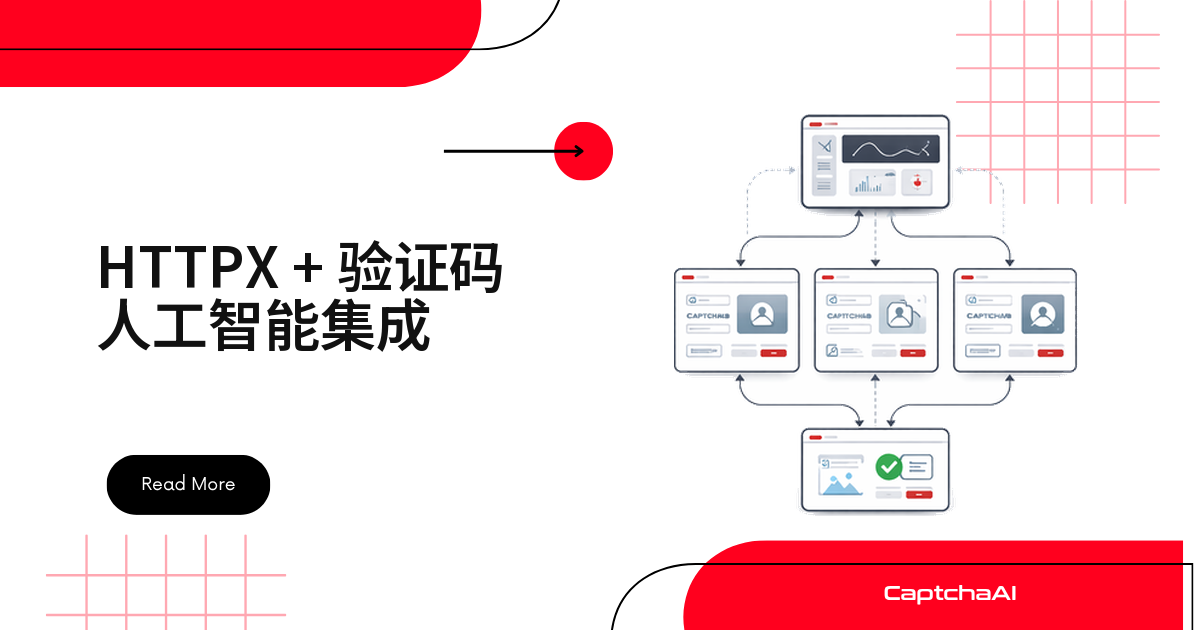
该用同步还是异步对接 CaptchaAI?httpx 兼容 requests 写法,又原生支持 asyncio 和 HTTP/2,是目前最值得优先考虑的 Python HTTP 客户端。本文按下面的顺序讲清楚整个流程:
- httpx 该怎么选——和 requests、aiohttp 的实际差异
- 环境准备与安装
- 同步客户端:
CaptchaAISync类 - 异步客户端:并发识别多个验证码
- 开启 HTTP/2,以及一个完整的抓取 + 识别实战示例
httpx / requests / aiohttp 该怎么选
| 特征 | httpx(同步) | httpx(异步) | requests | aiohttp |
|---|---|---|---|---|
| 异步支持 | ❌ | ✅ | ❌ | ✅ |
| HTTP/2 | ✅ | ✅ | ❌ | ❌ |
| 连接池 | ✅ | ✅ | ✅ | ✅ |
| API 风格 | 类似 requests | 类似 requests | —— | 不同 |
| 最适合 | 直接替换 requests | 现代异步项目 | 快速脚本 | 高并发场景 |
老脚本少改代码用 httpx 同步;新项目高并发识别用 httpx 异步或 aiohttp。下文的示例两种写法都会给出,可以直接对照选择。
环境准备
- Python:3.8+
- httpx:0.24+
- CaptchaAI API Key:在这里获取
国内访问 PyPI 较慢时可加镜像参数:
pip install httpx -i https://pypi.tuna.tsinghua.edu.cn/simple。
pip install httpx
同步客户端:CaptchaAISync 类
同步写法最直接:提交任务,每 5 秒轮询,拿到 token 即返回。
import httpx
import time
import os


class CaptchaAISync:
    def __init__(self, api_key):
        self.api_key = api_key
        self.base_url = "https://ocr.captchaai.com"
        self.client = httpx.Client(timeout=30)

    def solve(self, params, timeout=300):
        params["key"] = self.api_key

        # Submit
        resp = self.client.get(f"{self.base_url}/in.php", params=params)
        text = resp.text

        if not text.startswith("OK|"):
            raise Exception(f"Submit failed: {text}")

        task_id = text.split("|")[1]

        # Poll
        deadline = time.time() + timeout
        poll_params = {"key": self.api_key, "action": "get", "id": task_id}

        while time.time() < deadline:
            time.sleep(5)
            result = self.client.get(
                f"{self.base_url}/res.php", params=poll_params
            )

            if result.text == "CAPCHA_NOT_READY":
                continue
            if result.text.startswith("OK|"):
                return result.text.split("|", 1)[1]
            raise Exception(f"Solve failed: {result.text}")

        raise TimeoutError(f"Task {task_id} timed out")

    def get_balance(self):
        resp = self.client.get(f"{self.base_url}/res.php", params={
            "key": self.api_key, "action": "getbalance"
        })
        return float(resp.text)

    def close(self):
        self.client.close()


# Usage
solver = CaptchaAISync(os.environ["CAPTCHAAI_API_KEY"])

token = solver.solve({
    "method": "userrecaptcha",
    "googlekey": "6Le-wvkS...",
    "pageurl": "https://example.com",
})
print(f"Token: {token[:50]}...")
solver.close()
异步客户端:并发识别多个验证码
多页面并发用 asyncio.gather 一次提交即可。CaptchaAI 按线程计费,BASIC($15/月,5 线程)就够跑通下面的 5 路并发例子。
import httpx
import asyncio
import os


class CaptchaAIAsync:
    def __init__(self, api_key):
        self.api_key = api_key
        self.base_url = "https://ocr.captchaai.com"
        self.client = httpx.AsyncClient(timeout=30)

    async def solve(self, params, timeout=300):
        params["key"] = self.api_key

        # Submit
        resp = await self.client.get(
            f"{self.base_url}/in.php", params=params
        )
        text = resp.text

        if not text.startswith("OK|"):
            raise Exception(f"Submit failed: {text}")

        task_id = text.split("|")[1]

        # Poll
        deadline = asyncio.get_event_loop().time() + timeout
        poll_params = {"key": self.api_key, "action": "get", "id": task_id}

        while asyncio.get_event_loop().time() < deadline:
            await asyncio.sleep(5)
            result = await self.client.get(
                f"{self.base_url}/res.php", params=poll_params
            )

            if result.text == "CAPCHA_NOT_READY":
                continue
            if result.text.startswith("OK|"):
                return result.text.split("|", 1)[1]
            raise Exception(f"Solve failed: {result.text}")

        raise TimeoutError(f"Task {task_id} timed out")

    async def get_balance(self):
        resp = await self.client.get(f"{self.base_url}/res.php", params={
            "key": self.api_key, "action": "getbalance"
        })
        return float(resp.text)

    async def close(self):
        await self.client.aclose()


# Usage
async def main():
    solver = CaptchaAIAsync(os.environ["CAPTCHAAI_API_KEY"])

    # Solve multiple concurrently
    tasks = [
        solver.solve({
            "method": "userrecaptcha",
            "googlekey": "6Le-wvkS...",
            "pageurl": f"https://example.com/page{i}",
        })
        for i in range(5)
    ]

    results = await asyncio.gather(*tasks, return_exceptions=True)
    for i, r in enumerate(results):
        if isinstance(r, Exception):
            print(f"Page {i}: FAILED - {r}")
        else:
            print(f"Page {i}: solved ({len(r)} chars)")

    await solver.close()

asyncio.run(main())
并发轮询时有几个实用细节:
- 单进程内可以随意设置并发数,但整体吞吐受账户的线程数限制,超出部分会排队等待
- 频繁看到
CAPCHA_NOT_READY是正常现象,继续轮询即可,不必视为错误 - 生产环境建议给失败的任务加一层重试(指数退避),避免偶发网络抖动被误判为解决失败
开启 HTTP/2 降低连接开销
HTTP/2 在同一连接上复用多个请求,省去反复握手:
pip install httpx[http2]
client = httpx.AsyncClient(http2=True, timeout=30)
高频提交和轮询验证码时,这项配置能明显提升性能。
抓取实战:检测 sitekey 并自动提交
抓取页面时先判断是否存在 reCAPTCHA,有就调用 CaptchaAI 识别,再把 token 提交回表单。
抓取和采集类脚本只应作用于你自己有权限访问的页面和数据,注意对照《网络安全法》《数据安全法》与 PIPL(个人信息保护法)的合规边界,不要采集未授权的内容。
import httpx
import re
import os

async def scrape_with_captcha(url, solver):
    async with httpx.AsyncClient() as client:
        # Fetch page
        resp = await client.get(url)
        html = resp.text

        # Check for reCAPTCHA
        match = re.search(
            r'data-sitekey=["\']([A-Za-z0-9_-]+)["\']', html
        )
        if not match:
            return html

        site_key = match.group(1)
        token = await solver.solve({
            "method": "userrecaptcha",
            "googlekey": site_key,
            "pageurl": url,
        })

        # Submit form with token
        resp = await client.post(url, data={
            "g-recaptcha-response": token,
        })
        return resp.text


async def main():
    solver = CaptchaAIAsync(os.environ["CAPTCHAAI_API_KEY"])
    content = await scrape_with_captcha("https://example.com", solver)
    print(f"Got {len(content)} chars")
    await solver.close()

asyncio.run(main())
常见问题
该用 httpx 还是继续用 requests?
新项目建议用 httpx——API 和 requests 几乎一致,还多了异步和 HTTP/2 支持,对已经写好的同步脚本几乎零改动成本。老代码暂时不想动也没问题,两者调用 CaptchaAI 的 in.php / res.php 都能正常工作。
异步并发识别时,CaptchaAI 的线程数怎么算?
一个“线程”对应一个正在处理中的任务,解决完立刻可以接下一个,不是按调用次数计费。上面 5 路并发的例子,STANDARD($30/月,15 线程)就够用;任务量再大,可以升级到 ADVANCE($90/月,50 线程)。
hCaptcha 这类验证码,CaptchaAI 能处理吗?
目前还不能,FunCaptcha(Arkose Labs)也一样不在支持范围内。已经支持的类型覆盖 reCAPTCHA v2/v3、Cloudflare Turnstile、GeeTest v3、图片验证码和九宫格验证码等,CaptchaFox、Friendly Captcha、Lemin 三个新类型目前是测试版。
httpx 能配合 Scrapy 一起用吗?
不能直接嵌入——Scrapy 用的是 Twisted 事件循环,和 asyncio 不兼容。建议把 httpx 放进独立脚本里跑,或者搭配 FastAPI 这类基于 asyncio 的框架使用。
国内网络下测试 reCAPTCHA 相关代码要注意什么?
reCAPTCHA 需要加载 Google 托管的脚本,国内网络环境下不一定能稳定连通,可能导致抓取阶段就卡住,而不是 CaptchaAI 这一侧的问题。排查时先确认页面本身能否正常加载 reCAPTCHA 组件,再回头看提交和轮询逻辑。