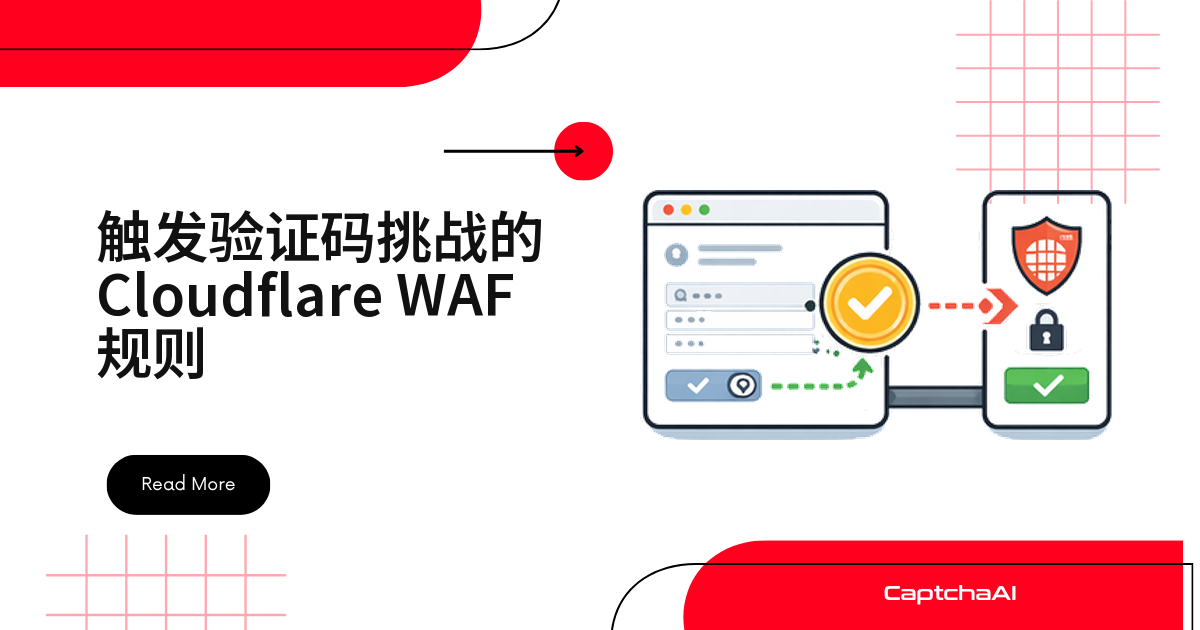
自动化脚本忽然收到 503、页面弹出验证码,很多人第一反应是“指纹被识破了”——但更常见的原因是:站点在 WAF(Web 应用程序防火墙)里配置了一条规则,命中了你的 IP、路径或请求头。
规则细节站点私有、你看不到,但从状态码和挑战类型可以反推出大致是哪类规则在起作用,再决定怎么处理。
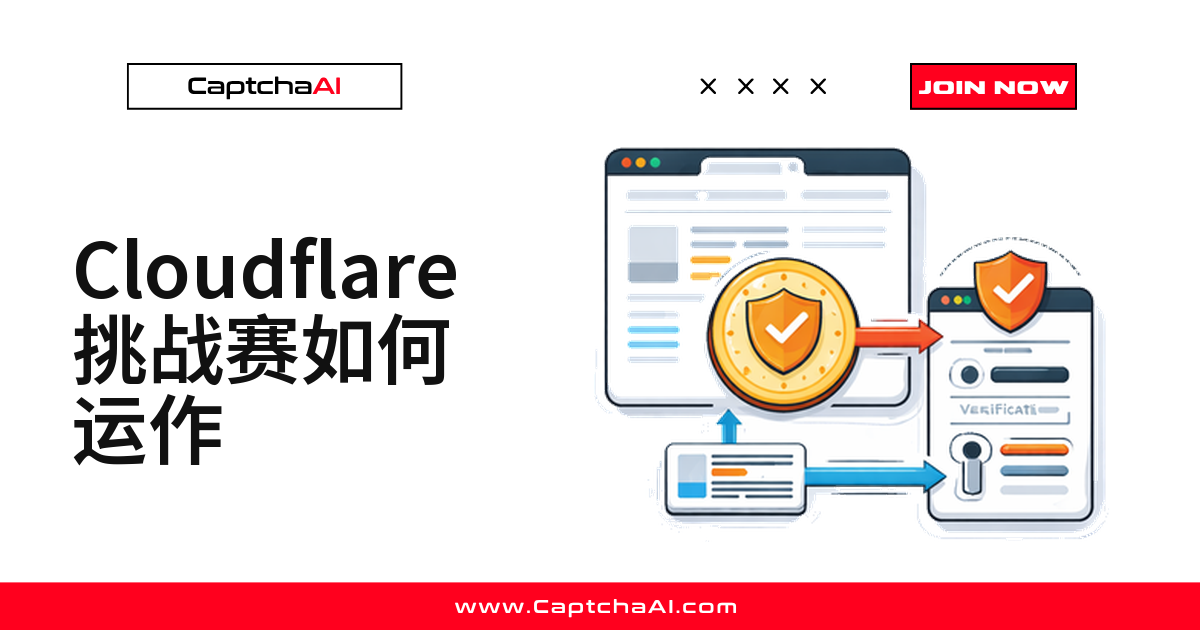
WAF 规则的几种动作,只有三种会产生验证码
Cloudflare WAF 规则支持多种动作,但真正会抛出可解决挑战的只有三种:
| WAF 动作 | 会发生什么 | HTTP 状态 | CaptchaAI 方法 |
|---|---|---|---|
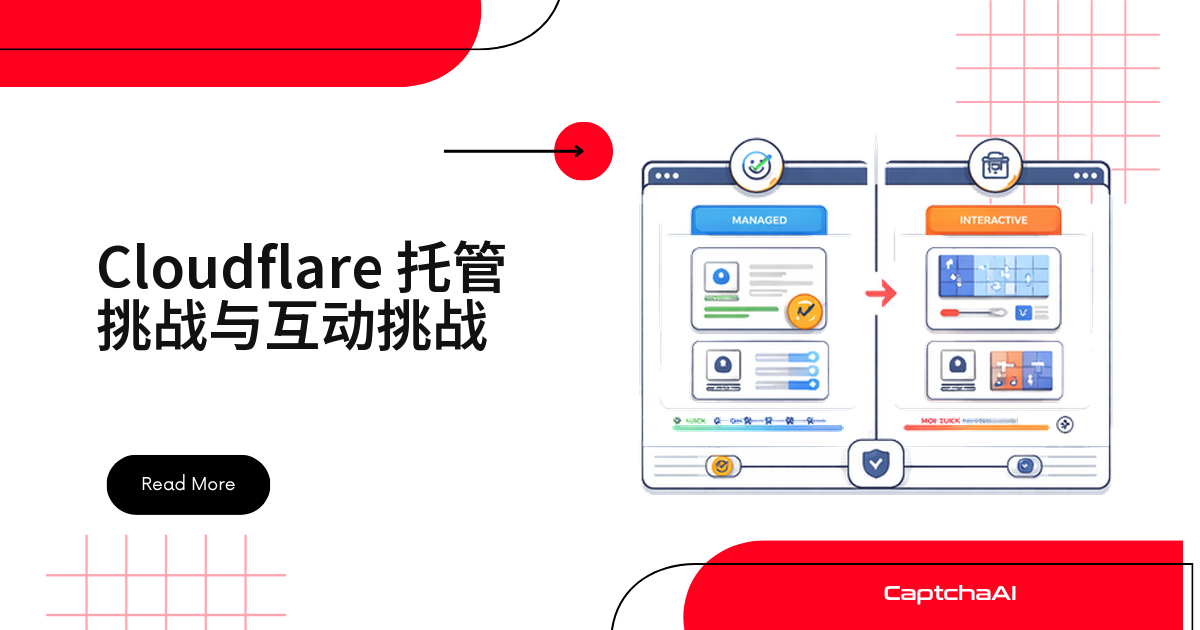
| Managed Challenge(托管挑战) | Cloudflare 自行决定:隐形通过、Turnstile 或 JS 挑战 | 503 | turnstile |
| JS Challenge(JS 挑战) | 5 秒 JavaScript 挑战页 | 503 | cloudflare_challenge |
| Interactive Challenge(交互挑战) | 传统验证码(旧版,已弃用) | 403 | turnstile |
其余动作不会产生验证码,可以直接跳过判断:
- Block(拦截)——硬 403,不可解;
- Allow / Skip / Log——放行、跳过或仅记录,200,无需处理。
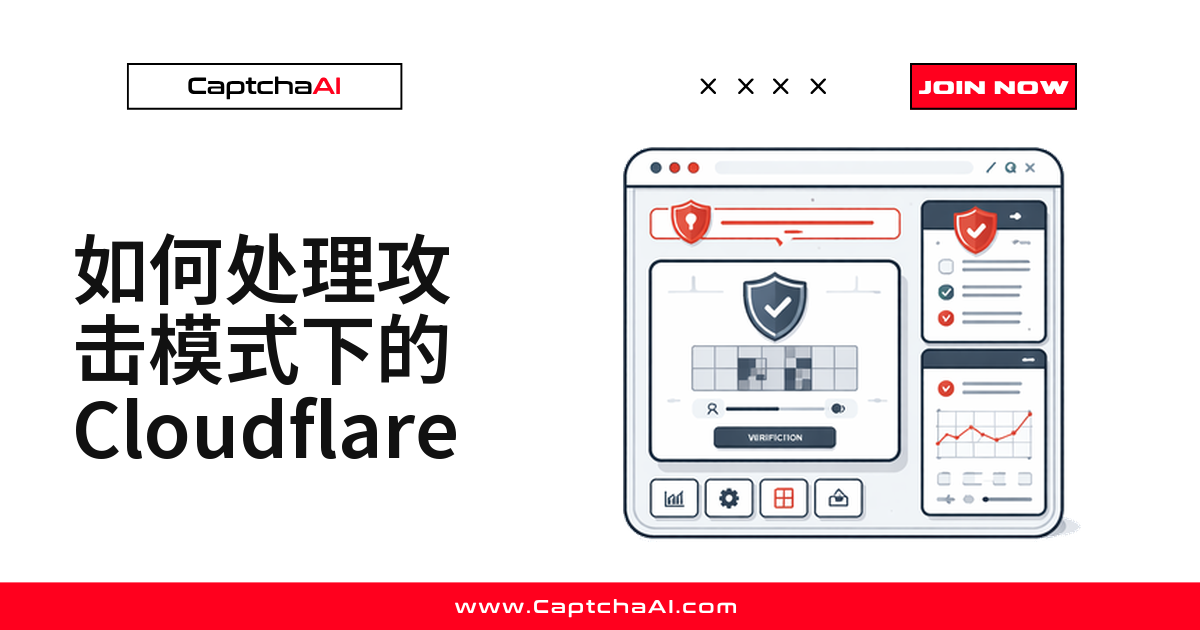
Managed Challenge 最常见,也最“看运气”
Managed Challenge 是 Cloudflare 推荐动作,按访问者风险等级自适应决定挑战形式:
WAF rule matches → Managed Challenge triggered
    ↓
Cloudflare evaluates visitor:
  ├─ Low risk → Invisible pass (no visible challenge)
  ├─ Medium risk → Turnstile widget (click to verify)
  └─ High risk → JavaScript challenge page
    ↓
Successful → qa_session_cookie cookie issued
同一条规则,换个 IP 或请求,结果可能都不一样。
最常见的 WAF 规则匹配模式
站点运营商用 Cloudflare 的表达式语言写 WAF 规则。以下几类是自动化流量最容易撞上的模式:
基于机器人分数的规则
# Challenge traffic with low bot scores
(cf.bot_management.score lt 30)
→ Action: Managed Challenge

# Challenge non-verified bots
(cf.bot_management.score lt 50 and not cf.bot_management.verified_bot)
→ Action: JS Challenge
机器人分数规则是自动化最常撞见的触发条件。CaptchaAI 的求解器用真实浏览器执行,分数接近人类水平。
基于国家/地区的规则
# Challenge traffic from specific countries
(ip.geoip.country in {"CN" "RU" "VN" "IN"})
→ Action: Managed Challenge

# Block specific regions entirely
(ip.geoip.country eq "XX")
→ Action: Block
这类规则对国内团队格外常见:
- 不少面向北美/欧洲市场的站点把含 "CN" 的
ip.geoip.country流量列入 Managed Challenge 甚至 Block; - 同一段抓取代码,香港/新加坡服务器畅通,换大陆出口 IP 就频繁弹验证码——命中的是地理规则,不是指纹或行为分数;
- 只要不是 Block,验证码依然可以正常识别。
其他常见模式:路径、速率、请求头、复合条件
除了分数和地区,路径、请求速率、请求头也常被单独或组合写进规则:
路径规则——挑战特定路径,登录/注册页最常见:
# Challenge login page access
(http.request.uri.path eq "/login" or http.request.uri.path eq "/signup")
→ Action: Managed Challenge

# Challenge API endpoints
(http.request.uri.path contains "/api/")
→ Action: JS Challenge
速率规则——威胁分数叠加高频路径:
# Challenge after high request rate
(cf.threat_score gt 10 and http.request.uri.path contains "/search")
→ Action: Managed Challenge
请求头规则——缺关键请求头,或 UA 带自动化特征:
# Challenge requests with no Accept-Language header
(not http.request.headers["accept-language"])
→ Action: JS Challenge

# Challenge requests with suspicious UA
(http.user_agent contains "python" or http.user_agent contains "curl")
→ Action: Managed Challenge
复合规则——多条件叠加,命中更精准:
# Multiple conditions
(cf.bot_management.score lt 30
 and http.request.uri.path contains "/api/"
 and ip.geoip.country ne "US")
→ Action: JS Challenge
如何判断是哪条规则触发了挑战
出现验证码时,可以从响应里反推出触发的规则类型:
从 HTTP 响应头判断
抓取状态码、cf-ray 等响应头,结合 HTML 特征即可判断挑战类型:
import requests

def check_cloudflare_rule_info(url):
    """Extract WAF rule information from Cloudflare 验证流程 response."""
    headers = {
        "User-Agent": "Mozilla/5.0 (Windows NT 10.0; Win64; x64) "
                      "AppleWebKit/537.36 Chrome/120.0.0.0",
        "Accept": "text/html,*/*;q=0.8",
        "Accept-Language": "en-US,en;q=0.9",
    }

    response = requests.get(url, headers=headers, timeout=15, allow_redirects=False)

    info = {
        "status": response.status_code,
        "cf_ray": response.headers.get("cf-ray", ""),
        "cf_cache_status": response.headers.get("cf-cache-status", ""),
        "server": response.headers.get("server", ""),
    }

    # Challenge-specific info
    html = response.text

    if response.status_code == 503:
        if "jschl" in html:
            info["challenge_type"] = "JS Challenge (IUAM or WAF rule)"
        elif "challenge-platform" in html:
            info["challenge_type"] = "Managed Challenge"
        elif "cf-turnstile" in html:
            info["challenge_type"] = "Turnstile (Managed Challenge)"

    elif response.status_code == 403:
        if "cf-ray" in str(response.headers):
            info["challenge_type"] = "WAF Block (no challenge)"
        else:
            info["challenge_type"] = "Origin 403 (not Cloudflare)"

    return info
用 Cloudflare Ray ID 定位
每个 Cloudflare 响应都带 cf-ray 响应头,站点运营商能据此在控制台(Security > Events)精确定位触发的规则和动作——但那是站点侧信息,你自己查不到。
故障排查:从现象反推规则
对照下面的现象反推规则:
- 只有
/login弹验证码 → 路径规则 → 针对该路径求解即可; - 只有数据中心 IP 触发 → 分数或 IP 信誉规则 → 用自有服务器基础设施或直接求解;
- 验证码按国家/地区变化 → 地区规则 → 换出口地区或求解;
- 请求 N 次后才出现 → 速率规则 → 降低频率或逐次求解;
- 挑战总是 JS 页面 → JS Challenge(非 Managed)→ 用
cloudflare_challenge方法; - 403 且无挑战页 → Block(不可解)→ 更换 IP、请求头或请求模式。
用 CaptchaAI 解决 WAF 触发的验证码
按挑战类型选择求解方法
拿到挑战类型后,直接映射到对应 CaptchaAI 方法即可:
import requests
import time

API_KEY = "YOUR_API_KEY"

def solve_cloudflare_challenge(url, challenge_type):
    """Solve Cloudflare 验证流程 based on WAF rule action."""

    if challenge_type == "managed_challenge":
        # Managed Challenge typically renders as Turnstile
        method = "turnstile"
        sitekey = extract_turnstile_sitekey(url)
    elif challenge_type == "js_challenge":
        # JavaScript Challenge page
        method = "cloudflare_challenge"
        sitekey = "managed"
    else:
        raise ValueError(f"Unknown challenge type: {challenge_type}")

    submit = requests.post("https://ocr.captchaai.com/in.php", data={
        "key": API_KEY,
        "method": method,
        "sitekey": sitekey,
        "pageurl": url,
        "json": 1,
    })

    task_id = submit.json()["request"]

    for _ in range(60):
        time.sleep(5)
        result = requests.get("https://ocr.captchaai.com/res.php", params={
            "key": API_KEY,
            "action": "get",
            "id": task_id,
            "json": 1,
        }).json()

        if result.get("status") == 1:
            return result["request"]

    raise TimeoutError("Challenge solve timed out")


def extract_turnstile_sitekey(url):
    """Fetch page and extract Turnstile sitekey."""
    import re
    headers = {
        "User-Agent": "Mozilla/5.0 (Windows NT 10.0; Win64; x64) "
                      "AppleWebKit/537.36 Chrome/120.0.0.0",
    }
    response = requests.get(url, headers=headers, timeout=15)
    match = re.search(r'data-sitekey=["\']([0-9x][A-Za-z0-9_-]+)["\']', response.text)
    return match.group(1) if match else None
Node.js
const axios = require("axios");

const API_KEY = "YOUR_API_KEY";

async function solveWAFChallenge(url, challengeType) {
  const method =
    challengeType === "js_challenge" ? "cloudflare_challenge" : "turnstile";
  const sitekey =
    challengeType === "js_challenge" ? "managed" : await extractSitekey(url);

  const submit = await axios.post("https://ocr.captchaai.com/in.php", null, {
    params: {
      key: API_KEY,
      method,
      sitekey,
      pageurl: url,
      json: 1,
    },
  });

  const taskId = submit.data.request;

  for (let i = 0; i < 60; i++) {
    await new Promise((r) => setTimeout(r, 5000));

    const result = await axios.get("https://ocr.captchaai.com/res.php", {
      params: { key: API_KEY, action: "get", id: taskId, json: 1 },
    });

    if (result.data.status === 1) {
      return result.data.request;
    }
  }

  throw new Error("Challenge solve timed out");
}

async function extractSitekey(url) {
  const response = await axios.get(url, {
    headers: {
      "User-Agent": "Mozilla/5.0 Chrome/120.0.0.0",
    },
  });
  const match = response.data.match(/data-sitekey=["']([0-9x][A-Za-z0-9_-]+)["']/);
  return match ? match[1] : null;
}
WAF 规则变化会如何影响你的自动化流程
站点运营商常调整 WAF 规则,直接影响自动化表现:
- 新增规则:原本畅通的路径出现验证码,靠监控 503/403 变化能第一时间发现;
- 规则删除:验证码消失,503 变 200;
- 动作升级(Managed → Block):可解挑战变硬拦截,403 取代 503;
- 动作放宽(Block → Managed):硬拦截变回可解,出现带挑战页的 503;
- 阈值调整(分数 30 → 50):更多请求被挑战,挑战频率上升;
- 路径范围调整:受影响 URL 变化,新路径开始返回验证码。
持续监控 WAF 状态变化
import requests
import time

def monitor_cloudflare_protection(urls, interval=3600):
    """Monitor protection changes across URLs."""
    headers = {
        "User-Agent": "Mozilla/5.0 (Windows NT 10.0; Win64; x64) "
                      "AppleWebKit/537.36 Chrome/120.0.0.0",
        "Accept": "text/html,*/*;q=0.8",
        "Accept-Language": "en-US,en;q=0.9",
    }

    last_status = {}

    while True:
        for url in urls:
            try:
                response = requests.get(
                    url, headers=headers, timeout=15, allow_redirects=False
                )
                status = response.status_code
                has_challenge = status == 503 or "cf-turnstile" in response.text

                current = {"status": status, "challenge": has_challenge}
                previous = last_status.get(url)

                if previous and current != previous:
                    print(f"[CHANGE] {url}")
                    print(f"  Before: {previous}")
                    print(f"  After:  {current}")

                last_status[url] = current

            except requests.RequestException as e:
                print(f"[ERROR] {url}: {e}")

        time.sleep(interval)
常见问题
为什么来自中国大陆的 IP 更容易触发 Cloudflare 验证码?
因为不少 WAF 规则按 ip.geoip.country 把 "CN"、"RU"、"VN"、"IN" 等地区划入 Managed Challenge 甚至 Block,与指纹或行为分数无关。仍是 Managed Challenge 就照常识别,是 Block 才需要换出口 IP。
Managed Challenge、Turnstile 和 JS Challenge 到底是什么关系?
Managed Challenge 是“动作”,按风险等级自适应渲染成隐形通过、Turnstile 或 JS 挑战三者之一。用 CaptchaAI 处理时,见到 Turnstile 用 turnstile 方法,见到 JS 挑战页用 cloudflare_challenge 方法。
网站多久会调整一次 WAF 规则?
视站点而定:电商大促期间常调整规则,安全敏感型站点可能每周更新,多数站点初始配置后极少再改。监控 403/503 状态变化是最直接的发现方法。
免费版 Cloudflare 也能配置 WAF 规则、触发 Managed Challenge 吗?
自定义 WAF 规则只开放付费计划,免费计划规则数量有限;但 Managed Challenge 本身所有计划可用,包括免费版——这也是为什么站点“看起来什么都没配置”,你依然会撞上验证码。
一直是 403 且没有验证码页面,是不是 IP 已经被拉黑了?
很可能是。403 无挑战页通常是 Block 动作,硬拦截不可解,CaptchaAI 无法生成 token。换出口 IP、调整请求头或降低频率,比反复重试更有效。
总结
Cloudflare WAF 规则按机器人分数、国家/地区、路径、请求头或速率触发验证码,Managed Challenge 最常见,会自适应渲染成隐形通过、Turnstile 或 JS 挑战三者之一。
用 CaptchaAI 处理时,按实际渲染内容选 turnstile 或 cloudflare_challenge 方法即可。真正解不开的只有硬拦截(403、Block)——这种情况下换请求模式或 IP,比反复求解更有效。