用 Python 或 Puppeteer 抓国际站点时,第一次撞见 Cloudflare 挑战页,很多人以为是请求头写错了。其实是 Cloudflare 判断访问有风险,先甩出质询页面,通过后才放行并下发会话 cookie(本文统一记作 qa_session_cookie),后续请求带着它就能跳过重复验证。跨境电商、机票类抓取项目里,这一步往往是最先卡住的地方。
挑战页的触发与放行流程
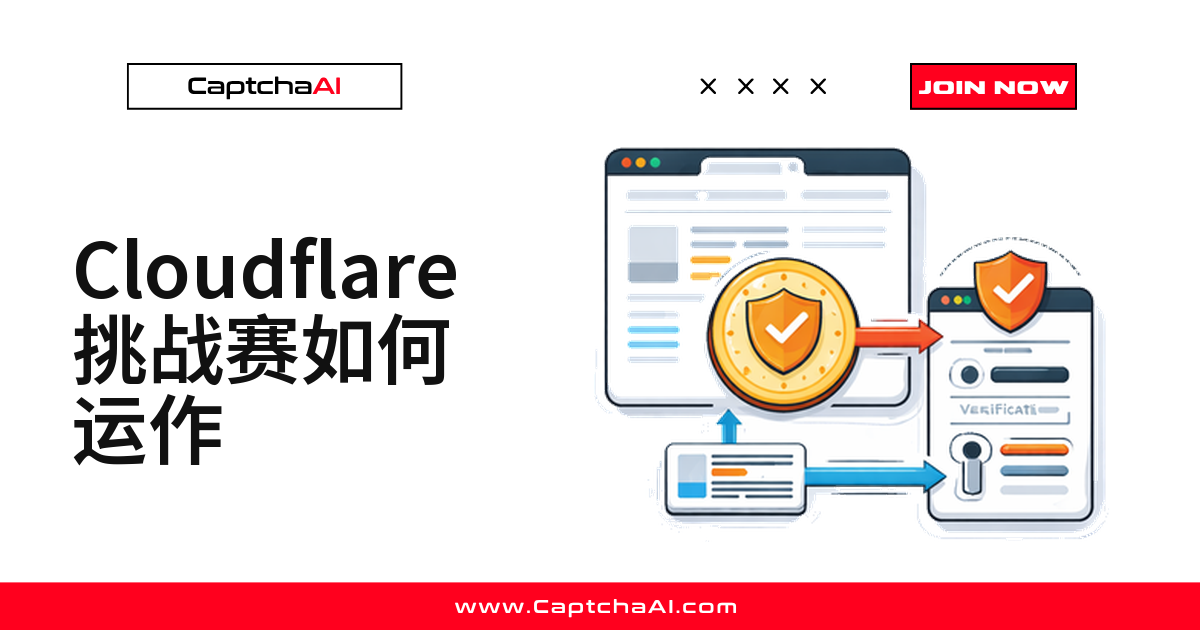
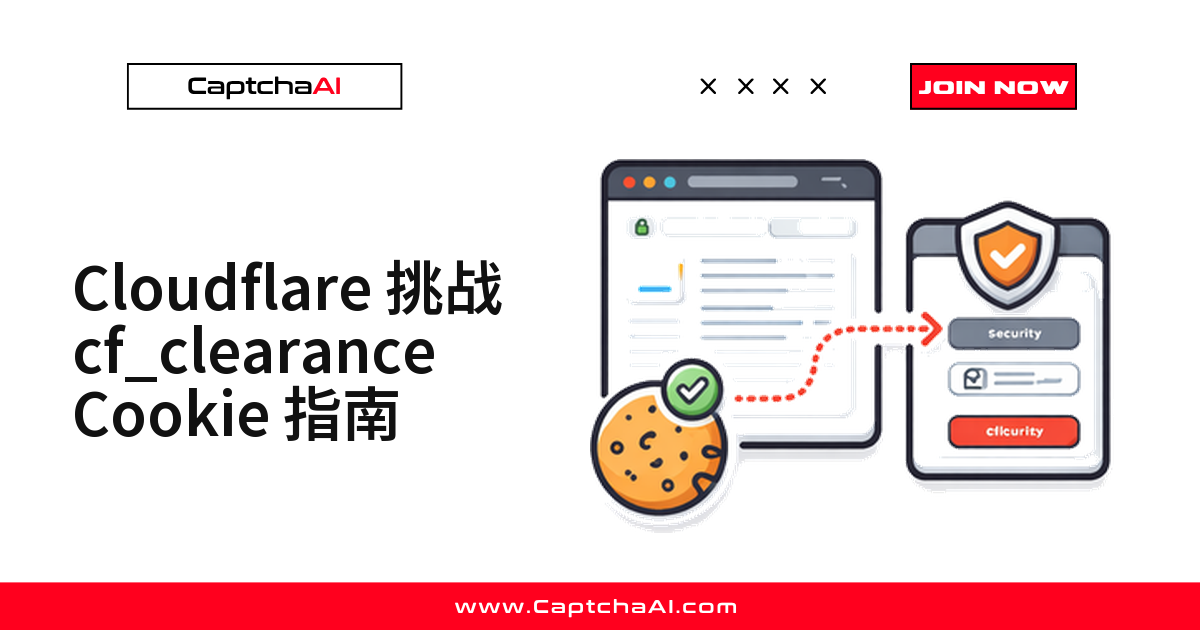
访问者请求受保护页面后,Cloudflare 先按 IP 信誉、请求头、TLS 特征打分;判定可疑就返回 403 或 503,附带一个 JavaScript 挑战页。挑战页在浏览器里跑一遍环境检测,必要时弹出 Turnstile 组件;通过后 Cloudflare 下发会话 cookie 并跳转回原始 URL,之后带着这个 cookie 的请求会直接放行,不会再触发挑战。
挑战页分几种,是否需要用户交互
- JS 挑战(响应码 503)——不需要用户交互,只做 JavaScript 环境检测
- Managed 挑战(托管挑战,响应码 403)——是否弹出 Turnstile 由 Cloudflare 判定,也可能静默放行
- Interactive 挑战(交互挑战,响应码 403)——一定会显示 Turnstile 组件
CaptchaAI 的 Cloudflare Challenge 求解器三种类型都能处理。
会话 cookie 长什么样
| 属性 | 值 |
|---|---|
| 名称 | qa_session_cookie |
| 域 | 目标站点域名(例如 .example.com) |
| 路径 | / |
| 有效期 | 通常 30 分钟到 24 小时 |
| HttpOnly | 是 |
| Secure | 是(仅 HTTPS) |
| SameSite | None |
它跟三个信号绑定,换环境容易失效:IP 地址、User-Agent(须与求解时一致)、TLS 特征(部分站点绑定 ClientHello)。
用 CaptchaAI 解决 Cloudflare 挑战
pageurl 填挑战页 URL,method 固定传 turnstile,sitekey 多数场景用占位符即可。提交后轮询 res.php,状态变为 1 就拿到 token。
Python 示例:
import requests
import time

API_KEY = "YOUR_API_KEY"
TARGET_URL = "https://example.com/protected-page"

# Submit Cloudflare 验证流程 task
resp = requests.post("https://ocr.captchaai.com/in.php", data={
    "key": API_KEY,
    "method": "turnstile",
    "sitekey": "0x0000000000000000000000",  # may be generic for CF challenge
    "pageurl": TARGET_URL,
    "json": "1",
}).json()

if resp["status"] != 1:
    raise Exception(f"Submit error: {resp['request']}")

task_id = resp["request"]
print(f"Task ID: {task_id}")

# Poll for result
for _ in range(30):
    time.sleep(5)
    result = requests.get("https://ocr.captchaai.com/res.php", params={
        "key": API_KEY, "action": "get", "id": task_id, "json": "1"
    }).json()

    if result["status"] == 1:
        token = result["request"]
        print(f"Token received: {token[:50]}...")
        break
    if result["request"] != "CAPCHA_NOT_READY":
        raise Exception(f"Error: {result['request']}")
JavaScript 示例:
const axios = require('axios');

const API_KEY = 'YOUR_API_KEY';
const TARGET_URL = 'https://example.com/protected-page';

const submit = await axios.post('https://ocr.captchaai.com/in.php', null, {
  params: {
    key: API_KEY,
    method: 'turnstile',
    sitekey: '0x0000000000000000000000',
    pageurl: TARGET_URL,
    json: 1,
  }
});
const taskId = submit.data.request;

// Poll
let token = null;
for (let i = 0; i < 30; i++) {
  await new Promise(r => setTimeout(r, 5000));
  const poll = await axios.get('https://ocr.captchaai.com/res.php', {
    params: { key: API_KEY, action: 'get', id: taskId, json: 1 }
  });
  if (poll.data.status === 1) {
    token = poll.data.request;
    break;
  }
}
console.log(`Token: ${token.substring(0, 50)}...`);
拿到会话 cookie 之后:换取、复用与续期
拿到 token 后还要写回挑战页的 Turnstile 响应字段并触发提交,浏览器才会真正签发这个会话 cookie。
# With Selenium
from selenium import webdriver

driver = webdriver.Chrome()
driver.get(TARGET_URL)  # Load the challenge page

# Inject token into Turnstile response field
driver.execute_script("""
    const input = document.querySelector('input[name="cf-turnstile-response"]');
    if (input) input.value = arguments[0];

    // Trigger form submit or callback
    const form = document.querySelector('form');
    if (form) form.submit();
""", token)

# Wait for redirect and extract cookies
import time
time.sleep(3)
cookies = driver.get_cookies()
qa_session_cookie = next(
    (c for c in cookies if c['name'] == 'qa_session_cookie'), None
)
if qa_session_cookie:
    print(f"qa_session_cookie: {qa_session_cookie['value'][:30]}...")
复用 cookie,减少重复挑战:把 cookie 和求解时用的 User-Agent 固定进同一个 requests.Session,IP 保持一致即可直接复用:
session = requests.Session()
session.cookies.set("qa_session_cookie", qa_session_cookie["value"], domain=".example.com")
session.headers.update({
    "User-Agent": "Mozilla/5.0 (Windows NT 10.0; Win64; x64) AppleWebKit/537.36"
})

# Now access protected pages
resp = session.get("https://example.com/api/data")
print(resp.status_code)  # 200
续期策略:这个会话 cookie 不是永久有效,到期前要主动续期,否则下一次请求又会撞回挑战页:
import datetime

def is_cookie_valid(cookie):
    if not cookie:
        return False
    expiry = cookie.get("expiry", 0)
    return datetime.datetime.now().timestamp() < expiry - 60  # 60s buffer

def get_or_refresh_clearance(driver, target_url, solve_func):
    cookies = driver.get_cookies()
    cf = next((c for c in cookies if c["name"] == "qa_session_cookie"), None)
    if is_cookie_valid(cf):
        return cf["value"]

    # Re-solve
    token = solve_func(target_url)
    # ... inject and extract new cookie
常见问题排查
- 解决后 cookie 被拒绝(IP 不一致)——求解和请求用同一个出口 IP/代理
- cookie 很快过期(站点设置了较短的 TTL)——到期前主动续期,检查
expiry字段 - cookie 有效但仍返回 403(User-Agent 不一致)——求解和请求会话统一 UA
- 挑战页加载不出来(JavaScript 被禁用)——换成完整浏览器环境(Selenium、Puppeteer)
常见问题
Cloudflare 挑战页一直转圈,该怎么排查?
先确认 JavaScript 没被禁用——挑战页依赖脚本做环境检测,无头模式关掉 JS 就会卡住。
Managed 挑战和 Interactive 挑战,CaptchaAI 都能处理吗?
能,三种挑战统一按 turnstile 方法提交即可,不用额外区分参数。
要多久轮询或刷新一次这个会话 cookie?
轮询间隔 5 秒、最多 30 次即可覆盖多数场景;cookie 建议在 expiry 前留一分钟缓冲提前续期。
相关指南
用 CaptchaAI 接管挑战页,省下调试时间。获取 API Key:CaptchaAI 官网。