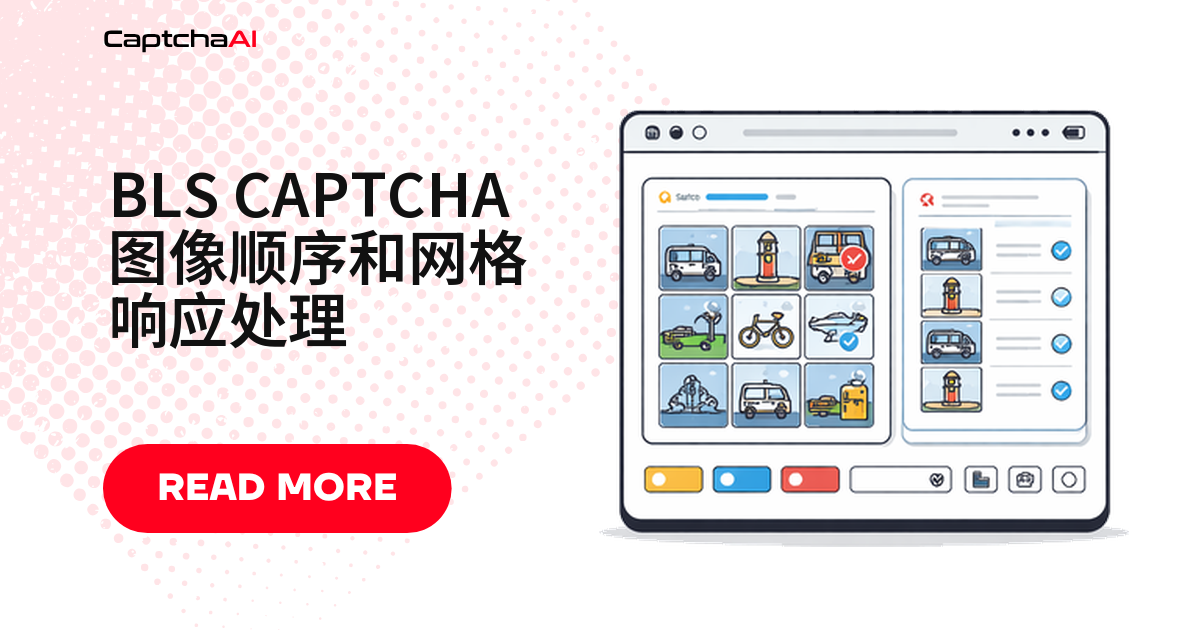
BLS CAPTCHA 的九宫格挑战不像滑块验证码那么直观:可能要按顺序点图,也可能只是选中符合提示的几张,返回值有时是索引数组,有时是位掩码。脚本只处理了“点几张图”这一种情况,遇到排序或位掩码格式就会直接提交失败。本文按挑战类型、坐标换算、响应解析、Selenium 注入的顺序讲清楚完整链路。
BLS 网格验证码的三种挑战形式
BLS 的网格验证码不止一种判定逻辑,提交前先分清楚遇到的是哪一种:
| 挑战类型 | 判定逻辑 | 提交要点 |
|---|---|---|
| 图片排序(Image Ordering) | 按数字或字母顺序排图 | 有序索引,顺序错了即判定失败 |
| 图片选择(Image Selection) | 选中符合提示的图片 | 无序索引,点击顺序不影响判定 |
| 图案匹配(Pattern Match) | 找出与样本一致的格子 | 逻辑同选择,仅匹配依据换成图案 |
网格坐标与索引换算
BLS 网格常见 3x3 和 4x4 布局,前端后端对“第几格”的表达常不一致——有的用行列坐标,有的用扁平索引。提交前先定下换算关系。
# grid_mapping.py

# BLS grids typically use 3x3 or 4x4 layouts
# Each cell maps to an index:

# 3x3 grid:
# [0] [1] [2]
# [3] [4] [5]
# [6] [7] [8]

# 4x4 grid:
#  [0]  [1]  [2]  [3]
#  [4]  [5]  [6]  [7]
#  [8]  [9] [10] [11]
# [12] [13] [14] [15]

def grid_position(index, cols=3):
    """Convert flat index to row, column."""
    return index // cols, index % cols


def index_from_position(row, col, cols=3):
    """Convert row, column to flat index."""
    return row * cols + col


# Example: For a 3x3 grid, position (1, 2) = index 5
print(grid_position(5, cols=3))   # (1, 2)
print(index_from_position(1, 2))  # 5
拿到 index_from_position() 的结果,就能直接用在下一步的 API 调用和 Selenium 点击逻辑里。
调用 CaptchaAI API 识别网格验证码
坐标理清楚后,把 sitekey、pageurl 和提示文字一起提交给 CaptchaAI。solve_bls_grid() 提交任务后轮询结果,超时和间隔可按网络环境调整。国内装 requests 慢就换清华 TUNA 镜像:pip install -i https://pypi.tuna.tsinghua.edu.cn/simple requests。
# solve_bls_grid.py
import requests
import time
import os
import json


def solve_bls_grid(sitekey, pageurl, instructions=None):
    """Solve a BLS grid CAPTCHA and get response indices."""
    api_key = os.environ["CAPTCHAAI_API_KEY"]

    payload = {
        "key": api_key,
        "method": "bls",
        "sitekey": sitekey,
        "pageurl": pageurl,
        "json": 1,
    }
    if instructions:
        payload["instructions"] = instructions

    resp = requests.post(
        "https://ocr.captchaai.com/in.php",
        data=payload,
        timeout=30,
    )
    result = resp.json()
    if result.get("status") != 1:
        raise RuntimeError(f"Submit failed: {result.get('request')}")

    task_id = result["request"]

    time.sleep(10)
    for _ in range(30):
        resp = requests.get("https://ocr.captchaai.com/res.php", params={
            "key": api_key,
            "action": "get",
            "id": task_id,
            "json": 1,
        }, timeout=15)
        data = resp.json()
        if data.get("status") == 1:
            return data["request"]
        if data["request"] != "CAPCHA_NOT_READY":
            raise RuntimeError(data["request"])
        time.sleep(5)

    raise TimeoutError("BLS grid solve timeout")
本地验证用 BASIC($15/月,5 线程)即可;多浏览器并行再升级到 STANDARD($30/月,15 线程)或 ADVANCE($90/月,50 线程),单线程内验证码数量不限。
解析响应:索引数组还是位掩码
request 字段格式并不固定,可能是 JSON 数组、逗号分隔的索引,也可能是单个值。parse_grid_response() 统一转成列表;站点要位掩码而非索引数组时,用 format_for_submission() 转一次即可。
# parse_response.py
import json


def parse_grid_response(solution):
    """Parse CaptchaAI BLS response into actionable grid data."""
    # Solution may be JSON or comma-separated indices
    if isinstance(solution, str):
        try:
            parsed = json.loads(solution)
            return parsed
        except json.JSONDecodeError:
            pass

        # Try comma-separated indices
        if "," in solution:
            return [int(x.strip()) for x in solution.split(",")]

        # Single value
        return [solution]

    return solution


def format_for_submission(indices, grid_size=9):
    """Format indices for form submission."""
    # Some sites expect a bitmask
    bitmask = ["0"] * grid_size
    for idx in indices:
        if isinstance(idx, int) and 0 <= idx < grid_size:
            bitmask[idx] = "1"

    return {
        "indices": indices,
        "bitmask": "".join(bitmask),
        "count": len(indices),
    }
用 Selenium 把识别结果写回页面
拿到索引列表后,要决定点击可见格子还是写入隐藏输入框,两种方式常同时存在,取决于站点前端实现。
# inject_grid.py
from selenium.webdriver.common.by import By
from selenium.webdriver.support.ui import WebDriverWait
from selenium.webdriver.support import expected_conditions as EC
import time


def click_grid_cells(driver, indices):
    """Click specific grid cells based on solution indices."""
    wait = WebDriverWait(driver, 10)

    # Find all grid cells
    cells = wait.until(
        EC.presence_of_all_elements_located(
            (By.CSS_SELECTOR, ".captcha-grid .cell, .bls-grid img, .grid-item")
        )
    )

    for idx in indices:
        if isinstance(idx, int) and idx < len(cells):
            cells[idx].click()
            time.sleep(0.3)  # Brief delay between clicks


def set_order_sequence(driver, ordered_indices):
    """Click grid cells in the correct order for ordering challenges."""
    wait = WebDriverWait(driver, 10)

    cells = wait.until(
        EC.presence_of_all_elements_located(
            (By.CSS_SELECTOR, ".captcha-grid .cell, .bls-grid img")
        )
    )

    for idx in ordered_indices:
        if isinstance(idx, int) and idx < len(cells):
            cells[idx].click()
            time.sleep(0.5)  # Ordering needs pauses between clicks


def inject_hidden_response(driver, solution_value):
    """Set the solution in a hidden input field."""
    driver.execute_script("""
        var inputs = document.querySelectorAll(
            'input[name*="captcha"], input[name*="response"], #captcha-answer'
        );
        for (var i = 0; i < inputs.length; i++) {
            inputs[i].value = arguments[0];
        }
    """, str(solution_value))
click_grid_cells() 和 set_order_sequence() 的区别只在点击间隔:排序类挑战需要更长停顿,点太快容易被判定为无效操作。
完整流程:从加载到提交
把前面几步串起来,就是下面这个完整处理函数:等待验证码元素加载、读取 sitekey 和提示文字、调用 API 识别、判断点格子还是写隐藏字段,最后提交表单。
# full_flow.py
from selenium import webdriver
from selenium.webdriver.common.by import By
from selenium.webdriver.support.ui import WebDriverWait
from selenium.webdriver.support import expected_conditions as EC


def handle_bls_grid(driver, pageurl):
    """Complete BLS grid CAPTCHA handling."""

    wait = WebDriverWait(driver, 15)

    # Wait for CAPTCHA to load
    captcha = wait.until(
        EC.presence_of_element_located(
            (By.CSS_SELECTOR, "[data-sitekey], .bls-captcha")
        )
    )
    sitekey = captcha.get_attribute("data-sitekey")

    # Get instructions
    instructions = None
    try:
        inst = driver.find_element(By.CSS_SELECTOR, ".captcha-instructions")
        instructions = inst.text.strip()
    except Exception:
        pass

    # Solve via CaptchaAI
    solution = solve_bls_grid(sitekey, pageurl, instructions)
    parsed = parse_grid_response(solution)

    # Determine response method
    grid_cells = driver.find_elements(
        By.CSS_SELECTOR, ".captcha-grid .cell, .bls-grid img"
    )

    if grid_cells:
        # Click-based response
        if isinstance(parsed, list) and all(isinstance(x, int) for x in parsed):
            click_grid_cells(driver, parsed)
        else:
            inject_hidden_response(driver, solution)
    else:
        # Hidden input response
        inject_hidden_response(driver, solution)

    # Submit
    submit = driver.find_element(
        By.CSS_SELECTOR, "button[type='submit'], .submit-btn, #verify"
    )
    submit.click()

    return True
排错清单
先查三点:超时预算是否算入识别耗时、点击间隔是否达标、位掩码转换是否触发。
| 问题 | 原因 | 处理方式 |
|---|---|---|
| 点击了错误的格子 | 网格单元选择器不匹配 | 检查页面实际 HTML 结构,更新 CSS 选择器 |
| 排序结果被拒绝 | 点击间隔太短 | 在每次点击之间加 300–500 毫秒延迟 |
| 提交格式对不上 | 站点要位掩码,代码给的是索引数组 | 用 format_for_submission() 转换后再提交 |
| 网格没加载全就开始识别 | 图片加载慢,元素还没就绪 | 等所有网格图片加载完成后再调用 API |
常见问题
索引数组和位掩码,到底该提交哪一种?
看表单实现:JS 记录点击编号就用索引数组,提交固定长度字符串就用 format_for_submission() 转出的位掩码。不确定时抓一次正常提交的请求体对齐格式最省事。
3x3 和 4x4 网格的坐标怎么互相换算?
grid_position() 把扁平索引换成行列坐标,index_from_position() 反过来;4x4 网格逻辑和 3x3 一样,只是 cols 参数变成 4。
提交后又跳出一个新的网格验证码怎么办?
部分 BLS 表单在第一关通过后会接着显示第二关,提交后检查页面是否出现新验证码元素,出现就重新识别一次。
同一个识别结果能在多次请求里复用吗?
不能,结果对应具体挑战会话,刷新页面网格内容和索引对应关系就会变,把识别耗时纳入超时预算才是正解。
相关指南
搞定 BLS 网格验证码识别,从 CaptchaAI 开始。