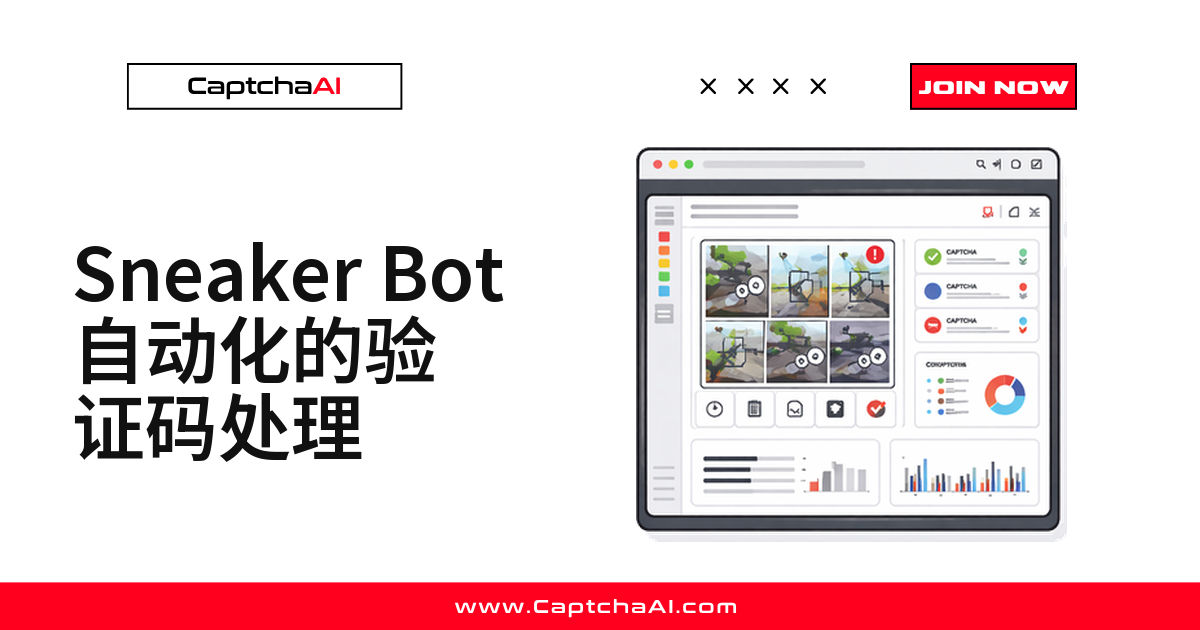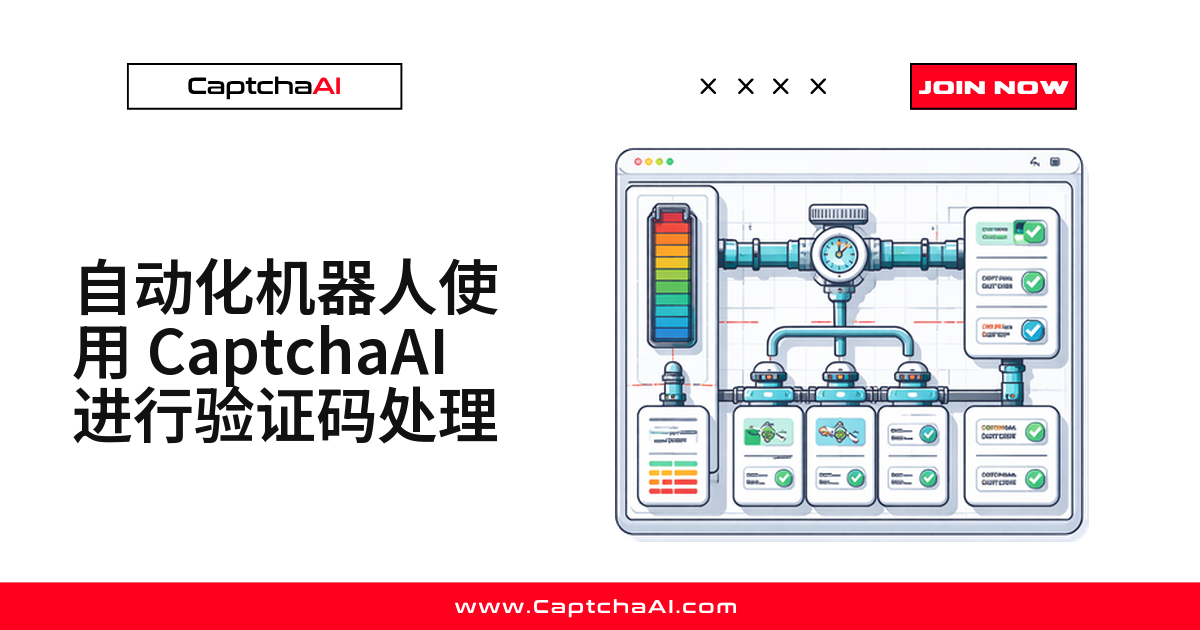
机器人脚本本身不难写——难的是验证码。表单提交、账号注册、批量数据录入,只要卡在一次识别失败就要回退重跑。CaptchaAI 提供统一 API,把验证码识别做成机器人框架里可复用的一步,不需要人工介入。
机器人最常遇到的验证码场景
| 场景 | 典型验证码 | CaptchaAI 方法 |
|---|---|---|
| 表单提交 | reCAPTCHA v2 | method=userrecaptcha |
| 账户注册 | reCAPTCHA v2/v3 | method=userrecaptcha |
| 数据录入门户 | 图片验证码 | method=base64 |
| 预订 / 预约 | Cloudflare Turnstile | method=turnstile |
| API 网关接入 | Cloudflare Challenge | method=cloudflare_challenge |
海外 vs 国内:机器人验证码打法不同
海外注册、预约类站点大多挂 reCAPTCHA 或 Cloudflare Turnstile,国内自建表单更常见图片验证码,偶尔会遇到 GeeTest(极验)滑块。两条链路的处理逻辑不太一样:
- 海外站点:reCAPTCHA 依赖 Google 托管脚本,国内网络访问不稳定,机器人跑海外站点建议直接走 API 提交
sitekey+pageurl,不依赖前端脚本能否加载成功。 - 国内站点:图片验证码占比更高,下载图片转 base64 直接识别即可,不涉及第三方脚本加载问题。
机器人框架按验证码类型分流处理,两条链路复用同一套 CaptchaBot 类,不用为每种场景单独写一套逻辑。
搭建可复用的验证码处理框架
一次写好,后面所有机器人都能直接复用:
import requests
import time
import logging

logger = logging.getLogger(__name__)

class CaptchaBot:
    def __init__(self, api_key):
        self.api_key = api_key
        self.session = requests.Session()
        self.session.headers.update({
            "User-Agent": "Mozilla/5.0 (Windows NT 10.0; Win64; x64) AppleWebKit/537.36"
        })

    def solve(self, method, **params):
        """Solve any CAPTCHA type."""
        params["key"] = self.api_key
        params["method"] = method

        resp = requests.get("https://ocr.captchaai.com/in.php", params=params)
        if not resp.text.startswith("OK|"):
            raise Exception(f"Submit error: {resp.text}")

        task_id = resp.text.split("|")[1]
        logger.info(f"Task submitted: {task_id}")

        for _ in range(60):
            time.sleep(5)
            result = requests.get("https://ocr.captchaai.com/res.php", params={
                "key": self.api_key, "action": "get", "id": task_id
            })
            if result.text == "CAPCHA_NOT_READY": continue
            if result.text.startswith("OK|"): return result.text.split("|")[1]
            raise Exception(f"Error: {result.text}")

        raise TimeoutError("CAPTCHA solve timed out")

    def submit_form(self, url, form_data, captcha_field="g-recaptcha-response",
                    site_key=None, captcha_method="userrecaptcha"):
        """Submit a form with CAPTCHA solving."""
        if site_key:
            if captcha_method == "userrecaptcha":
                token = self.solve(captcha_method, googlekey=site_key, pageurl=url)
            elif captcha_method == "turnstile":
                token = self.solve(captcha_method, sitekey=site_key, pageurl=url)
            form_data[captcha_field] = token

        return self.session.post(url, data=form_data)
实战示例一:表单提交机器人
bot = CaptchaBot("YOUR_API_KEY")

# Submit a contact form protected by reCAPTCHA
result = bot.submit_form(
    url="https://example.com/contact",
    form_data={
        "name": "John Doe",
        "email": "[email protected]",
        "message": "Inquiry about your service"
    },
    site_key="6Le-wvkS...",
    captcha_method="userrecaptcha"
)

print(f"Form submitted: {result.status_code}")
实战示例二:多步骤预约机器人
预约、订票类流程通常分好几步:选日期、填信息,最后过一道验证码:
def appointment_booking_bot(date, time_slot, user_info):
    bot = CaptchaBot("YOUR_API_KEY")

    # Step 1: Load booking page
    page = bot.session.get("https://example.com/book")

    # Step 2: Select date and time
    resp = bot.session.post("https://example.com/book/select", data={
        "date": date,
        "time": time_slot
    })

    # Step 3: Fill personal info with CAPTCHA
    result = bot.submit_form(
        url="https://example.com/book/confirm",
        form_data={
            "name": user_info["name"],
            "email": user_info["email"],
            "phone": user_info["phone"],
            "date": date,
            "time": time_slot
        },
        site_key="6Le-wvkS...",
        captcha_method="userrecaptcha"
    )

    return result.status_code == 200

# Run
success = appointment_booking_bot(
    date="2025-02-15",
    time_slot="10:00",
    user_info={"name": "John Doe", "email": "[email protected]", "phone": "555-0100"}
)
实战示例三:图片验证码数据录入机器人
数据录入门户更常用图片验证码,处理逻辑也简单:下载图片、转 base64、直接识别:
import base64

def data_entry_bot(entries, captcha_image_url):
    bot = CaptchaBot("YOUR_API_KEY")

    for entry in entries:
        # Load the form page
        page = bot.session.get("https://portal.example.com/entry")

        # Download and solve image CAPTCHA
        img = bot.session.get(captcha_image_url)
        img_b64 = base64.b64encode(img.content).decode()
        captcha_text = bot.solve("base64", body=img_b64)

        # Submit entry
        resp = bot.session.post("https://portal.example.com/entry", data={
            **entry,
            "captcha": captcha_text
        })

        logger.info(f"Entry submitted: {resp.status_code}")
        time.sleep(random.uniform(2, 5))
Node.js 版本:同一套框架
Node.js 技术栈下逻辑一致,只是语法不同:
const axios = require("axios");

class CaptchaBot {
  constructor(apiKey) {
    this.apiKey = apiKey;
  }

  async solve(method, params) {
    params.key = this.apiKey;
    params.method = method;

    const submit = await axios.get("https://ocr.captchaai.com/in.php", {
      params,
    });
    const taskId = submit.data.split("|")[1];

    while (true) {
      await new Promise((r) => setTimeout(r, 5000));
      const result = await axios.get("https://ocr.captchaai.com/res.php", {
        params: { key: this.apiKey, action: "get", id: taskId },
      });
      if (result.data === "CAPCHA_NOT_READY") continue;
      if (result.data.startsWith("OK|")) return result.data.split("|")[1];
      throw new Error(result.data);
    }
  }

  async submitForm(url, formData, siteKey, method = "userrecaptcha") {
    const token = await this.solve(method, {
      googlekey: siteKey,
      pageurl: url,
    });
    formData["g-recaptcha-response"] = token;

    return axios.post(url, new URLSearchParams(formData));
  }
}

// Usage
const bot = new CaptchaBot("YOUR_API_KEY");
const result = await bot.submitForm(
  "https://example.com/submit",
  { name: "John", email: "[email protected]" },
  "6Le-wvkS..."
);
常见故障排查
token 被拒绝
在 120 秒内使用 token,超时目标站点会判定失效,需要重新提交一次识别。
token 有效但仍判定为机器人
先检查请求头是否完整(User-Agent、Referer 等常被遗漏),再适当拉长请求之间的时间间隔。
表单需要额外字段
打开表单源码检查隐藏字段,不少站点在提交时会额外校验 CSRF token。
重复提交被限流
给请求之间加延迟,长时间任务用持久化的 QA 会话代替每次新建连接。
常见问题
CaptchaAI 支持哪些验证码类型?机器人要不要为每种类型单独写逻辑?
支持 reCAPTCHA(v2/v3)、Cloudflare Turnstile、Cloudflare Challenge、GeeTest v3、图片验证码等,机器人只需判断类型、调用对应 method。目前不支持 hCaptcha 和 FunCaptcha。
token 拿到后要在多久内用掉?
120 秒内。超时目标站点可能判定失效,建议识别成功后立刻提交表单。
机器人要 24/7 运行,要注意什么?
用 cron、systemd 或云函数定时调度,加上失败自动重试。CaptchaAI API 全天候可用,长时间挂机不用担心接口掉线。
多个机器人并发跑,需要升级套餐吗?
CaptchaAI 按线程数计费,不按次计费。BASIC($15/月,5 线程)适合低频场景,并发高就升级到 STANDARD($30/月,15 线程)或更高档位,同一线程内识别次数不限量。
用 CaptchaAI 做自动化,有合规要注意的地方吗?
只对自己拥有或已获授权的账号、表单和站点跑自动化,遵守《网络安全法》《数据安全法》和目标站点的 robots 协议。