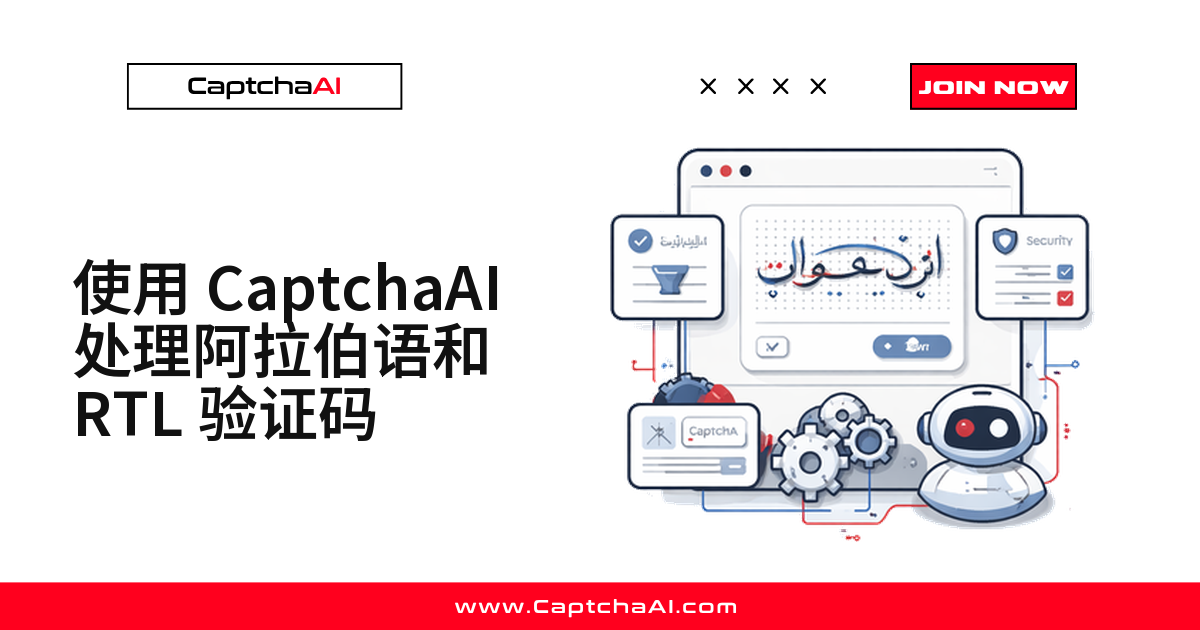
阿拉伯语、波斯语或希伯来语站点的验证码,为什么识别成功率总是偏低?根源通常是这三件事叠加:
- 阿拉伯字母连写变形,同一字母在不同位置写法各异
- 点划标记(如 ب/ت/ث 的点)分辨率一低就丢失
- RTL 页面镜像控件位置,脚本仍按 LTR 假设去定位
CaptchaAI 的 Image/OCR 解算器通过 language=2 参数识别这三种 RTL 验证码。跨境电商团队同步中东平台的注册或监控流程时最常卡在这一步:接口不报错,结果却对不上。
阿拉伯语验证码为什么难识别
| 难点 | 说明 |
|---|---|
| 字母连写 | 同一字母在词首、词中、词尾、独立形式下写法都不同 |
| 从右向左阅读 | 文本顺序与英文 OCR 的默认假设相反 |
| 双向混排 | 数字和拉丁字符常与阿拉伯文混排在同一张图里 |
| 点划标记 | 点的数量和位置区分形近字母(如 ب / ت / ث),低分辨率图片容易丢失 |
| RTL 页面布局 | 表单和验证码控件位置和 LTR 站点镜像相反 |
CaptchaAI 支持哪些 RTL 文字
| 文字 | 覆盖语言 | 示例 |
|---|---|---|
| 阿拉伯文 | 阿拉伯语、乌尔都语、普什图语 | عربي(阿拉伯语)、أبجدية(字母表) |
| 波斯文 | 波斯语(Farsi) | فارسی(波斯语)、حروف(字母) |
| 希伯来文 | 希伯来语 | עברית(希伯来语)、אותיות(字母) |
Python 示例:识别阿拉伯语图片验证码
三种文字统一提交 language=2 即可,无需按语言分别配置;漏掉它,返回结果通常是空字符串或明显错误的拉丁字符。
import requests
import base64
import time

API_KEY = "YOUR_API_KEY"
SUBMIT_URL = "https://ocr.captchaai.com/in.php"
RESULT_URL = "https://ocr.captchaai.com/res.php"


def solve_arabic_captcha(image_path: str) -> str:
    """Solve an Arabic script image CAPTCHA."""
    with open(image_path, "rb") as f:
        image_b64 = base64.b64encode(f.read()).decode()

    resp = requests.post(SUBMIT_URL, data={
        "key": API_KEY,
        "method": "base64",
        "body": image_b64,
        "language": 2,          # Non-Latin character support
        "json": 1,
    }, timeout=30).json()

    if resp.get("status") != 1:
        raise RuntimeError(f"Submit: {resp.get('request')}")

    task_id = resp["request"]
    for _ in range(24):
        time.sleep(5)
        poll = requests.get(RESULT_URL, params={
            "key": API_KEY, "action": "get", "id": task_id, "json": 1,
        }, timeout=15).json()

        if poll.get("request") == "CAPCHA_NOT_READY":
            continue
        if poll.get("status") == 1:
            return poll["request"]
        raise RuntimeError(f"Solve: {poll.get('request')}")

    raise RuntimeError("Timeout")


def solve_arabic_captcha_from_url(session: requests.Session,
                                   captcha_url: str) -> str:
    """Download and solve an Arabic CAPTCHA from a URL."""
    resp = session.get(captcha_url, timeout=15)
    image_b64 = base64.b64encode(resp.content).decode()

    submit = requests.post(SUBMIT_URL, data={
        "key": API_KEY,
        "method": "base64",
        "body": image_b64,
        "language": 2,
        "json": 1,
    }, timeout=30).json()

    if submit.get("status") != 1:
        raise RuntimeError(f"Submit: {submit.get('request')}")

    task_id = submit["request"]
    for _ in range(24):
        time.sleep(5)
        poll = requests.get(RESULT_URL, params={
            "key": API_KEY, "action": "get", "id": task_id, "json": 1,
        }, timeout=15).json()

        if poll.get("request") == "CAPCHA_NOT_READY":
            continue
        if poll.get("status") == 1:
            return poll["request"]
        raise RuntimeError(f"Solve: {poll.get('request')}")

    raise RuntimeError("Timeout")


# --- RTL-aware form submission ---

def submit_form_with_arabic_captcha(
    form_url: str,
    captcha_url: str,
    form_data: dict,
    captcha_field: str = "captcha",
) -> requests.Response:
    """Complete an Arabic website form with CAPTCHA."""
    session = requests.Session()
    session.headers.update({
        "Accept-Language": "ar-SA,ar;q=0.9",
        "Content-Type": "application/x-www-form-urlencoded; charset=UTF-8",
    })

    # Load the form page to establish session
    session.get(form_url, timeout=15)

    # Solve the CAPTCHA
    captcha_text = solve_arabic_captcha_from_url(session, captcha_url)
    print(f"Arabic CAPTCHA solved: {captcha_text}")

    # Submit with the solved text
    form_data[captcha_field] = captcha_text
    response = session.post(form_url, data=form_data, timeout=30)

    return response


# --- Usage ---

# Simple Arabic image CAPTCHA
text = solve_arabic_captcha("arabic_captcha.png")
print(f"Arabic text: {text}")

# Form submission on Arabic site
response = submit_form_with_arabic_captcha(
    form_url="https://example.sa/registration",
    captcha_url="https://example.sa/captcha/generate",
    form_data={
        "name": "اسم المستخدم",
        "email": "[email protected]",
    },
)
JavaScript 示例:RTL 验证码识别与页面填充
Node.js 版本逻辑一致,多了 Playwright 场景:定位图片、下载、识别,写回输入框——RTL 输入框自动按从右到左渲染,无需额外处理方向。
const API_KEY = "YOUR_API_KEY";
const SUBMIT_URL = "https://ocr.captchaai.com/in.php";
const RESULT_URL = "https://ocr.captchaai.com/res.php";
const fs = require("fs");

async function solveArabicCaptcha(imagePath) {
  const imageB64 = fs.readFileSync(imagePath, "base64");

  const body = new URLSearchParams({
    key: API_KEY,
    method: "base64",
    body: imageB64,
    language: "2",
    json: "1",
  });

  const resp = await (await fetch(SUBMIT_URL, { method: "POST", body })).json();
  if (resp.status !== 1) throw new Error(`Submit: ${resp.request}`);

  const taskId = resp.request;
  for (let i = 0; i < 24; i++) {
    await new Promise((r) => setTimeout(r, 5000));
    const url = `${RESULT_URL}?key=${API_KEY}&action=get&id=${taskId}&json=1`;
    const poll = await (await fetch(url)).json();
    if (poll.request === "CAPCHA_NOT_READY") continue;
    if (poll.status === 1) return poll.request;
    throw new Error(`Solve: ${poll.request}`);
  }
  throw new Error("Timeout");
}

// Inject CAPTCHA token into RTL page with Playwright
async function solveAndInjectRTL(page) {
  // RTL pages may position the CAPTCHA differently
  const captchaImg = await page.locator("img[id*='captcha'], img[class*='captcha']");
  const imgSrc = await captchaImg.getAttribute("src");

  // Download the image
  const buffer = await (await fetch(imgSrc)).arrayBuffer();
  const imageB64 = Buffer.from(buffer).toString("base64");

  // Solve
  const body = new URLSearchParams({
    key: API_KEY, method: "base64", body: imageB64,
    language: "2", json: "1",
  });
  const resp = await (await fetch(SUBMIT_URL, { method: "POST", body })).json();
  if (resp.status !== 1) throw new Error(`Submit: ${resp.request}`);

  const taskId = resp.request;
  for (let i = 0; i < 24; i++) {
    await new Promise((r) => setTimeout(r, 5000));
    const url = `${RESULT_URL}?key=${API_KEY}&action=get&id=${taskId}&json=1`;
    const poll = await (await fetch(url)).json();
    if (poll.request === "CAPCHA_NOT_READY") continue;
    if (poll.status === 1) {
      // Fill the input — RTL input handles text direction automatically
      await page.locator("input[name*='captcha']").fill(poll.request);
      return poll.request;
    }
    throw new Error(`Solve: ${poll.request}`);
  }
}

// Usage
const text = await solveArabicCaptcha("arabic_captcha.png");
console.log(`Arabic text: ${text}`);
常见故障排查
| 问题 | 原因 | 处理方式 |
|---|---|---|
| 阿拉伯文本显示反了 | 客户端把 RTL 文本当 LTR 渲染 | 用 \u202B(RTL 嵌入符)包裹输出 |
| 点划标记丢失 | 图片分辨率过低 | 换更高分辨率的验证码图片来源 |
| 数字和阿拉伯文混排后错乱 | BiDi 算法处理不一致 | 用 Unicode 方向标记显式处理 |
| 表单提交失败 | 字符编码不匹配 | Content-Type 头声明 charset=UTF-8 |
| 验证码位置和预期不一样 | RTL 布局镜像了元素位置 | 用 CSS 选择器定位,不依赖坐标 |
常见问题
阿拉伯语图片验证码的识别耗时大概多久?
通常在 0.5 秒以内,响应最快一档;实际耗时因图片复杂度略有波动,建议自行实测。
CaptchaAI 能正确识别阿拉伯语连写字形吗?
可以。同一字母在词首、词中、词尾和独立形式下外观都不同,language=2 参数覆盖这几种连写形态。
希伯来语验证码和阿拉伯语验证码的处理方式一样吗?
接口调用完全一样:提交 language=2、轮询 res.php,区别只在图片本身的文字方向和字形。
RTL 站点上除了图片验证码,还会遇到 reCAPTCHA 或 Turnstile 吗?
会,不少中东和南亚站点同时使用 reCAPTCHA v2、Turnstile 或 GeeTest v3,CaptchaAI 均有独立解算接口,切换类型只需换提交参数。
下一步
解决阿拉伯语、波斯语和希伯来语站点上的验证码问题——获取你的 CaptchaAI API 密钥,一套接口覆盖所有 RTL 字符集。
相关指南:
- 解决中文网站上的验证码
- 多语言图像验证码字符集
- 验证码本地化和语言设置