任务返回了 token,站点却提示验证没通过——多半不是识别质量问题,而是版本判断错了。企业版页面加载 enterprise.js,提交任务必须带 enterprise=1;标准版页面多加这个参数,同样可能拿到用不了的 token。下面按接入顺序走:判断版本、看请求差异、提交 token。
结论先行:识别侧只差一个参数
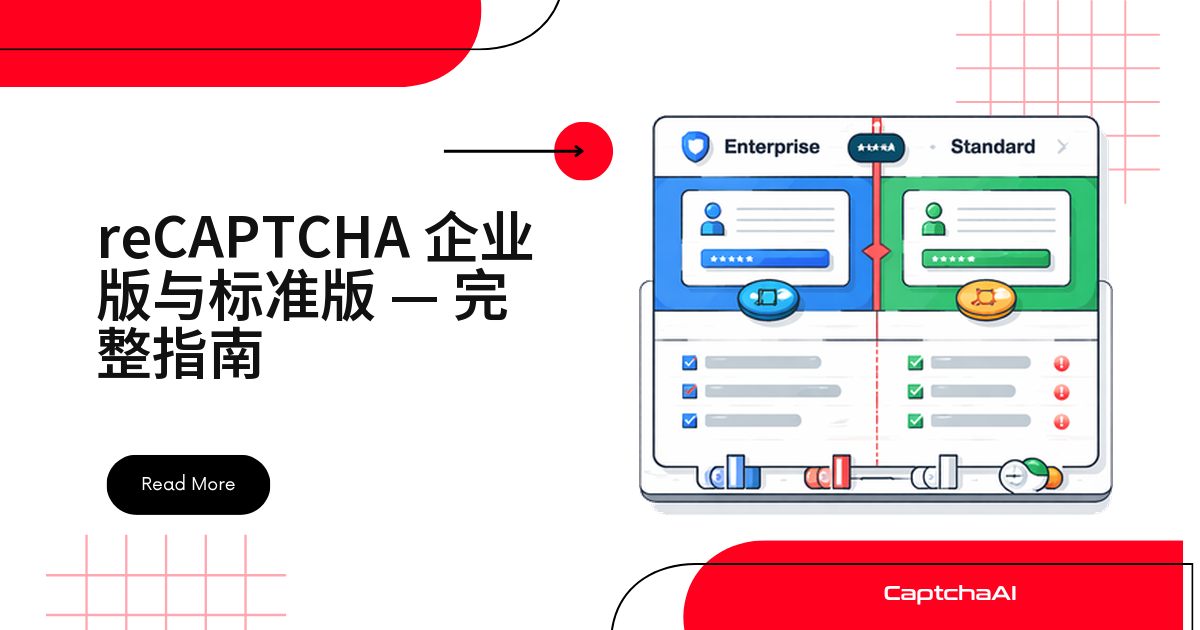
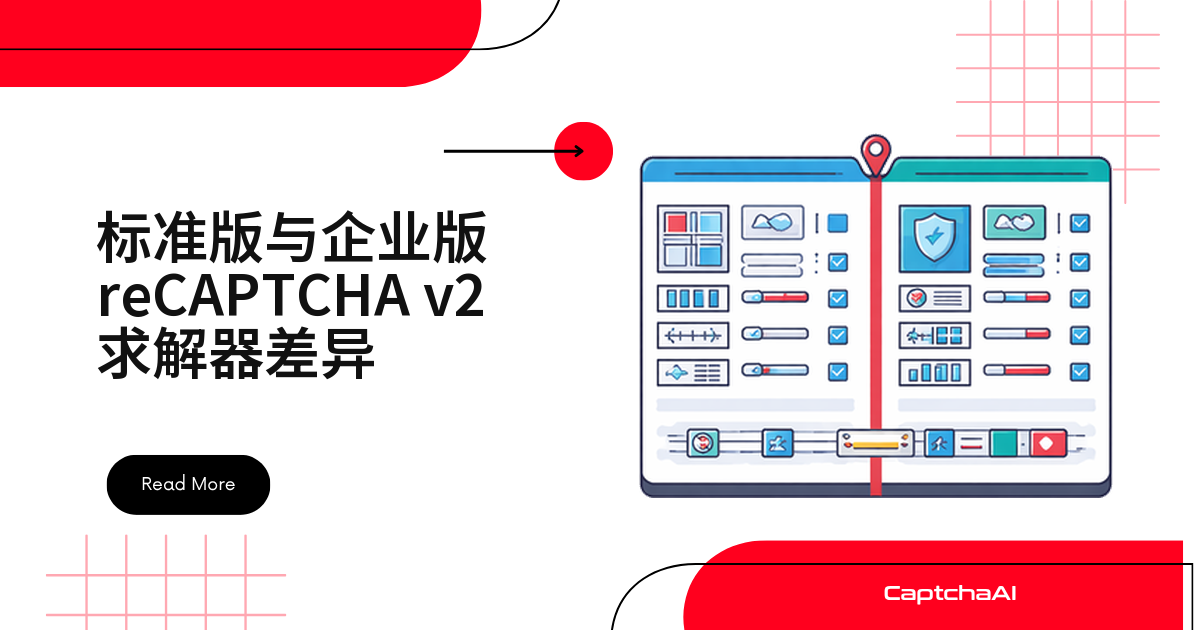
两个版本的挑战机制完全一样:同样的“我不是机器人”复选框,同样的图片网格。企业版多出的原因码、自定义规则和 Google Cloud 项目管理都在站点后端校验环节,不会传到求解侧。集成只有两步:
- 判断页面加载的是
api.js还是enterprise.js; - 是企业版就加
enterprise=1,其余代码不动。
怎么判断页面用的是哪个版本
依据只有一条:页面加载了哪个 JavaScript 文件。
看 script 标签
<!-- Standard v2 -->
<script src="https://www.google.com/recaptcha/api.js"></script>

<!-- Enterprise v2 -->
<script src="https://www.google.com/recaptcha/enterprise.js"></script>
Python 自动判断
import requests
from bs4 import BeautifulSoup

def detect_recaptcha_version(url):
    resp = requests.get(url)
    soup = BeautifulSoup(resp.text, "html.parser")

    enterprise_script = soup.find("script", src=lambda s: s and "enterprise.js" in s)
    standard_script = soup.find("script", src=lambda s: s and "recaptcha/api.js" in s)

    widget = soup.find(class_="g-recaptcha")
    sitekey = widget["data-sitekey"] if widget else None

    if enterprise_script:
        return {"version": "enterprise_v2", "sitekey": sitekey}
    elif standard_script:
        return {"version": "standard_v2", "sitekey": sitekey}
    return None

info = detect_recaptcha_version("https://staging.example.com/qa-login")
print(info)
Node.js 自动判断
const axios = require("axios");
const cheerio = require("cheerio");

async function detectRecaptchaVersion(url) {
  const { data } = await axios.get(url);
  const $ = cheerio.load(data);

  const hasEnterprise = $('script[src*="enterprise.js"]').length > 0;
  const hasStandard = $('script[src*="recaptcha/api.js"]').length > 0;
  const sitekey = $(".g-recaptcha").attr("data-sitekey");

  if (hasEnterprise) return { version: "enterprise_v2", sitekey };
  if (hasStandard) return { version: "standard_v2", sitekey };
  return null;
}
控制台快速确认
// Quick check in DevTools
if (document.querySelector('script[src*="enterprise.js"]')) {
  console.log("Enterprise v2");
} else if (document.querySelector('script[src*="recaptcha/api.js"]')) {
  console.log("Standard v2");
}
检测只请求目标站点自身的 HTML,不依赖 Google 域名;但渲染 widget 联调时要加载 Google 域名上的脚本,国内网络下不一定稳定,别把网络问题误判成版本错误。
提交识别任务:两个版本的请求差异
标准版 v2
import requests
import time

# Submit task
resp = requests.get("https://ocr.captchaai.com/in.php", params={
    "key": "YOUR_API_KEY",
    "method": "userrecaptcha",
    "googlekey": sitekey,
    "pageurl": page_url
})
task_id = resp.text.split("|")[1]

# Poll for token
for _ in range(60):
    time.sleep(5)
    result = requests.get("https://ocr.captchaai.com/res.php", params={
        "key": "YOUR_API_KEY", "action": "get", "id": task_id
    })
    if result.text.startswith("OK|"):
        token = result.text.split("|")[1]
        break
提交成功返回 OK|<task_id>,之后每 5 秒轮询 res.php。
企业版 v2
只多一个 enterprise=1,轮询逻辑不用改:
import requests
import time

# Submit task — only difference is enterprise=1
resp = requests.get("https://ocr.captchaai.com/in.php", params={
    "key": "YOUR_API_KEY",
    "method": "userrecaptcha",
    "googlekey": sitekey,
    "pageurl": page_url,
    "enterprise": 1  # Required for Enterprise
})
task_id = resp.text.split("|")[1]

# Polling is identical
for _ in range(60):
    time.sleep(5)
    result = requests.get("https://ocr.captchaai.com/res.php", params={
        "key": "YOUR_API_KEY", "action": "get", "id": task_id
    })
    if result.text.startswith("OK|"):
        token = result.text.split("|")[1]
        break
自动判断版本的通用封装
更实用的做法是把检测和提交合并,一份代码覆盖两种页面,站点升级也不必改配置:
import requests
import time
from bs4 import BeautifulSoup

class RecaptchaV2Solver:
    def __init__(self, api_key):
        self.api_key = api_key

    def detect_and_solve(self, page_url, page_html=None):
        if not page_html:
            page_html = requests.get(page_url).text

        soup = BeautifulSoup(page_html, "html.parser")
        is_enterprise = bool(soup.find("script", src=lambda s: s and "enterprise.js" in s))
        widget = soup.find(class_="g-recaptcha")
        sitekey = widget["data-sitekey"] if widget else None

        if not sitekey:
            raise Exception("No reCAPTCHA sitekey found on page")

        params = {
            "key": self.api_key,
            "method": "userrecaptcha",
            "googlekey": sitekey,
            "pageurl": page_url
        }
        if is_enterprise:
            params["enterprise"] = 1

        resp = requests.get("https://ocr.captchaai.com/in.php", params=params)
        if not resp.text.startswith("OK|"):
            raise Exception(f"Submit failed: {resp.text}")

        task_id = resp.text.split("|")[1]

        for _ in range(60):
            time.sleep(5)
            result = requests.get("https://ocr.captchaai.com/res.php", params={
                "key": self.api_key, "action": "get", "id": task_id
            })
            if result.text.startswith("OK|"):
                return {
                    "token": result.text.split("|")[1],
                    "is_enterprise": is_enterprise,
                    "sitekey": sitekey
                }
            if result.text != "CAPCHA_NOT_READY":
                raise Exception(f"Solve failed: {result.text}")

        raise Exception("Solve timed out")


solver = RecaptchaV2Solver("YOUR_API_KEY")
result = solver.detect_and_solve("https://staging.example.com/qa-login")
print(f"Enterprise: {result['is_enterprise']}, Token: {result['token'][:40]}...")
把 token 写回页面:两个版本一致
写入 g-recaptcha-response 字段;页面有 data-callback 就再手动触发一次回调。
# Selenium injection — works for both standard and enterprise
driver.execute_script(
    f'document.getElementById("g-recaptcha-response").value = "{token}";'
)

# If the page uses a callback function
callback = driver.find_element("css selector", ".g-recaptcha").get_attribute("data-callback")
if callback:
    driver.execute_script(f'{callback}("{token}");')
// Puppeteer injection — works for both
await page.evaluate((token) => {
  document.getElementById("g-recaptcha-response").value = token;
  // Find and call callback if present
  const widget = document.querySelector(".g-recaptcha");
  const cb = widget?.getAttribute("data-callback");
  if (cb && typeof window[cb] === "function") {
    window[cb](token);
  }
}, token);
reCAPTCHA token 有效期约 2 分钟,表单提交要紧跟识别完成。
reCAPTCHA v2 标准版与企业版能力对照表
| 对比项 | 标准版 v2 | 企业版 v2 |
|---|---|---|
| 复选框与图片挑战 | 3×3 / 4×4 网格 | 完全相同 |
| JS 文件 | api.js |
enterprise.js |
| 执行函数 | grecaptcha.execute() |
grecaptcha.enterprise.execute() |
| 校验接口 | siteverify(免费) |
recaptchaenterprise.googleapis.com(付费) |
| 原因码 | 无 | 有(AUTOMATION 等) |
| 自定义规则 | 无 | 有(按 action 设阈值) |
| Google Cloud 控制台 | 无 | 有 |
| 密码泄露检测 | 无 | 有 |
| CaptchaAI 参数 | — | enterprise=1 |
| 典型识别耗时 | 10–30 秒 | 10–30 秒 |
最常见的四个坑
| 问题 | 表现 | 处理方式 |
|---|---|---|
标准版页面加了 enterprise=1 |
可能返回无效 token | 先确认页面有 enterprise.js |
企业版页面漏了 enterprise=1 |
token 被站点后端拒绝 | 检测到 enterprise.js 就带上 |
| sitekey 取错 | 返回 ERROR_WRONG_GOOGLEKEY |
读 .g-recaptcha 的 data-sitekey |
| 把 v2 企业版当成 v3 企业版 | 提交参数整套用错 | v2 有复选框,v3 只返回分数 |
出海业务的典型场景
国内站点多用 GeeTest(极验)、网易易盾、腾讯防水墙,reCAPTCHA 主要出现在自家出海站点和海外 SaaS 后台。常见故障是:前端换成企业版 sitekey 和 enterprise.js,回归脚本没跟着改,日志里识别全是 OK|,表单却整片失败。成本上不必单独算账:CaptchaAI 按并发线程计费,套餐内不限次数、不按类型加价,BASIC 套餐 $15/月、5 线程。
常见问题
页面同时出现 api.js 和 enterprise.js 怎么办?
按企业版处理,以表单实际渲染的那个 widget 为准,在控制台确认 grecaptcha.enterprise 是否存在即可。
标准版和企业版的 sitekey 能互换吗?
不能,企业版的 key 在 Google Cloud 项目里单独创建,用错会返回 ERROR_WRONG_GOOGLEKEY。稳妥做法是每次从 DOM 现读 data-sitekey。
漏掉 enterprise=1 会报错吗?
通常不会,这也是最麻烦的地方。任务照常返回 OK|<token>,失败发生在站点后端校验,判断参数对错要看站点的最终响应。
v2 企业版和 v3 企业版怎么区分?
看有没有可见控件:v2 企业版是复选框加图片网格,v3 企业版无界面、只在后台打分,提交参数也不同。