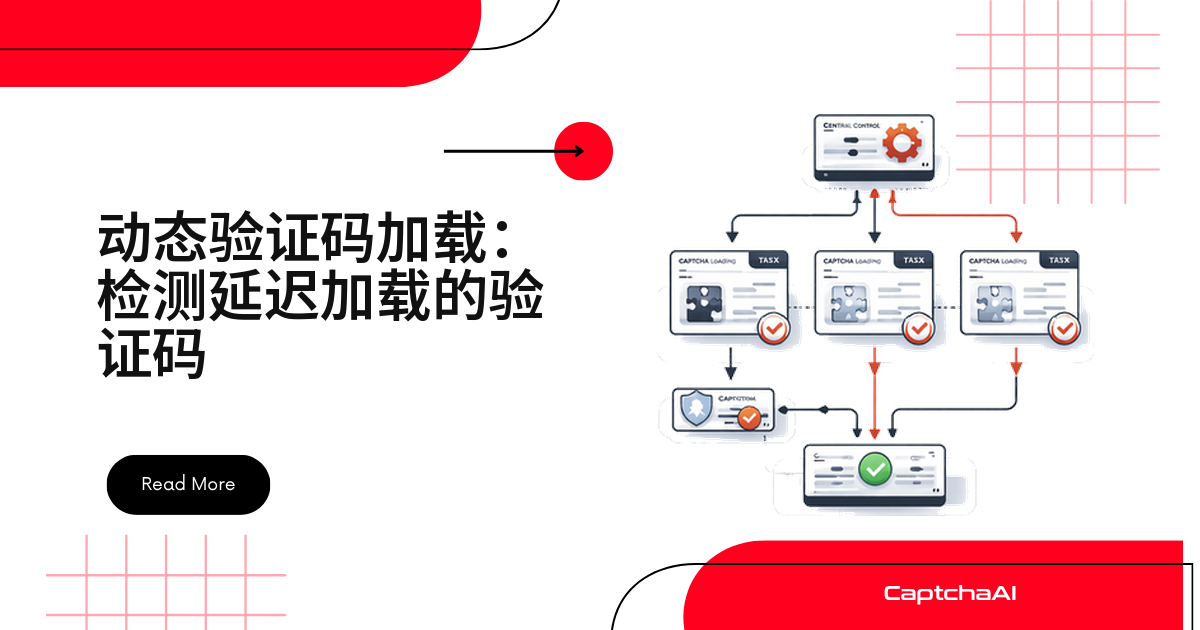
页面刚打开时看不到验证码元素,不代表它不存在。很多网站要等按钮点击、表单聚焦、滚动或定时器触发后才渲染。
自动化脚本一加载就抓 DOM,大概率扑空。本文给出三种监听方法,以及检测、识别、注入 token 的完整代码。
为什么网站要延迟加载验证码
常见原因:
- 首屏不加载验证码脚本,减少渲染阻塞
- 风控先打分,分数低才弹验证码
所以抓 HTML 往往看不到验证码 DOM,得先复现触发条件。
验证码延迟加载的常见触发方式
| 触发方式 | 常见场景 | 如何手动触发 |
|---|---|---|
| 点击按钮 | 点击“提交”之后才把 reCAPTCHA 加到表单里 | 先点击对应按钮 |
| 表单聚焦 | 输入框获得焦点时才出现验证码 | 聚焦 email/password 字段 |
| 滚动位置 | 滚动到某个区域才加载验证码 | 滚动到目标表单 |
| 定时器 | 页面停留 3 秒后才加载验证码 | 等待延迟时间过去 |
| JavaScript 条件 | AJAX 响应回来后才加载验证码 | 先触发前置请求 |
案例:国内电商结算页的 GeeTest 滑块
国内电商结算页也常见类似情况:GeeTest(极验)滑块常挂在下单请求的 AJAX 回调里。CaptchaAI 支持识别 GeeTest v3,先定位 sitekey/challenge,再提交识别。
排查要点:
- 滑块要不要等 AJAX 回调
- gt/challenge 在响应体还是页面变量里
三种检测方法该怎么选
- 不确定挂在哪个全局对象上——用 MutationObserver 兜底
- 已知道是 reCAPTCHA 或 Turnstile——直接等对应对象出现
- 想在渲染前就拿参数——hook 住
render方法
下面逐个展开。
方法一:用 MutationObserver 监听 DOM 变化
在验证码元素出现前先挂好观察者,DOM 插入匹配节点后立刻拿到 sitekey:
| CSS class | 验证码类型 |
|---|---|
.g-recaptcha |
reCAPTCHA v2 |
.cf-turnstile |
Cloudflare Turnstile |
.h-captcha |
hCaptcha |
Puppeteer
const puppeteer = require('puppeteer');

const browser = await puppeteer.launch({ headless: false });
const page = await browser.newPage();
await page.goto('https://staging.example.com/qa-login');

// Set up MutationObserver before triggering the CAPTCHA
const captchaInfo = await page.evaluate(() => {
  return new Promise((resolve) => {
    // Check if already present
    const existing = document.querySelector('.g-recaptcha, .cf-turnstile, .h-captcha');
    if (existing) {
      resolve({
        type: existing.className,
        sitekey: existing.getAttribute('data-sitekey'),
      });
      return;
    }

    // Watch for new elements
    const observer = new MutationObserver((mutations) => {
      for (const mutation of mutations) {
        for (const node of mutation.addedNodes) {
          if (node.nodeType !== 1) continue;

          const captcha = node.matches?.('.g-recaptcha, .cf-turnstile, .h-captcha')
            ? node
            : node.querySelector?.('.g-recaptcha, .cf-turnstile, .h-captcha');

          if (captcha) {
            observer.disconnect();
            resolve({
              type: captcha.className,
              sitekey: captcha.getAttribute('data-sitekey'),
            });
            return;
          }
        }
      }
    });

    observer.observe(document.body, { childList: true, subtree: true });

    // Timeout after 30 seconds
    setTimeout(() => {
      observer.disconnect();
      resolve(null);
    }, 30000);
  });
});

console.log('Detected CAPTCHA:', captchaInfo);
手动触发验证码加载
// Click the submit button to trigger CAPTCHA
await page.click('#submit-btn');

// Or focus the input
await page.focus('#email');

// Or scroll to the form
await page.evaluate(() => {
  document.querySelector('#signup-form').scrollIntoView();
});
方法二:等待脚本注入完成
验证码依赖自己的 JavaScript 库,库没加载完拿不到元素属性:
// Wait for reCAPTCHA script to load
await page.waitForFunction(() => {
  return typeof window.grecaptcha !== 'undefined'
    && typeof window.grecaptcha.render === 'function';
}, { timeout: 30000 });

// Now extract parameters
const sitekey = await page.evaluate(() => {
  const el = document.querySelector('.g-recaptcha');
  return el?.getAttribute('data-sitekey');
});
如果是 Turnstile
逻辑一样,换成 Turnstile 的全局对象:
await page.waitForFunction(() => {
  return typeof window.turnstile !== 'undefined';
}, { timeout: 30000 });

const sitekey = await page.evaluate(() => {
  const el = document.querySelector('.cf-turnstile');
  return el?.getAttribute('data-sitekey');
});
方法三:拦截 render 调用
在验证码库渲染之前先 hook 住它,直接从调用参数里拿到 sitekey:
// Inject before page scripts run
await page.evaluateOnNewDocument(() => {
  window.__captchaDetected = null;

  // Hook grecaptcha.render
  let _grecaptcha;
  Object.defineProperty(window, 'grecaptcha', {
    set(val) {
      _grecaptcha = val;
      const origRender = val.render;
      val.render = function(container, params) {
        window.__captchaDetected = {
          type: 'recaptcha',
          sitekey: params.sitekey,
          callback: params.callback?.name,
          container: typeof container === 'string' ? container : container.id,
        };
        return origRender.apply(this, arguments);
      };
    },
    get() { return _grecaptcha; },
  });
});

await page.goto('https://example.com/signup');

// Trigger the CAPTCHA (click, scroll, etc.)
await page.click('#show-form');

// Wait for detection
await page.waitForFunction(() => window.__captchaDetected !== null, {
  timeout: 30000,
});

const detected = await page.evaluate(() => window.__captchaDetected);
console.log('Detected:', detected);
// { type: 'recaptcha', sitekey: '6Le-wvkS...', callback: 'onCaptcha', container: 'recaptcha-box' }
evaluateOnNewDocument要在page.goto之前调用,顺序反了 hook 不生效。
Python(Selenium):等待延迟加载的验证码
用 WebDriverWait 显式等待,比死等固定几秒稳:
from selenium import webdriver
from selenium.webdriver.common.by import By
from selenium.webdriver.support.ui import WebDriverWait
from selenium.webdriver.support import expected_conditions as EC

driver = webdriver.Chrome()
driver.get("https://staging.example.com/qa-login")

# Trigger the CAPTCHA loading
submit = driver.find_element(By.ID, "submit-btn")
submit.click()

# Wait for CAPTCHA to appear
try:
    captcha_el = WebDriverWait(driver, 30).until(
        EC.presence_of_element_located((
            By.CSS_SELECTOR,
            ".g-recaptcha, .cf-turnstile, .h-captcha"
        ))
    )
    sitekey = captcha_el.get_attribute("data-sitekey")
    captcha_class = captcha_el.get_attribute("class")

    if "g-recaptcha" in captcha_class:
        captcha_type = "recaptcha"
    elif "cf-turnstile" in captcha_class:
        captcha_type = "turnstile"
    else:
        captcha_type = "hcaptcha"

    print(f"Type: {captcha_type}, Sitekey: {sitekey}")
except Exception:
    print("No CAPTCHA appeared within 30 seconds")
等待 iframe,而不只是等 div(reCAPTCHA)
reCAPTCHA 的 div 有时已在 DOM 里但脚本没跑完,这种情况要等 iframe,而不是等外层 div:
# reCAPTCHA loads an iframe even when the div exists but the script is still loading
WebDriverWait(driver, 30).until(
    EC.presence_of_element_located((
        By.CSS_SELECTOR,
        "iframe[src*='recaptcha'], iframe[src*='challenges.cloudflare.com']"
    ))
)
print("CAPTCHA iframe loaded")
完整流程:检测 + 识别 + 注入 token
把检测逻辑和 CaptchaAI 识别流程串起来,分五步:
- 触发渲染
- 读取 sitekey
- 判断类型
- 提交识别、轮询
- 注入 token
import requests
import time

def detect_and_solve(driver, api_key, trigger_action=None):
    """Detect a lazy-loaded CAPTCHA, solve it, and inject the token."""

    # 1. Trigger the CAPTCHA
    if trigger_action:
        trigger_action(driver)

    # 2. Wait for it to appear
    captcha_el = WebDriverWait(driver, 30).until(
        EC.presence_of_element_located((
            By.CSS_SELECTOR,
            ".g-recaptcha, .cf-turnstile, .h-captcha"
        ))
    )

    sitekey = captcha_el.get_attribute("data-sitekey")
    page_url = driver.current_url
    captcha_class = captcha_el.get_attribute("class")

    # 3. Determine type and method
    if "g-recaptcha" in captcha_class:
        method, key_param, token_field = "userrecaptcha", "googlekey", "g-recaptcha-response"
    elif "cf-turnstile" in captcha_class:
        method, key_param, token_field = "turnstile", "sitekey", "cf-turnstile-response"
    else:
        method, key_param, token_field = "hcaptcha", "sitekey", "h-captcha-response"

    # 4. Solve with CaptchaAI
    resp = requests.post("https://ocr.captchaai.com/in.php", data={
        "key": api_key, "method": method,
        key_param: sitekey, "pageurl": page_url, "json": "1",
    }).json()

    task_id = resp["request"]
    for _ in range(24):
        time.sleep(5)
        result = requests.get("https://ocr.captchaai.com/res.php", params={
            "key": api_key, "action": "get", "id": task_id, "json": "1"
        }).json()
        if result["status"] == 1:
            token = result["request"]
            break

    # 5. Inject
    driver.execute_script(f"""
        const el = document.querySelector('textarea[name="{token_field}"], input[name="{token_field}"]');
        if (el) el.value = arguments[0];
    """, token)

    return token
排查表
| 问题 | 可能原因 | 处理方式 |
|---|---|---|
| 验证码不出现 | 触发动作不对 | 排查页面,找到真正的触发操作 |
| sitekey 为空 | 元素已存在但脚本没跑完 | 等 iframe 出现,而不只是等 div |
| observer 没监听到 | 验证码已在页面里 | 挂观察者前先检查现有元素 |
| 一直超时 | 仅对真实用户加载 | 用带真实特征的完整浏览器测试 |
排查顺序:先查触发动作,再查脚本,最后才怀疑真实用户限制。
常见问题
怎么判断一个验证码是不是延迟加载的?
看页面源代码:div 或脚本一开始不在,交互后才出现,就是延迟加载。
MutationObserver 和 waitForFunction 该选哪个?
不确定全局对象名时用 MutationObserver;已知道类型就直接等对应对象,更省事。
为什么用 WebDriverWait,而不是固定 sleep 几秒?
固定等待要么等太久,要么漏检;WebDriverWait 一检测到元素就返回。
无头浏览器下检测不到验证码怎么办?
部分网站只给非无头浏览器加载验证码,先改用 headless: 'new'。
三种方法可以一起用吗?
可以,不冲突:MutationObserver 兜底,waitForFunction 加速已知类型检测。
用 CaptchaAI 识别检测到的验证码
拿到 sitekey 和验证码类型后,调用 CaptchaAI API 提交、轮询即可,提交前确认:
- 参数名对应正确(googlekey/sitekey/gt)
- pageurl 是真实触发地址
免费注册拿 API Key:CaptchaAI 官网。